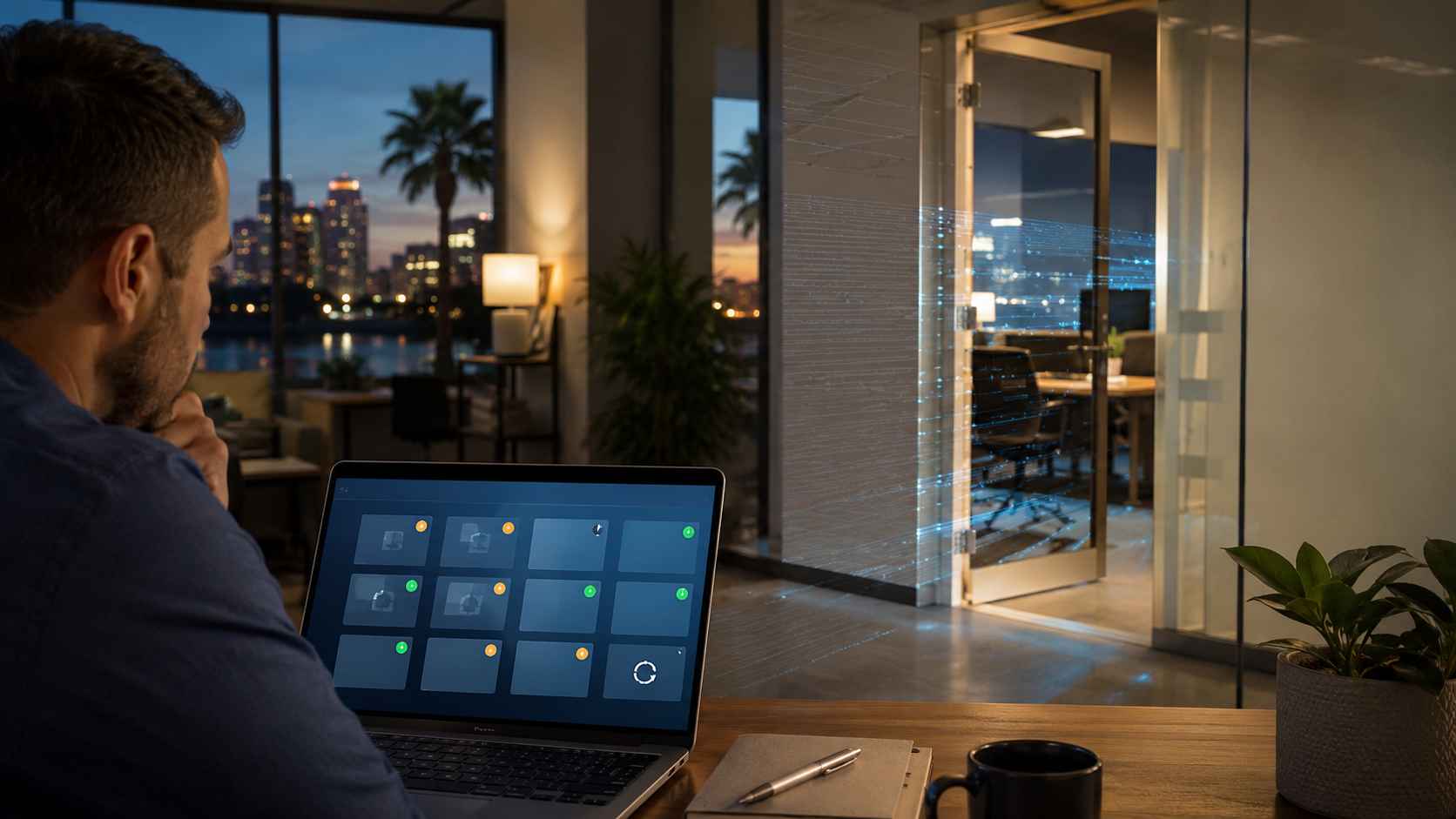
For years, small businesses were told that stolen passwords and phishing emails were the biggest cyber risks to watch. Those are still serious, but the 2026 Verizon Data Breach Investigations Report points to an important shift: software vulnerabilities have become one of the top ways attackers break into organizations.
In plain English, a software vulnerability is a weakness in an app, computer system, server, website, firewall, or cloud tool. When that weakness is not fixed, attackers may be able to use it to get inside the business.
For a small business, that can mean locked files, stolen customer data, downed systems, interrupted payments, or days of lost productivity.
Many small businesses assume vulnerability management is something only large companies need. The problem is that smaller businesses often use the same major platforms as everyone else: Microsoft 365, Windows PCs, website plugins, remote access tools, accounting software, firewalls, routers, and cloud apps.
If one of those tools has a known security issue and the update is delayed, the business may be exposed.
Attackers do not always need to “target” a specific company by name. Many attacks are automated. Criminals scan the internet for systems that are missing important updates, then move quickly when they find one. That means an Orlando-area business can become part of a larger attack wave even if it is not famous, large, or high-profile.
Verizon’s 2026 DBIR highlights that vulnerability exploitation has moved ahead of stolen credentials as a leading breach entry point. The report also notes that ransomware remains a major part of breach activity.
That combination matters. A missed update is not just a technical loose end. It can become the first step toward ransomware, data theft, or business disruption.
For small businesses, the practical takeaway is simple: patching, updates, monitoring, and backup planning need to be treated as normal business operations, not occasional IT chores.
Start with the systems that would hurt the most if they stopped working.
Look at:
The goal is not to panic over every alert. The goal is to know which systems matter most, which updates are overdue, and who is responsible for fixing them.
A small business does not need a complicated security department to improve. It needs a routine.
A strong routine includes:
One of the biggest mistakes is assuming automatic updates are enough. Automatic updates help, but they do not always cover every system, device, plugin, or business app. Some updates fail silently. Others require a restart, license change, manual approval, or vendor support.
The 2026 DBIR also points to mobile social engineering and other human-centered attacks. That means staff still need simple guidance on suspicious texts, fake login prompts, unexpected calls, and urgent requests.
Good cybersecurity combines both sides: keep systems updated and help employees slow down when something feels off.
Local businesses depend on technology for scheduling, customer communication, payments, phones, files, and remote work. A missed update may seem small until it blocks invoices, interrupts appointments, or exposes private information.
The businesses that handle this best usually do not wait for a crisis. They make update reviews, backup checks, and security monitoring part of normal operations.


Himala and his team at Cybernetic Networks have been amazing. We have been a customer of Cybernetic Networks for well over 14 years now, both personally and professionally. Himala and his team are professional, reachable and on the cutting edge of technology. We have enjoyed doing business with Cybernetic Networks for many years and still rely on their knowledge, skills and technology every day
Himala and his Cybernetic team have never let me down! For over 10 years now they have been fixing my technical issues, set up all my new networks and computers and have safeguarded me from any hackers or malware. You can trust this company to navigate you as your company grows and to keep you on track with the latest in security and safety
I am a solo practicing neurologist and have had all my IT needs covered through Cybernetic Networks since 2007. They are the best! All of their tech support staff is extremely knowledgeable and efficient. Just as importantly, they are quickly responsive whenever we need their assistance. I couldn’t be happier with their service and give them my highest recommendation!
I couldn't be happier with Cybernetics - they are experts, always respond quickly , and solves any issues I have.
Cybernetic Networks has been advising and supporting all our IT issues and purchases for the last 18 years. They are very responsive and extremely knowledgeable- always providing us with timely services.
It is not often you find small business companies that are not only rewarding to work with, but also have integrity, truth and skill. I have worked with this company for over 20 years, and the service is outstanding. I can easily recommend that if you need an IT company, this is the one to get. Full STOP! Look no further, you will be happy that you did. Sue Myhelic, Gulf Breeze Real Estate, Naples, Florida.
Himala and his team from Cybernetic Networks, Inc. has been an integral part of our successful retail business for the past 20 years. He is extraordinarily knowledgable and always available for our IT needs. Thanks to Himala and his team we are always up and running.




