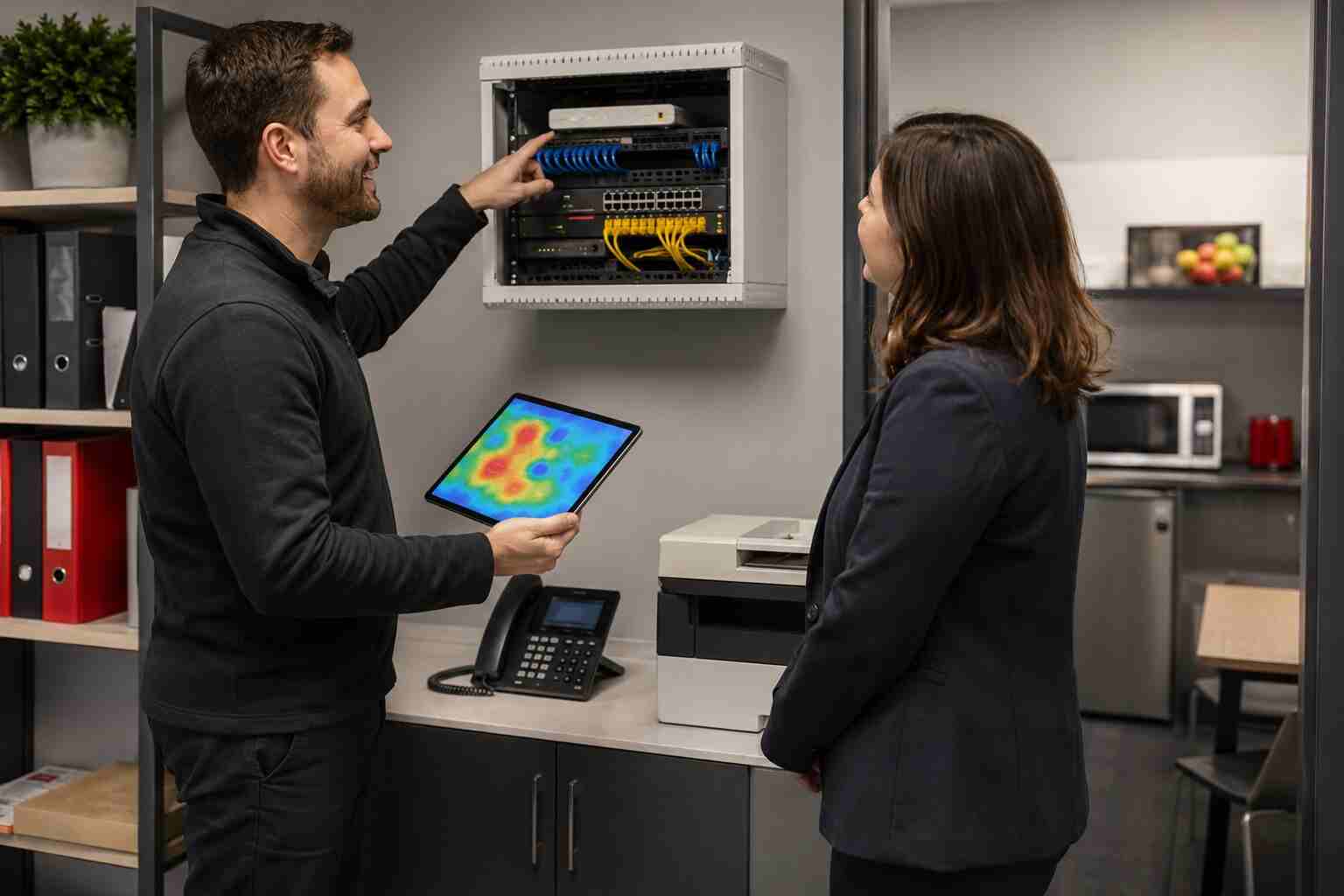
Your business pays for fast internet, but video meetings still freeze. Cloud applications take too long to load. Wireless payment terminals lose their connection, and employees move around the office looking for a better signal.
It is easy to blame the internet provider. However, the connection entering the building and the Wi-Fi distributing that connection are two different parts of the system.
Upgrading the internet plan may provide more capacity, but it will not fix poor access-point placement, interference, outdated equipment, or an office network that was never designed for its current workload.
The internet connection is the service delivered to your modem or network equipment. Wi-Fi is the wireless system that carries that connection to laptops, phones, printers, payment terminals, cameras, and other devices.
A business can have a fast internet connection and still experience poor wireless performance inside the building.
A useful first test is to compare a computer connected directly to the network with one using Wi-Fi. If the wired computer performs well while wireless devices struggle, the internal Wi-Fi system is probably the better place to investigate.
Wi-Fi equipment is sometimes installed wherever the internet cable enters the building. That may be a back office, storage room, or utility closet rather than the area where employees and customers actually need coverage.
Walls, metal shelving, appliances, concrete, and long distances can weaken the signal. Placing a router inside a cabinet can make the problem worse.
A central, open location is generally more effective. Larger or unusually shaped offices may need multiple professionally placed access points instead of one powerful router.
A small office may have more connected devices than the owner realizes. In addition to employee laptops and phones, the network may support:
Each device may seem harmless by itself. Together, they can overwhelm equipment that was intended for home use or a much smaller office.
Neighboring businesses may be using the same wireless channels. Cordless devices, older wireless equipment, Bluetooth accessories, and some appliances can also contribute to interference.
The solution is not always to increase signal strength. A proper wireless assessment can identify congestion and help assign access points to more suitable channels.
Older routers and access points may lack the performance, security updates, or management features needed for a modern workplace.
Equipment can also become unreliable over time. Frequent restarts, dropped connections, overheating, and inconsistent performance may indicate that replacement is more sensible than continued troubleshooting.
Customer Wi-Fi is useful, but it should not interfere with payment systems, video meetings, or other business activities.
A separate guest network can isolate visitor devices from internal business systems. Bandwidth controls can also prevent one guest download or video stream from consuming an unreasonable share of the connection.
If only one computer is slow, the entire network may not be at fault. The device could have an outdated wireless driver, unwanted software, an active cloud synchronization job, or a weak wireless adapter.
Looking for patterns saves time. Ask whether the problem affects every device, one room, one application, or one time of day.
Write down the affected rooms, devices, applications, and times. A problem that appears every afternoon may have a different cause from one limited to a conference room.
Specific observations are much more useful than simply reporting that “the Wi-Fi is slow.”
Restarting the modem, router, or access point can temporarily clear a problem. If staff must restart equipment repeatedly, the restart is masking an unresolved issue.
Frequent reboots should trigger a closer review of the hardware, software, connection quality, or network capacity.
A plug-in extender may appear to be an inexpensive solution, but it can create additional network names, inconsistent roaming, and reduced performance.
Properly connected business access points usually provide a more stable experience, particularly when employees move between rooms while using calls or cloud applications.
Create a dedicated guest Wi-Fi network and prevent it from accessing internal computers, printers, storage, and business applications.
This improves security and makes it easier to manage how much capacity visitors can use.
Routers, firewalls, and access points should receive vendor-supported firmware updates. Default administrator credentials should be changed, remote management should be restricted, and unsupported equipment should be replaced.
Network reliability and network security are closely connected. Equipment that is no longer supported can become both a performance problem and a business risk.
Managed network tools can identify an overloaded access point, failed equipment, unusual traffic, or a recurring internet-service interruption before the problem consumes an entire workday.
Monitoring also helps the business make informed decisions about equipment and internet plans rather than repeatedly purchasing upgrades that may not address the real cause.
Wi-Fi is no longer a convenience. It supports customer service, payments, phones, meetings, cloud applications, printers, and everyday communication. When it becomes unreliable, several small delays can quickly turn into lost productivity and frustrated customers.


Himala and his team at Cybernetic Networks have been amazing. We have been a customer of Cybernetic Networks for well over 14 years now, both personally and professionally. Himala and his team are professional, reachable and on the cutting edge of technology. We have enjoyed doing business with Cybernetic Networks for many years and still rely on their knowledge, skills and technology every day
Himala and his Cybernetic team have never let me down! For over 10 years now they have been fixing my technical issues, set up all my new networks and computers and have safeguarded me from any hackers or malware. You can trust this company to navigate you as your company grows and to keep you on track with the latest in security and safety
I am a solo practicing neurologist and have had all my IT needs covered through Cybernetic Networks since 2007. They are the best! All of their tech support staff is extremely knowledgeable and efficient. Just as importantly, they are quickly responsive whenever we need their assistance. I couldn’t be happier with their service and give them my highest recommendation!
I couldn't be happier with Cybernetics - they are experts, always respond quickly , and solves any issues I have.
Cybernetic Networks has been advising and supporting all our IT issues and purchases for the last 18 years. They are very responsive and extremely knowledgeable- always providing us with timely services.
It is not often you find small business companies that are not only rewarding to work with, but also have integrity, truth and skill. I have worked with this company for over 20 years, and the service is outstanding. I can easily recommend that if you need an IT company, this is the one to get. Full STOP! Look no further, you will be happy that you did. Sue Myhelic, Gulf Breeze Real Estate, Naples, Florida.
Himala and his team from Cybernetic Networks, Inc. has been an integral part of our successful retail business for the past 20 years. He is extraordinarily knowledgable and always available for our IT needs. Thanks to Himala and his team we are always up and running.




