A convincing email arrives that appears to come from Microsoft, a bank, a supplier, or even the business owner. An employee clicks the link, sees a familiar-looking sign-in page, and enters a password.
The page is fake, but the password is real.
This is one of the reasons phishing remains such a persistent business problem. Criminals do not always need to break through a firewall or exploit complicated software. Sometimes they only need to persuade one person to hand over valid sign-in information.
Passkeys offer small businesses a practical way to make that type of attack much harder.
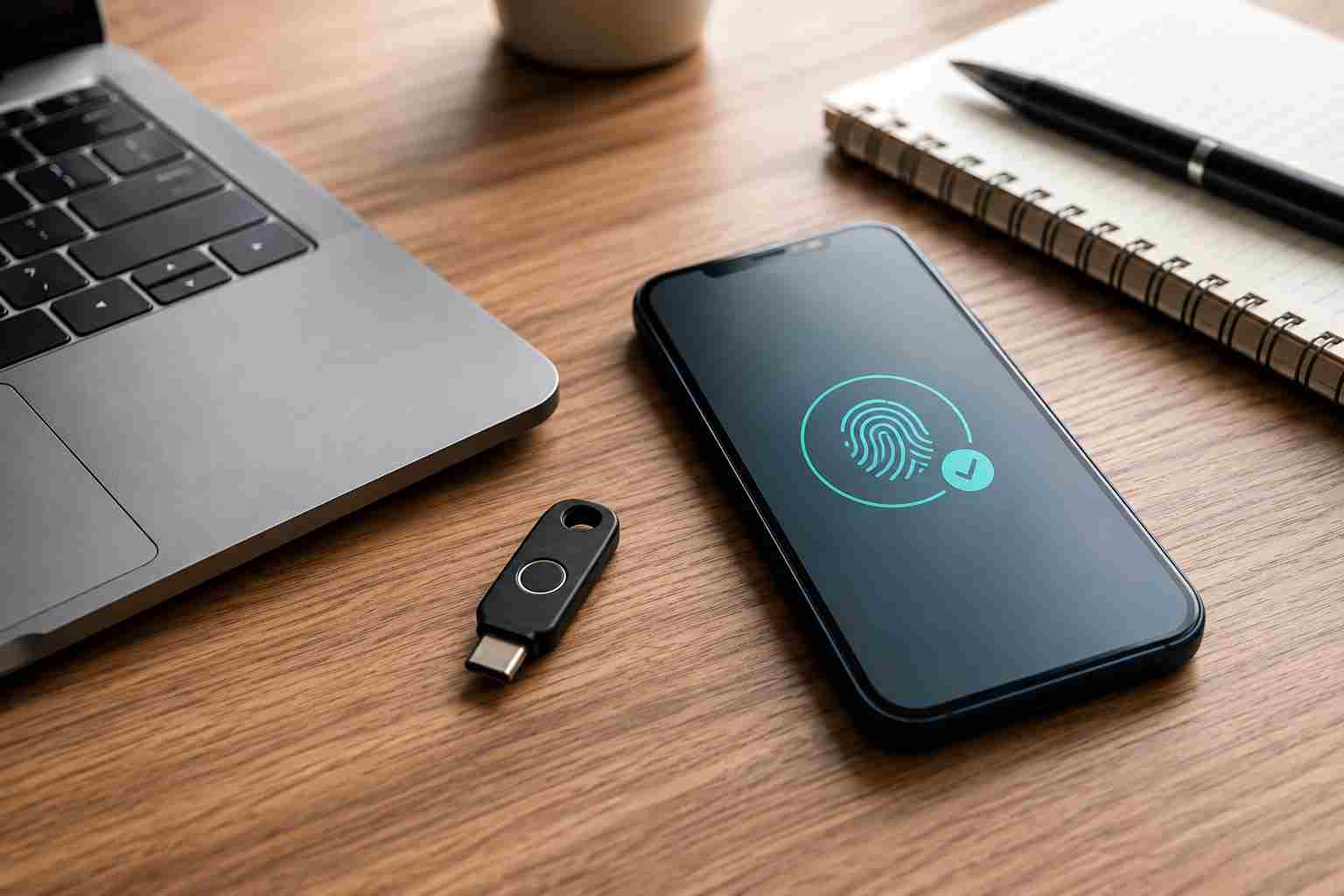
A passkey is a newer way to sign in without typing a traditional password. Instead, the employee approves the sign-in using something already protecting the device, such as:
Behind the scenes, a passkey uses two matching digital components. The service receives a public component, while the private component remains protected on the user’s device or approved credential provider.
The important business benefit is simple: there is no reusable password for an employee to type into a fraudulent website.
Traditional passwords can be copied, reused, guessed, or entered on the wrong website. Passkeys are designed to work only with the legitimate website or application for which they were created.
If an employee follows a phishing link to a convincing imitation of a Microsoft 365 sign-in page, the passkey should not work with that fraudulent site. This makes passkeys resistant to many common credential-stealing attacks.
Passkeys can also improve convenience. Employees no longer have to remember increasingly complicated passwords or repeatedly request resets because they forgot one.
Multifactor authentication, usually called MFA, requires more than one form of verification. A password plus an approval through an authentication application is a common example.
MFA remains an important protection, but not every method provides the same level of security. Text-message codes and push notifications can still be targeted through social engineering, stolen sessions, or repeated approval requests.
Passkeys and physical security keys provide stronger protection because the sign-in credential is connected to the legitimate service. Businesses should prioritize phishing-resistant options for administrators, financial accounts, email systems, and other high-value access.
A passkey rollout does not have to happen everywhere at once.
Begin with accounts that could cause the greatest damage if compromised:
Administrative accounts should receive priority because they can often change settings, create users, access sensitive information, or disable security controls.
Passkey support varies by provider, account type, device, and subscription. Review each important service before announcing a company-wide change.
Some systems may support passkeys for personal accounts but handle managed business accounts differently. Your IT provider can help confirm which options are available in your environment.
Employees lose phones, replace computers, and occasionally leave the company. Before removing older sign-in methods, make sure the business has a controlled recovery process.
That process should identify:
A recovery process should be secure enough that an attacker cannot simply call and talk someone into resetting an account.
Start with the owner, an administrator, and a few employees who use different devices. Test routine sign-ins, new-device enrollment, remote work, and account recovery before expanding the rollout.
This helps uncover compatibility problems without disrupting the entire business.
Passkeys are valuable, but they are one part of a broader account-security plan. Small businesses should also:
No single security control eliminates every risk. The goal is to create several layers so one mistake does not become a serious business incident.
Good security should reduce risk without making every workday harder. Passkeys can help businesses move away from forgotten passwords, repeated resets, and credentials that employees may accidentally surrender to a fake website.


Himala and his team at Cybernetic Networks have been amazing. We have been a customer of Cybernetic Networks for well over 14 years now, both personally and professionally. Himala and his team are professional, reachable and on the cutting edge of technology. We have enjoyed doing business with Cybernetic Networks for many years and still rely on their knowledge, skills and technology every day
Himala and his Cybernetic team have never let me down! For over 10 years now they have been fixing my technical issues, set up all my new networks and computers and have safeguarded me from any hackers or malware. You can trust this company to navigate you as your company grows and to keep you on track with the latest in security and safety
I am a solo practicing neurologist and have had all my IT needs covered through Cybernetic Networks since 2007. They are the best! All of their tech support staff is extremely knowledgeable and efficient. Just as importantly, they are quickly responsive whenever we need their assistance. I couldn’t be happier with their service and give them my highest recommendation!
I couldn't be happier with Cybernetics - they are experts, always respond quickly , and solves any issues I have.
Cybernetic Networks has been advising and supporting all our IT issues and purchases for the last 18 years. They are very responsive and extremely knowledgeable- always providing us with timely services.
It is not often you find small business companies that are not only rewarding to work with, but also have integrity, truth and skill. I have worked with this company for over 20 years, and the service is outstanding. I can easily recommend that if you need an IT company, this is the one to get. Full STOP! Look no further, you will be happy that you did. Sue Myhelic, Gulf Breeze Real Estate, Naples, Florida.
Himala and his team from Cybernetic Networks, Inc. has been an integral part of our successful retail business for the past 20 years. He is extraordinarily knowledgable and always available for our IT needs. Thanks to Himala and his team we are always up and running.




