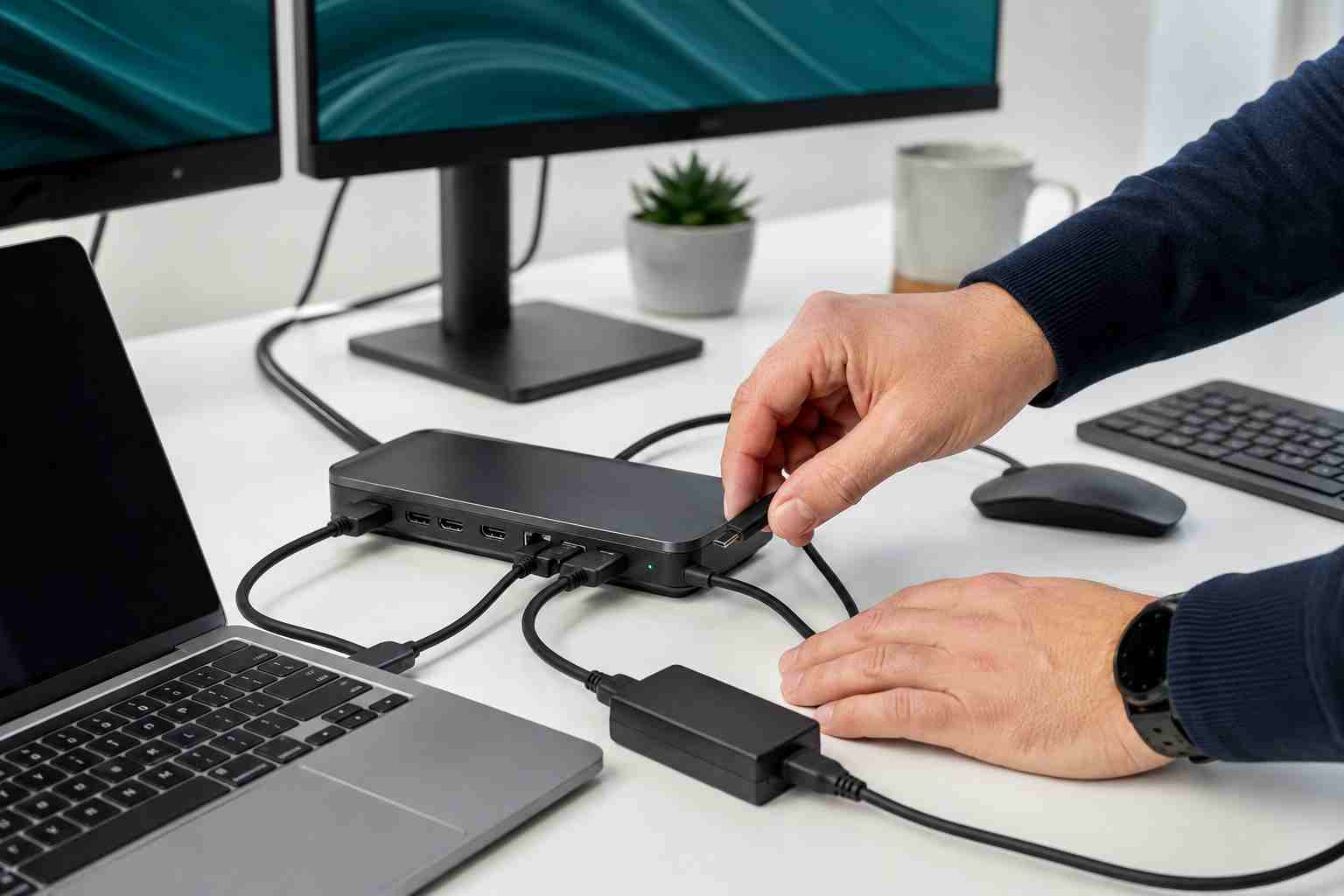
An employee arrives, connects a laptop to the docking station, and one monitor stays black. The keyboard may work while the mouse does not. The laptop may stop charging, or everything may disconnect during a meeting.
These problems are frustrating because a docking station combines several functions in one small device. It can carry power, video, network access, audio, and USB connections through a single cable.
When one piece fails, the dock can appear completely broken even when the cause is only a loose cable, incorrect monitor input, unsupported USB-C port, or outdated firmware.
Before replacing equipment, ask three questions:
If only one monitor is affected, check that monitor and its video cable first. If every device attached to the dock stops working, power, the main USB-C connection, compatibility, or the dock itself becomes more likely.
Start with simple steps that do not change advanced settings:
Windows key + P and select Extend.Do not force a connector into a port. USB-C ports may look identical while supporting different features.
USB-C describes the shape of the connector, not everything it can do.
One USB-C port may support charging and data but not video. Another may support DisplayPort video or Thunderbolt. A cable may charge a laptop but lack the capability needed for two monitors.
Power also matters. A dock with an undersized or incorrect adapter may operate some accessories while failing to charge the laptop or support the full workstation.
That is why random replacement cables and low-cost universal docks can produce inconsistent results.
If the basic checks do not help, the next step is to verify the complete combination:
Microsoft recommends checking compatibility across the computer, cable, dock, and display. Dock manufacturers also commonly recommend current drivers and firmware.
Firmware and BIOS updates should be handled carefully. Interrupting power during an update or installing software for the wrong model can create a larger problem, so this is a sensible point to involve IT.
Recurring dock failures often come from inconsistent equipment. Employees receive different laptops, cables, chargers, docks, and monitor combinations, making every desk a separate troubleshooting project.
A better approach is to standardize approved workstation setups. Keep a list of compatible docks and cables, label power adapters, document monitor connections, and test new laptop models before deploying them broadly.
Managed IT support can also track firmware, warranties, equipment age, and repeated failures. That allows the business to replace a failing dock deliberately instead of buying another incompatible device during an emergency.


Himala and his team at Cybernetic Networks have been amazing. We have been a customer of Cybernetic Networks for well over 14 years now, both personally and professionally. Himala and his team are professional, reachable and on the cutting edge of technology. We have enjoyed doing business with Cybernetic Networks for many years and still rely on their knowledge, skills and technology every day
Himala and his Cybernetic team have never let me down! For over 10 years now they have been fixing my technical issues, set up all my new networks and computers and have safeguarded me from any hackers or malware. You can trust this company to navigate you as your company grows and to keep you on track with the latest in security and safety
I am a solo practicing neurologist and have had all my IT needs covered through Cybernetic Networks since 2007. They are the best! All of their tech support staff is extremely knowledgeable and efficient. Just as importantly, they are quickly responsive whenever we need their assistance. I couldn’t be happier with their service and give them my highest recommendation!
I couldn't be happier with Cybernetics - they are experts, always respond quickly , and solves any issues I have.
Cybernetic Networks has been advising and supporting all our IT issues and purchases for the last 18 years. They are very responsive and extremely knowledgeable- always providing us with timely services.
It is not often you find small business companies that are not only rewarding to work with, but also have integrity, truth and skill. I have worked with this company for over 20 years, and the service is outstanding. I can easily recommend that if you need an IT company, this is the one to get. Full STOP! Look no further, you will be happy that you did. Sue Myhelic, Gulf Breeze Real Estate, Naples, Florida.
Himala and his team from Cybernetic Networks, Inc. has been an integral part of our successful retail business for the past 20 years. He is extraordinarily knowledgable and always available for our IT needs. Thanks to Himala and his team we are always up and running.




