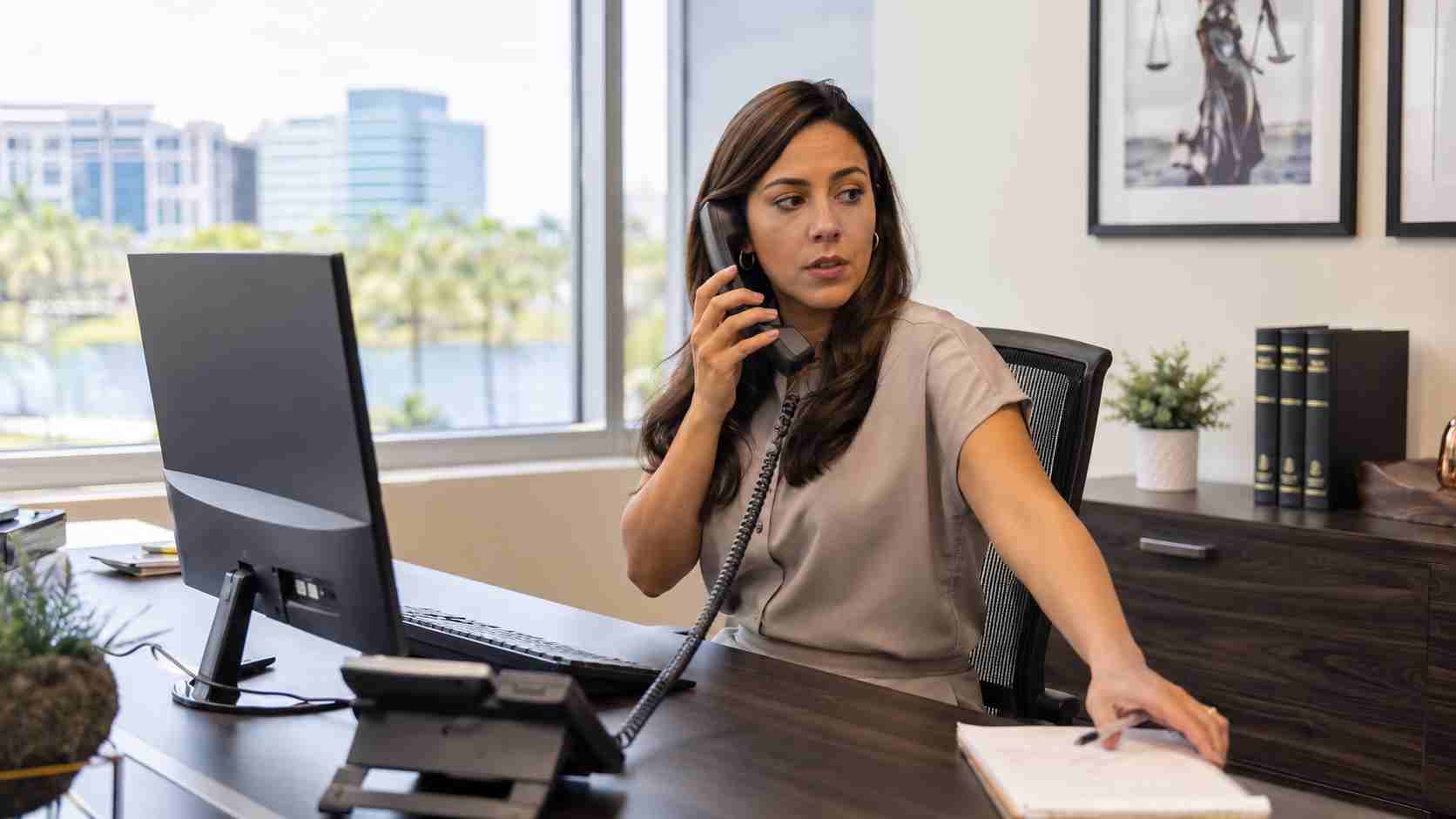
Someone calls an employee and says there is a problem with their computer. The caller sounds professional, knows common technical terms, and offers to fix the problem remotely.
In a more unusual version, someone may physically arrive at the office claiming to be an approved technician.
The request might feel routine, especially when employees are busy. Unfortunately, criminals know that appearing helpful can be easier than breaking through security software.
The FBI has documented a campaign in which the Silent Ransom Group impersonated IT personnel while targeting U.S. law firms. The criminals used phone calls and phishing emails to convince employees to provide remote computer access. In some documented cases, an individual appeared at the victim’s location and attempted to connect an external storage device.
The FBI’s reporting focused primarily on law firms, but the practical lesson applies more broadly: every business needs a reliable way to confirm who is allowed to access its computers and data.
Most employees want to cooperate when they believe IT is trying to prevent downtime. A caller may strengthen the story by mentioning an update, security alert, expired subscription, or urgent account problem.
The person may ask the employee to:
None of these requests automatically proves that the person is a criminal. Legitimate technicians sometimes need remote or physical access. The problem is allowing access before independently confirming the request.
An impostor may not cause an obvious problem immediately. The person could quietly copy contracts, financial records, customer information, tax documents, or employee data.
Criminals can also use legitimate remote-support software to maintain access. Because the program may look like an ordinary business tool, the activity can be harder for employees to recognize.
The result may include data theft, account compromise, operational downtime, or an extortion demand threatening to publish stolen information. According to the FBI’s ransomware guidance, businesses should maintain current systems, secure their backups, and have a continuity plan before an incident occurs.
Give every employee permission to pause an unexpected support request.
A useful company rule is:
If the appointment, call, or remote session was not expected, contact your approved IT provider using a phone number already on file before granting access.
Do not verify the person by calling a number supplied in the suspicious email, text message, or phone conversation. That may simply reconnect the employee to the same criminal.
Employees should never be criticized for slowing down a support request while they confirm it. A five-minute verification call is far less disruptive than investigating stolen data.
Employees should know the names of the company’s IT provider, its normal support channels, and the phone number they should use for verification.
When a technician is expected, tell reception staff and affected employees in advance. Include the technician’s name, arrival window, and reason for the visit.
Only approved remote-access software should be allowed on company devices. Unrecognized tools should trigger an IT review.
Do not let someone walk directly to an employee workstation, server, network cabinet, or equipment room. Visitors should be identified, logged, and escorted.
Employees should not connect unexpected USB drives or external disks. Company devices can be configured to limit removable media where the risk justifies it.
A visitor should not be able to sit at an unlocked workstation simply because the employee stepped away.
Employees should know exactly whom to contact if they approved a suspicious session or allowed unexpected access. Rapid reporting gives the real IT team a better chance to disconnect the system, review activity, and protect other accounts.
If an employee believes an unauthorized person accessed a computer, contact the company’s trusted IT or security provider immediately.
Avoid continuing to use the affected device for email, banking, or sensitive work until it has been reviewed. The technical team may need to disconnect it from the network, revoke remote sessions, review installed software, reset affected credentials, and check whether files were accessed.


Himala and his team at Cybernetic Networks have been amazing. We have been a customer of Cybernetic Networks for well over 14 years now, both personally and professionally. Himala and his team are professional, reachable and on the cutting edge of technology. We have enjoyed doing business with Cybernetic Networks for many years and still rely on their knowledge, skills and technology every day
Himala and his Cybernetic team have never let me down! For over 10 years now they have been fixing my technical issues, set up all my new networks and computers and have safeguarded me from any hackers or malware. You can trust this company to navigate you as your company grows and to keep you on track with the latest in security and safety
I am a solo practicing neurologist and have had all my IT needs covered through Cybernetic Networks since 2007. They are the best! All of their tech support staff is extremely knowledgeable and efficient. Just as importantly, they are quickly responsive whenever we need their assistance. I couldn’t be happier with their service and give them my highest recommendation!
I couldn't be happier with Cybernetics - they are experts, always respond quickly , and solves any issues I have.
Cybernetic Networks has been advising and supporting all our IT issues and purchases for the last 18 years. They are very responsive and extremely knowledgeable- always providing us with timely services.
It is not often you find small business companies that are not only rewarding to work with, but also have integrity, truth and skill. I have worked with this company for over 20 years, and the service is outstanding. I can easily recommend that if you need an IT company, this is the one to get. Full STOP! Look no further, you will be happy that you did. Sue Myhelic, Gulf Breeze Real Estate, Naples, Florida.
Himala and his team from Cybernetic Networks, Inc. has been an integral part of our successful retail business for the past 20 years. He is extraordinarily knowledgable and always available for our IT needs. Thanks to Himala and his team we are always up and running.




