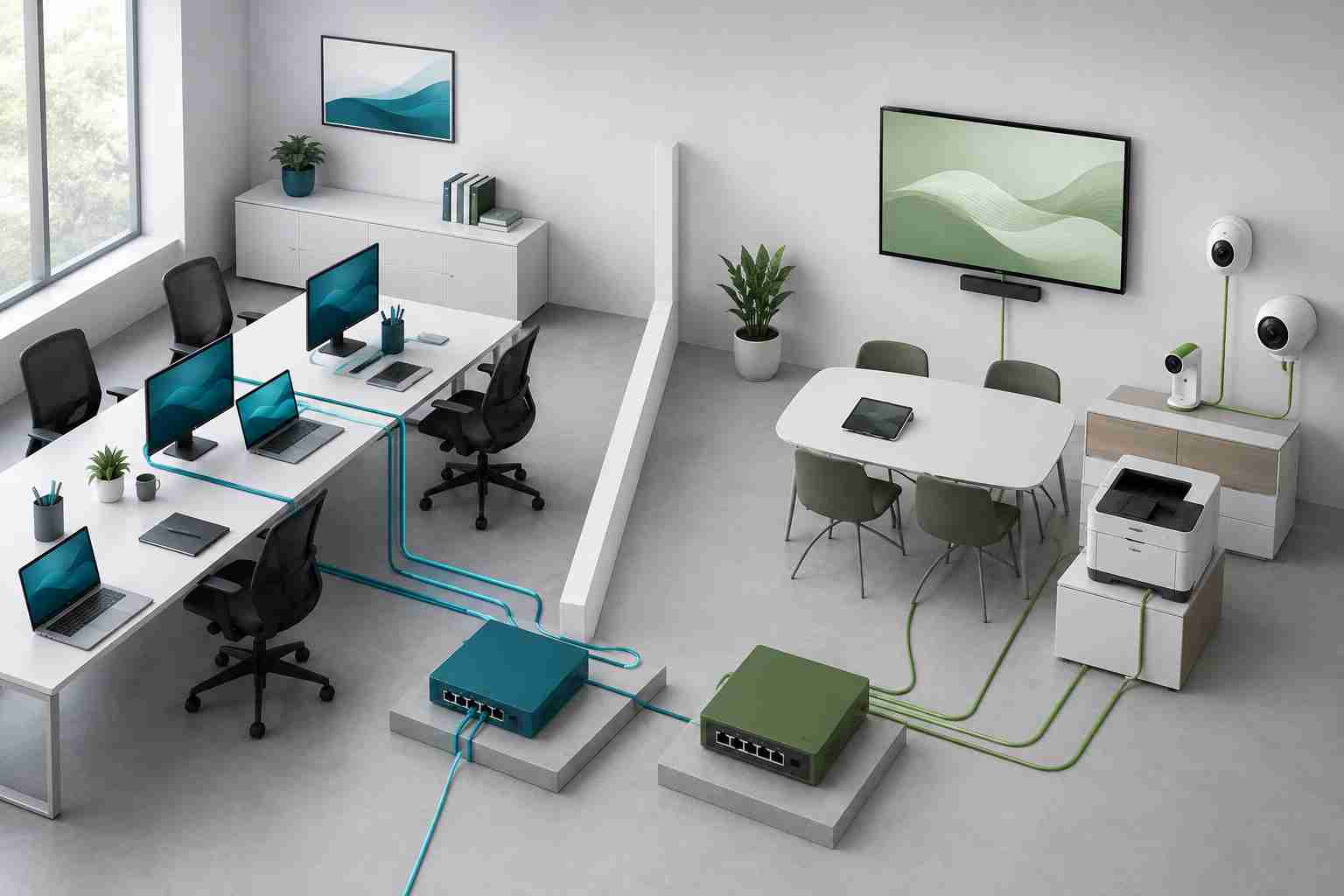
A smart television, streaming box, security camera, digital display, printer, or inexpensive Android device may not look like a cybersecurity concern. It may sit quietly in a conference room or reception area for years.
However, internet-connected devices can become a problem when they contain unsafe software, stop receiving updates, or are protected by default passwords.
The FBI has warned that criminals can compromise these devices and use them as “residential proxies.” In plain English, that means someone else sends internet traffic through the victim’s connection, making the activity appear to come from the victim’s home or small-business network.
Recent enforcement activity shows the scale of the issue. In July 2026, Google said it worked with the FBI and other partners to disrupt the NetNut residential proxy network, which it estimated involved at least two million infected devices.
Security systems are often more suspicious of traffic coming from known hosting facilities or overseas servers. Traffic coming from a normal Florida business connection can look less unusual.
A compromised device can therefore help criminals disguise activities such as account fraud, automated attacks, advertising abuse, or attempts to access other systems.
The business may not see an obvious ransom message or locked computer. Warning signs may be subtle:
These symptoms can have innocent explanations, but recurring problems deserve investigation.
Start with anything that connects to the internet but is not a normal employee computer.
That may include:
The goal is not to remove useful technology. It is to know what is connected, who manages it, and whether it is still supported.
Create a basic device inventory. Record each device, its purpose, location, manufacturer, model, and person responsible for it.
Then work through these checks:
The FBI also recommends avoiding software from untrusted sources and reviewing connected devices when unusual network behavior appears.
A one-time cleanup is helpful, but connected devices change over time. New cameras, screens, printers, and conference-room equipment are often added without a formal security review.
Include these devices in regular technology checkups. Confirm that they still receive updates, remove devices that are no longer needed, and make sure new purchases come from reputable manufacturers with clear support policies.


Himala and his team at Cybernetic Networks have been amazing. We have been a customer of Cybernetic Networks for well over 14 years now, both personally and professionally. Himala and his team are professional, reachable and on the cutting edge of technology. We have enjoyed doing business with Cybernetic Networks for many years and still rely on their knowledge, skills and technology every day
Himala and his Cybernetic team have never let me down! For over 10 years now they have been fixing my technical issues, set up all my new networks and computers and have safeguarded me from any hackers or malware. You can trust this company to navigate you as your company grows and to keep you on track with the latest in security and safety
I am a solo practicing neurologist and have had all my IT needs covered through Cybernetic Networks since 2007. They are the best! All of their tech support staff is extremely knowledgeable and efficient. Just as importantly, they are quickly responsive whenever we need their assistance. I couldn’t be happier with their service and give them my highest recommendation!
I couldn't be happier with Cybernetics - they are experts, always respond quickly , and solves any issues I have.
Cybernetic Networks has been advising and supporting all our IT issues and purchases for the last 18 years. They are very responsive and extremely knowledgeable- always providing us with timely services.
It is not often you find small business companies that are not only rewarding to work with, but also have integrity, truth and skill. I have worked with this company for over 20 years, and the service is outstanding. I can easily recommend that if you need an IT company, this is the one to get. Full STOP! Look no further, you will be happy that you did. Sue Myhelic, Gulf Breeze Real Estate, Naples, Florida.
Himala and his team from Cybernetic Networks, Inc. has been an integral part of our successful retail business for the past 20 years. He is extraordinarily knowledgable and always available for our IT needs. Thanks to Himala and his team we are always up and running.




