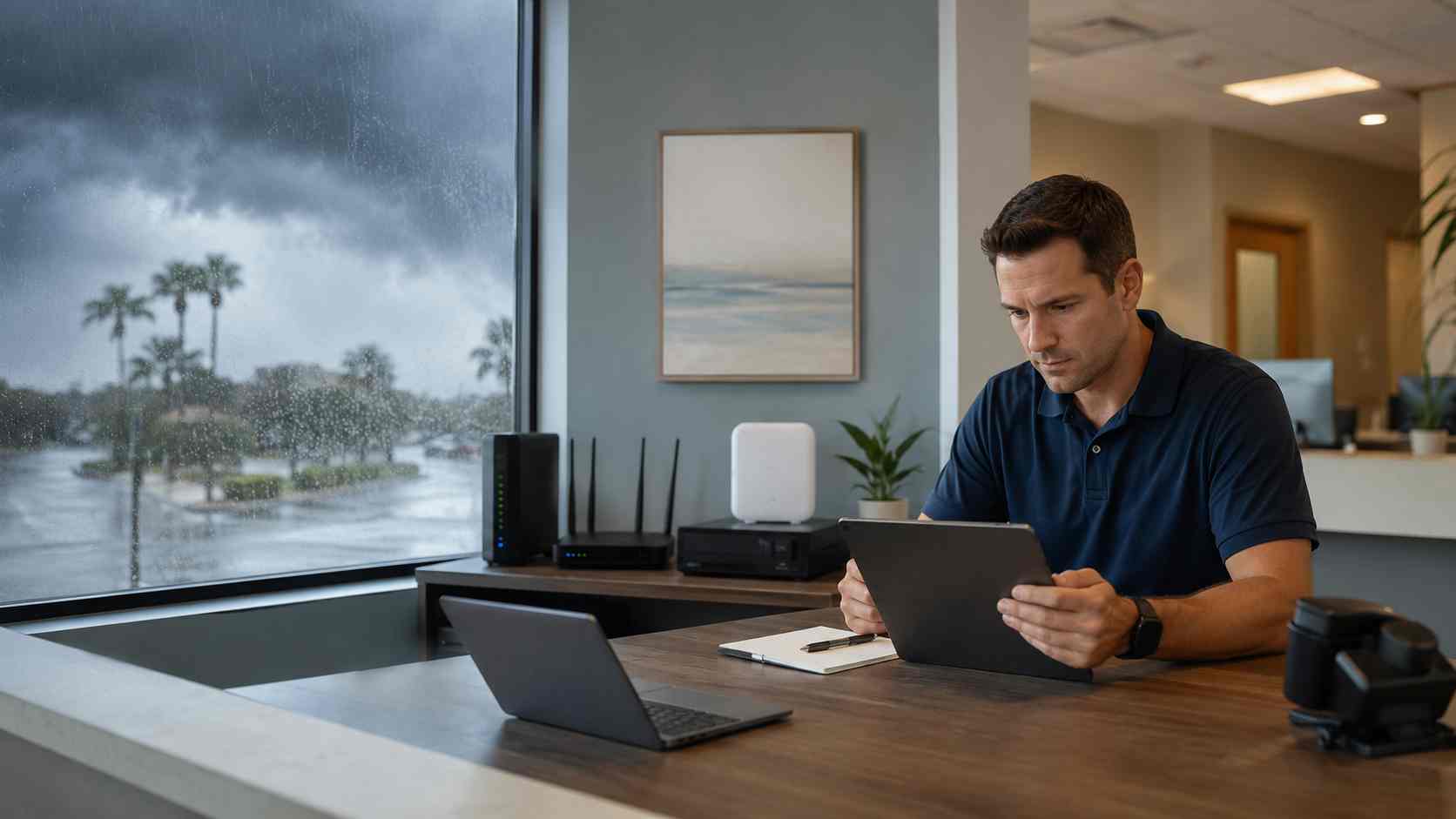
In Central Florida, a rainy afternoon can quickly turn into a business technology problem. The power flickers. The internet slows down. Wi-Fi drops in one part of the office. Card payments stall. Phones get choppy. Cloud apps stop loading right when staff are trying to finish the day.
Not every outage is caused by a major storm. Sometimes the real issue is an office network that was already fragile.
Storm season simply makes the weak spots more obvious.
There are several common reasons small businesses experience more internet trouble during heavy rain, lightning, or power instability.
Power flickers can restart your modem, router, firewall, or access points. Even a short interruption can knock equipment offline.
Internet service can be affected outside your building. If the provider has a local issue, your office may be fine but the connection may still drop.
Old networking equipment may struggle after repeated restarts. A router that has been “good enough” for years may not recover cleanly.
Poor equipment placement can make problems worse. Devices sitting on the floor, near windows, in hot closets, or behind clutter may be more vulnerable to heat, moisture, or weak signal coverage.
Wi-Fi congestion can also be part of the issue. If staff switch between laptops, tablets, phones, payment devices, and guest Wi-Fi, the network may become overloaded.
Internet problems are not just annoying. They can stop real work.
A slow or unreliable connection can affect credit card processing, VoIP phone calls, appointment scheduling, email, Microsoft 365, cloud accounting, customer records, security cameras, and remote access.
For a small business, even a short outage can mean missed calls, delayed invoices, frustrated customers, and staff standing around waiting for systems to come back.
Start with power protection. Your modem, firewall, router, and main network switch should be connected to a proper battery backup, often called a UPS. This helps equipment ride through short power flickers.
Check where equipment is located. Network devices should be off the floor, away from windows, away from moisture, and in a place with reasonable airflow.
Restart in the right order. If the internet is down, unplugging everything randomly can make troubleshooting harder. In many setups, the modem should come back first, then the firewall or router, then switches and access points.
Look for patterns. Does Wi-Fi fail only in one room? Does it happen only during heavy rain? Does the internet work on one computer but not another? These clues help separate a provider issue from an office network issue.
Have a backup connection plan. Some businesses use a cellular backup internet option for payment systems, phones, or key cloud tools. It may not run the whole office at full speed, but it can keep critical work moving.
Keep provider information handy. Know who your internet provider is, what account number to reference, and who is allowed to call for support.
The best time to review your network is before the next outage. A proactive network review can identify weak Wi-Fi coverage, aging equipment, poor cable organization, missing battery backup, and single points of failure.
This does not mean every small business needs a complicated setup. It means the internet should match how the business actually operates.
If your phones, payments, scheduling, and files all depend on the connection, the network deserves regular attention.


 Trustindex verifies that the original source of the review is Google.
  Trustindex verifies that the original source of the review is Google.
  Trustindex verifies that the original source of the review is Google.
  Trustindex verifies that the original source of the review is Google.
  Trustindex verifies that the original source of the review is Google.
  Trustindex verifies that the original source of the review is Google.
  Trustindex verifies that the original source of the review is Google.
  Trustindex verifies that the original source of the review is Google.
  Trustindex verifies that the original source of the review is Google.
  Trustindex verifies that the original source of the review is Google.

Himala and his team at Cybernetic Networks have been amazing. We have been a customer of Cybernetic Networks for well over 14 years now, both personally and professionally. Himala and his team are professional, reachable and on the cutting edge of technology. We have enjoyed doing business with Cybernetic Networks for many years and still rely on their knowledge, skills and technology every day
Himala and his Cybernetic team have never let me down! For over 10 years now they have been fixing my technical issues, set up all my new networks and computers and have safeguarded me from any hackers or malware. You can trust this company to navigate you as your company grows and to keep you on track with the latest in security and safety
I am a solo practicing neurologist and have had all my IT needs covered through Cybernetic Networks since 2007. They are the best! All of their tech support staff is extremely knowledgeable and efficient. Just as importantly, they are quickly responsive whenever we need their assistance. I couldn’t be happier with their service and give them my highest recommendation!
I couldn't be happier with Cybernetics - they are experts, always respond quickly , and solves any issues I have.
Cybernetic Networks has been advising and supporting all our IT issues and purchases for the last 18 years. They are very responsive and extremely knowledgeable- always providing us with timely services.
It is not often you find small business companies that are not only rewarding to work with, but also have integrity, truth and skill. I have worked with this company for over 20 years, and the service is outstanding. I can easily recommend that if you need an IT company, this is the one to get. Full STOP! Look no further, you will be happy that you did. Sue Myhelic, Gulf Breeze Real Estate, Naples, Florida.
Himala and his team from Cybernetic Networks, Inc. has been an integral part of our successful retail business for the past 20 years. He is extraordinarily knowledgable and always available for our IT needs. Thanks to Himala and his team we are always up and running.

