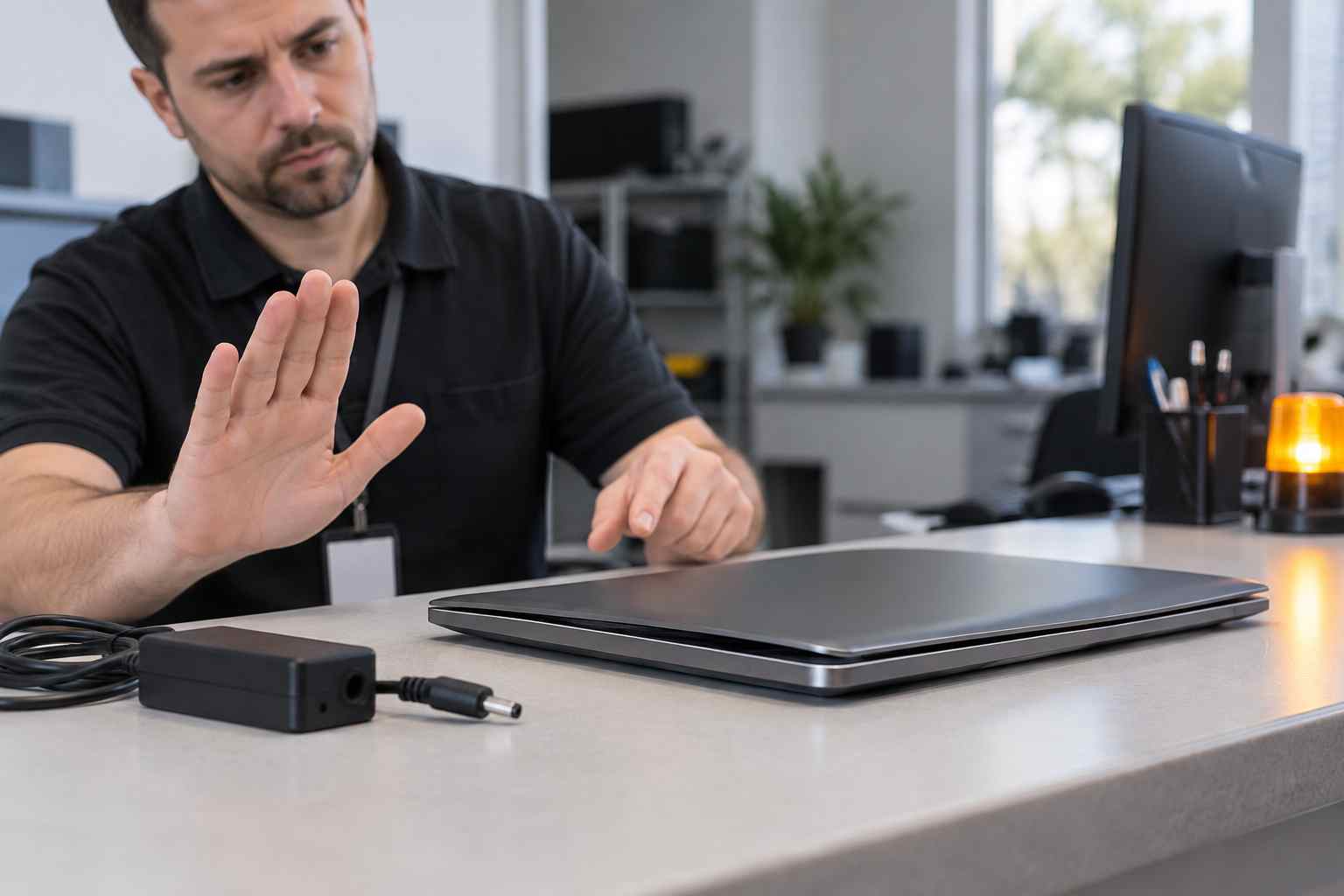
An employee connects a laptop to its charger, but the battery percentage does not rise. The computer may say it is charging slowly, remain at the same level, or lose power even while it is plugged in.
That can quickly become a business problem. The employee may lose access to email, customer records, meetings, accounting software, or work needed away from the desk.
The laptop is not necessarily broken. Charging depends on the outlet, power adapter, cable, charging port, laptop settings, and battery all working together.
Before troubleshooting, look at the physical condition of the laptop and charger.
Stop using the device, turn it off, and disconnect the charger if you notice:
These signs may indicate a damaged charger or swollen battery. Do not press the case closed, puncture the battery, or continue charging the device. Keep it away from heat and contact a qualified technician or the manufacturer.
Start with the simple physical checks.
Confirm that:
Try connecting the approved charger directly to a known-working wall outlet. Avoid forcing a loose connector or inserting tools into the charging port.
If the plug only works at a certain angle, the cable or port may need repair.
USB-C connectors can look identical while supporting very different power levels.
A phone charger may fit a laptop but provide too little power. The computer might charge extremely slowly, maintain its current percentage, or continue losing power while demanding applications are open.
Microsoft recommends using the charger and cable designed for the computer. The laptop, cable, and adapter must all support the required charging standard and power level.
The correct charger should also be connected to a USB-C port that supports charging. Some laptops have several similar-looking ports, but only certain ports accept power.
Check the manufacturer’s instructions or ask IT to confirm the correct port, charger wattage, and cable.
Some business laptops use smart-charging or battery-health features that temporarily stop charging before the battery reaches 100 percent.
This is intended to reduce long-term battery wear when a laptop remains connected to power for extended periods. Windows may indicate that the device is smart charged even though it remains plugged in.
Manufacturer utilities may also hold the battery at a lower level, especially on laptops that spend most of the day at a desk.
If the battery remains around a consistent level and the computer operates normally, check whether smart charging or a battery-health setting is active before assuming the battery has failed.
Employees should not change company-managed battery settings without approval. Those settings may be intentional.
A laptop can sometimes consume power faster than an underpowered charger supplies it.
Save your work and close demanding applications such as:
Then put the laptop to sleep or turn it off briefly while it remains connected to the correct charger.
If the battery begins charging only when the computer is idle, the charger may not be providing enough power for the laptop’s workload.
Save open files and restart the laptop.
A restart can clear a temporary power-management problem and complete pending Windows or manufacturer updates. Use Restart from the Windows power menu rather than simply closing and reopening the lid.
After the computer restarts, reconnect the approved charger and watch the battery status for several minutes.
Avoid downloading “battery repair,” driver-update, or PC-cleaning utilities from advertisements or unfamiliar websites. These tools may create additional problems or introduce unwanted software.
Laptop batteries wear down over time. A battery may still work while holding much less energy than it did when new.
Windows can create a battery report using the powercfg /batteryreport command. Manufacturer support applications may also provide battery and adapter diagnostics.
Most employees do not need to interpret these reports alone. An IT provider can compare the battery’s original capacity with its current capacity, review charging history, and determine whether the battery, charger, port, or system software is responsible.
The battery may need replacement if it:
Contact support when:
Tell support the laptop model, charger wattage, current battery percentage, exact Windows message, and whether the problem follows the laptop or charger.
That information can save considerable diagnostic time.
Small businesses can reduce repeated charging interruptions by standardizing approved chargers, docks, and cables for each laptop model.
Label shared adapters, keep compatible spares available, and replace damaged equipment promptly. Include battery health in routine device maintenance and plan replacements before aging laptops become unreliable.
Managed IT support can also track recurring problems. If several employees report charging trouble with the same laptop model, dock, or adapter, the issue should be investigated as a shared equipment problem instead of handled as unrelated helpdesk calls.


Himala and his team at Cybernetic Networks have been amazing. We have been a customer of Cybernetic Networks for well over 14 years now, both personally and professionally. Himala and his team are professional, reachable and on the cutting edge of technology. We have enjoyed doing business with Cybernetic Networks for many years and still rely on their knowledge, skills and technology every day
Himala and his Cybernetic team have never let me down! For over 10 years now they have been fixing my technical issues, set up all my new networks and computers and have safeguarded me from any hackers or malware. You can trust this company to navigate you as your company grows and to keep you on track with the latest in security and safety
I am a solo practicing neurologist and have had all my IT needs covered through Cybernetic Networks since 2007. They are the best! All of their tech support staff is extremely knowledgeable and efficient. Just as importantly, they are quickly responsive whenever we need their assistance. I couldn’t be happier with their service and give them my highest recommendation!
I couldn't be happier with Cybernetics - they are experts, always respond quickly , and solves any issues I have.
Cybernetic Networks has been advising and supporting all our IT issues and purchases for the last 18 years. They are very responsive and extremely knowledgeable- always providing us with timely services.
It is not often you find small business companies that are not only rewarding to work with, but also have integrity, truth and skill. I have worked with this company for over 20 years, and the service is outstanding. I can easily recommend that if you need an IT company, this is the one to get. Full STOP! Look no further, you will be happy that you did. Sue Myhelic, Gulf Breeze Real Estate, Naples, Florida.
Himala and his team from Cybernetic Networks, Inc. has been an integral part of our successful retail business for the past 20 years. He is extraordinarily knowledgable and always available for our IT needs. Thanks to Himala and his team we are always up and running.




