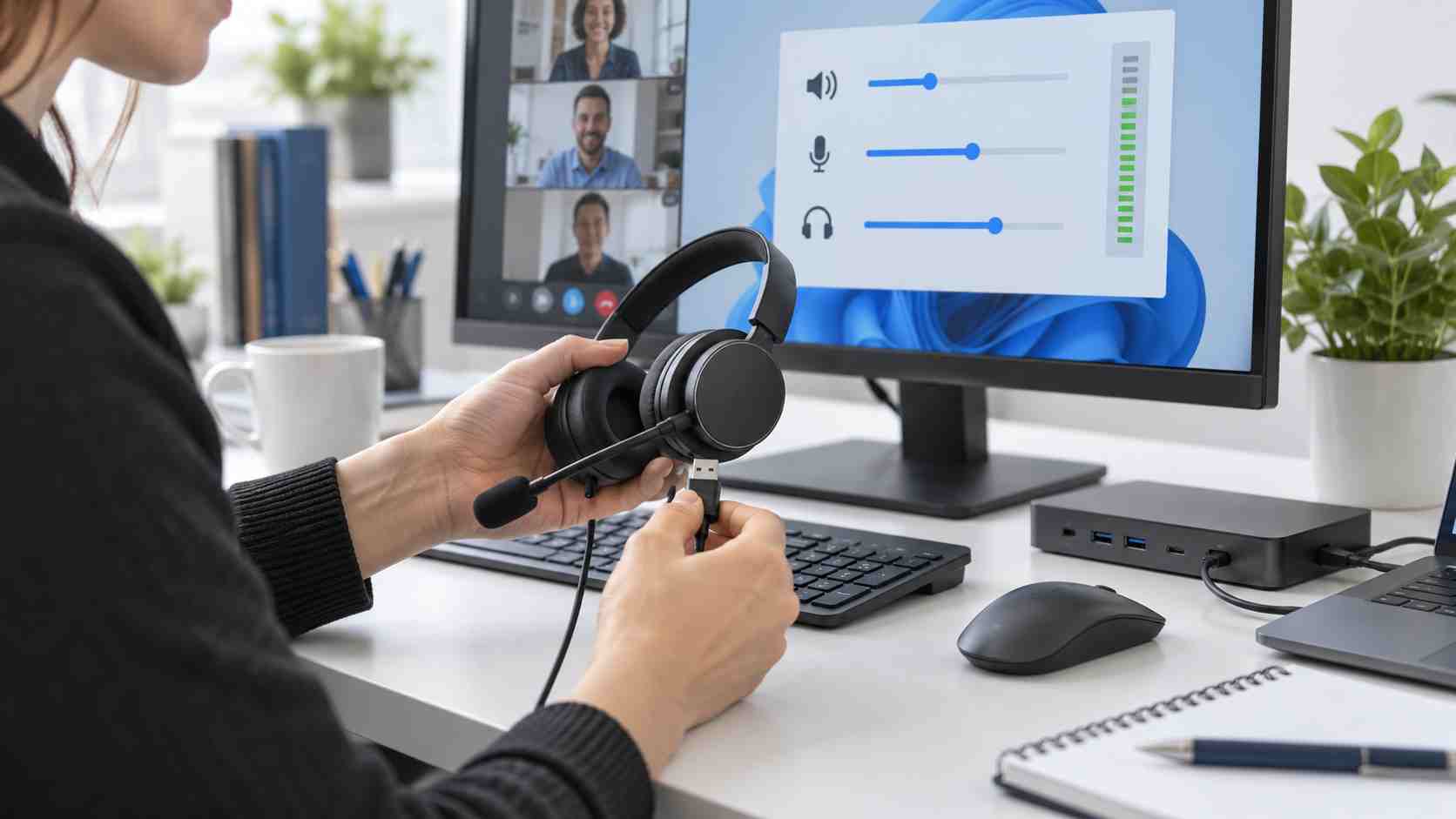
One employee cannot connect through Remote Desktop. Another has no sound from a USB headset. Someone else sees a Windows Update page that never stops loading.
When several problems appear shortly after a Windows update, it is tempting to uninstall the update immediately or try a registry fix found online. That reaction can create more trouble, especially when the original update includes important security protections.
Microsoft has confirmed several issues associated with its September 8, 2026 Windows security updates. Some have already been resolved through newer out-of-band updates, while others remain partially mitigated or under investigation.
The safest response is to identify the symptom, confirm the device and update version, and apply the current vendor-supported resolution.
Remote Desktop allows an employee to connect to another computer or a hosted business workspace. Some organizations experienced unstable connections after the September update.
Microsoft reported symptoms including:
Microsoft says the Remote Desktop issue was resolved by an out-of-band update released on September 14, 2026. The update number varies by Windows version, so businesses should use the update offered for their specific device or their normal managed deployment system.
Microsoft also confirmed problems affecting some USB Audio Class 1.0 devices. Affected users may see a “Code 10” message in Device Manager, have no sound, or find that volume controls remain at zero.
The September 14 update resolved certain multichannel and 3D-audio symptoms, but Microsoft described the overall USB audio problem as only partially resolved at the time of its latest notice.
Before replacing the headset, try these low-risk checks:
Do not download an audio driver from an unfamiliar website. Use Windows Update, the computer manufacturer, or the device manufacturer’s official support channel.
Microsoft reported a separate issue affecting certain business computers connected to an on-premises Windows domain. Affected users may receive a message saying the trust relationship between the computer and domain failed, even when the username and password are correct.
This is primarily an issue for centrally managed business environments with a specific security configuration. It is not something an employee should try to repair with registry changes or online commands.
If this message appears:
As of September 16, Microsoft listed this issue as mitigated and said a future Windows update would provide a broader resolution.
For an individually managed Windows 11 computer:
If the business uses centralized IT management, employees should follow the company’s update process instead of forcing an optional update. IT may be testing the release, applying it in stages, or waiting for compatibility confirmation.
Microsoft’s Windows release-health page provides the current status of these known issues and should be checked before older troubleshooting instructions are followed.
Avoid turning one update problem into a larger business interruption.
Do not:
Screenshots, error messages, update history, and the time the problem started are more useful to an IT technician than a long series of undocumented changes.
Windows updates are necessary, but deploying every update to every computer at the same moment can increase disruption.
A managed update process can:
This is especially valuable for Orlando businesses with remote employees, front-desk systems, call-handling workstations, or applications that cannot tolerate unexpected downtime.


Himala and his team at Cybernetic Networks have been amazing. We have been a customer of Cybernetic Networks for well over 14 years now, both personally and professionally. Himala and his team are professional, reachable and on the cutting edge of technology. We have enjoyed doing business with Cybernetic Networks for many years and still rely on their knowledge, skills and technology every day
Himala and his Cybernetic team have never let me down! For over 10 years now they have been fixing my technical issues, set up all my new networks and computers and have safeguarded me from any hackers or malware. You can trust this company to navigate you as your company grows and to keep you on track with the latest in security and safety
I am a solo practicing neurologist and have had all my IT needs covered through Cybernetic Networks since 2007. They are the best! All of their tech support staff is extremely knowledgeable and efficient. Just as importantly, they are quickly responsive whenever we need their assistance. I couldn’t be happier with their service and give them my highest recommendation!
I couldn't be happier with Cybernetics - they are experts, always respond quickly , and solves any issues I have.
Cybernetic Networks has been advising and supporting all our IT issues and purchases for the last 18 years. They are very responsive and extremely knowledgeable- always providing us with timely services.
It is not often you find small business companies that are not only rewarding to work with, but also have integrity, truth and skill. I have worked with this company for over 20 years, and the service is outstanding. I can easily recommend that if you need an IT company, this is the one to get. Full STOP! Look no further, you will be happy that you did. Sue Myhelic, Gulf Breeze Real Estate, Naples, Florida.
Himala and his team from Cybernetic Networks, Inc. has been an integral part of our successful retail business for the past 20 years. He is extraordinarily knowledgable and always available for our IT needs. Thanks to Himala and his team we are always up and running.




