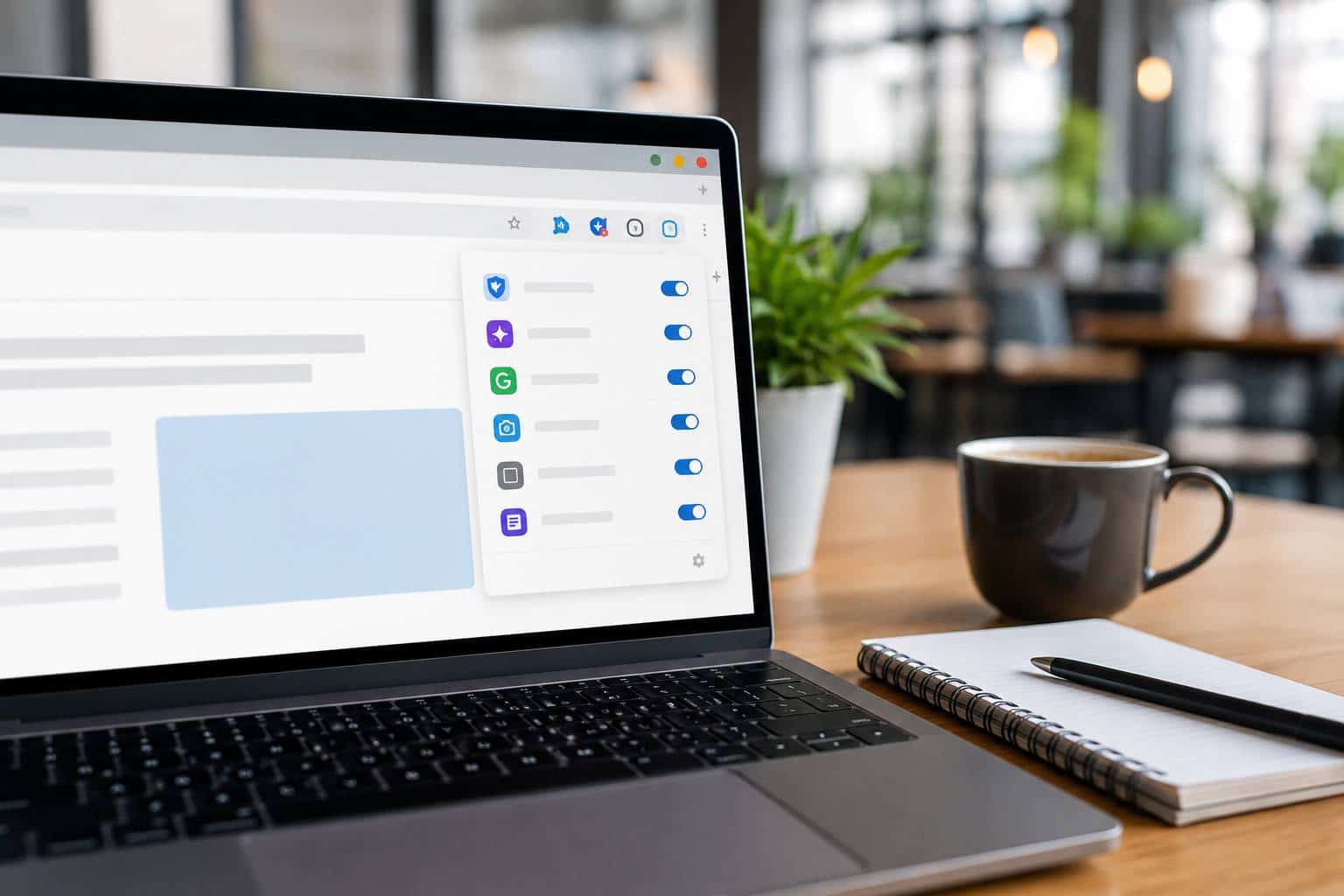
For many small businesses, the browser has become the real workplace. Email, bookkeeping, file sharing, CRMs, banking portals, online scheduling, vendor systems, and even AI tools often live inside Chrome or Edge.
That makes browser extensions more important than they used to be. A browser add-on may seem small, but it can affect how employees log in, what data it can see, and how stable web-based tools remain during the workday.
Microsoft’s recent guidance on securing the browser era makes a simple point: more business activity now happens inside the browser, and that changes where risk lives. Google’s enterprise guidance also stresses that organizations should evaluate extensions based on the permissions they request and manage them with policy, not guesswork.
In plain English, that means a “helpful little add-on” can be more powerful than people realize.
Some extensions can ask to read browsing activity, interact with websites, display notifications, or access data across multiple pages. In a small business, that could involve email, customer information, internal systems, or financial tools. Even when an extension is not malicious, too many add-ons can still create headaches by slowing browsers down, breaking websites, or confusing employees when something stops working.
Many businesses have rules for laptops, antivirus, and passwords, but no real rules for browser extensions. Staff members install grammar tools, PDF helpers, coupon apps, meeting tools, AI assistants, screen capture tools, or random utilities one at a time. Over a few months, that becomes a support mess.
Common warning signs include:
This is not just a security issue. It is a productivity issue too. When the browser is unstable, the business feels unstable.
Small businesses do not need an extreme lockdown to improve this. They need a basic extension policy.
A good starting point looks like this:
This is one of those issues that stays invisible until it causes a problem. Then it suddenly becomes urgent.
If your company runs through the browser, then browser hygiene is now part of business hygiene. Extensions should be treated like software, not like harmless little extras. The right ones can absolutely help productivity. The wrong ones can create security exposure, support issues, and unnecessary confusion.


Himala and his team at Cybernetic Networks have been amazing. We have been a customer of Cybernetic Networks for well over 14 years now, both personally and professionally. Himala and his team are professional, reachable and on the cutting edge of technology. We have enjoyed doing business with Cybernetic Networks for many years and still rely on their knowledge, skills and technology every day
Himala and his Cybernetic team have never let me down! For over 10 years now they have been fixing my technical issues, set up all my new networks and computers and have safeguarded me from any hackers or malware. You can trust this company to navigate you as your company grows and to keep you on track with the latest in security and safety
I am a solo practicing neurologist and have had all my IT needs covered through Cybernetic Networks since 2007. They are the best! All of their tech support staff is extremely knowledgeable and efficient. Just as importantly, they are quickly responsive whenever we need their assistance. I couldn’t be happier with their service and give them my highest recommendation!
I couldn't be happier with Cybernetics - they are experts, always respond quickly , and solves any issues I have.
Cybernetic Networks has been advising and supporting all our IT issues and purchases for the last 18 years. They are very responsive and extremely knowledgeable- always providing us with timely services.
It is not often you find small business companies that are not only rewarding to work with, but also have integrity, truth and skill. I have worked with this company for over 20 years, and the service is outstanding. I can easily recommend that if you need an IT company, this is the one to get. Full STOP! Look no further, you will be happy that you did. Sue Myhelic, Gulf Breeze Real Estate, Naples, Florida.
Himala and his team from Cybernetic Networks, Inc. has been an integral part of our successful retail business for the past 20 years. He is extraordinarily knowledgable and always available for our IT needs. Thanks to Himala and his team we are always up and running.




