Small businesses have spent years hearing the same advice: use strong passwords and turn on multi-factor authentication. That advice is still important, but the latest warning from the FBI shows why it may no longer be enough by itself.
On May 21, 2026, the FBI issued a public warning about Kali365, a phishing service designed to target Microsoft 365 accounts. What makes this threat especially concerning is that it can help attackers gain access without simply “stealing the password” in the old-fashioned way. Instead, it abuses legitimate Microsoft sign-in flows and captures access in a way that can get around weaker authentication habits.
For a small business owner, that matters because Microsoft 365 is often more than email. It can hold your calendars, files, Teams chats, invoices, customer information, and internal approvals. If one employee account is taken over, the business impact can spread quickly.
This is not just another fake-email problem.
Microsoft’s own 2026 threat reporting shows that phishing is still evolving fast. Attackers are using cleaner design, smarter timing, QR codes, CAPTCHA pages, and sign-in flows that look legitimate enough to lower people’s guard. Microsoft also documented recent device-code phishing campaigns that used real Microsoft sign-in pages as part of the trick.
That is exactly why small businesses should stop thinking about account protection as just a password issue. The real issue is whether your staff can be tricked into approving the wrong sign-in session.
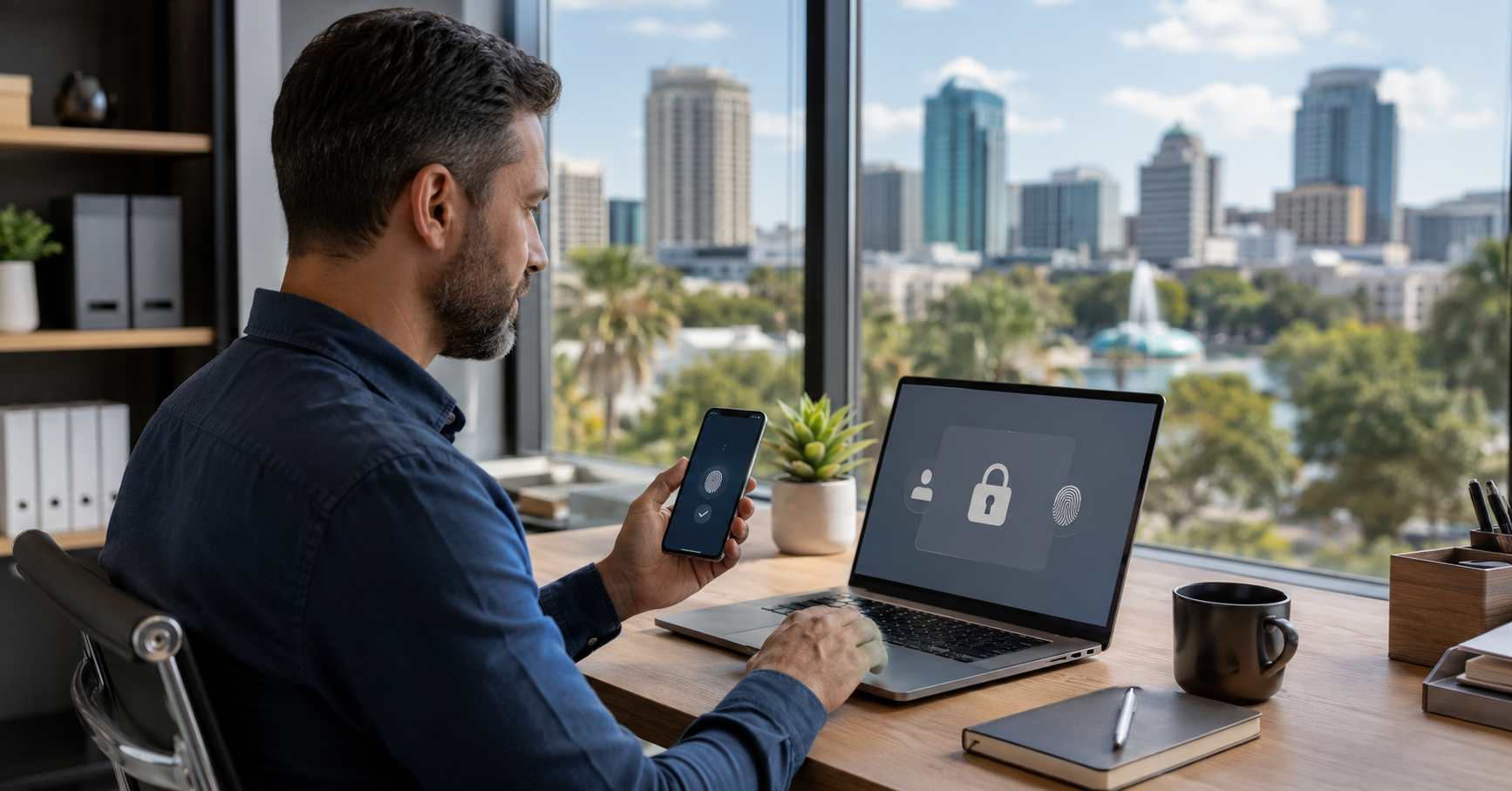
A passkey is a more secure way to sign in that uses your device, plus something like your fingerprint, face, or PIN, instead of relying on a reusable password.
The reason security professionals are pushing passkeys so hard is simple: they are designed to be phishing-resistant. In other words, they are much harder to use on a fake lookalike website or malicious approval flow.
Microsoft said this month that passkey adoption is accelerating, with the FIDO Alliance estimating 5 billion passkeys already in use worldwide. Microsoft is also expanding passkey support across its ecosystem, including broader Microsoft Entra capabilities in late May 2026.
That does not mean every small business has to flip a switch overnight. It does mean the conversation has changed. Passkeys are no longer an “enterprise someday” project. They are becoming a practical security upgrade for businesses that rely on Microsoft 365 every day.
If your company uses Microsoft 365, now is a good time to review a few basics:
There is also a practical business benefit here. Better sign-in protection can reduce account lockouts, password reset headaches, and the stress of constant sign-in prompts. For many small teams, a simpler and safer sign-in experience is easier to maintain than a patchwork of passwords, codes, and exceptions.
The goal is not perfection. The goal is to make your business much harder to impersonate, trick, or quietly access.
Source Links


Himala and his team at Cybernetic Networks have been amazing. We have been a customer of Cybernetic Networks for well over 14 years now, both personally and professionally. Himala and his team are professional, reachable and on the cutting edge of technology. We have enjoyed doing business with Cybernetic Networks for many years and still rely on their knowledge, skills and technology every day
Himala and his Cybernetic team have never let me down! For over 10 years now they have been fixing my technical issues, set up all my new networks and computers and have safeguarded me from any hackers or malware. You can trust this company to navigate you as your company grows and to keep you on track with the latest in security and safety
I am a solo practicing neurologist and have had all my IT needs covered through Cybernetic Networks since 2007. They are the best! All of their tech support staff is extremely knowledgeable and efficient. Just as importantly, they are quickly responsive whenever we need their assistance. I couldn’t be happier with their service and give them my highest recommendation!
I couldn't be happier with Cybernetics - they are experts, always respond quickly , and solves any issues I have.
Cybernetic Networks has been advising and supporting all our IT issues and purchases for the last 18 years. They are very responsive and extremely knowledgeable- always providing us with timely services.
It is not often you find small business companies that are not only rewarding to work with, but also have integrity, truth and skill. I have worked with this company for over 20 years, and the service is outstanding. I can easily recommend that if you need an IT company, this is the one to get. Full STOP! Look no further, you will be happy that you did. Sue Myhelic, Gulf Breeze Real Estate, Naples, Florida.
Himala and his team from Cybernetic Networks, Inc. has been an integral part of our successful retail business for the past 20 years. He is extraordinarily knowledgable and always available for our IT needs. Thanks to Himala and his team we are always up and running.




