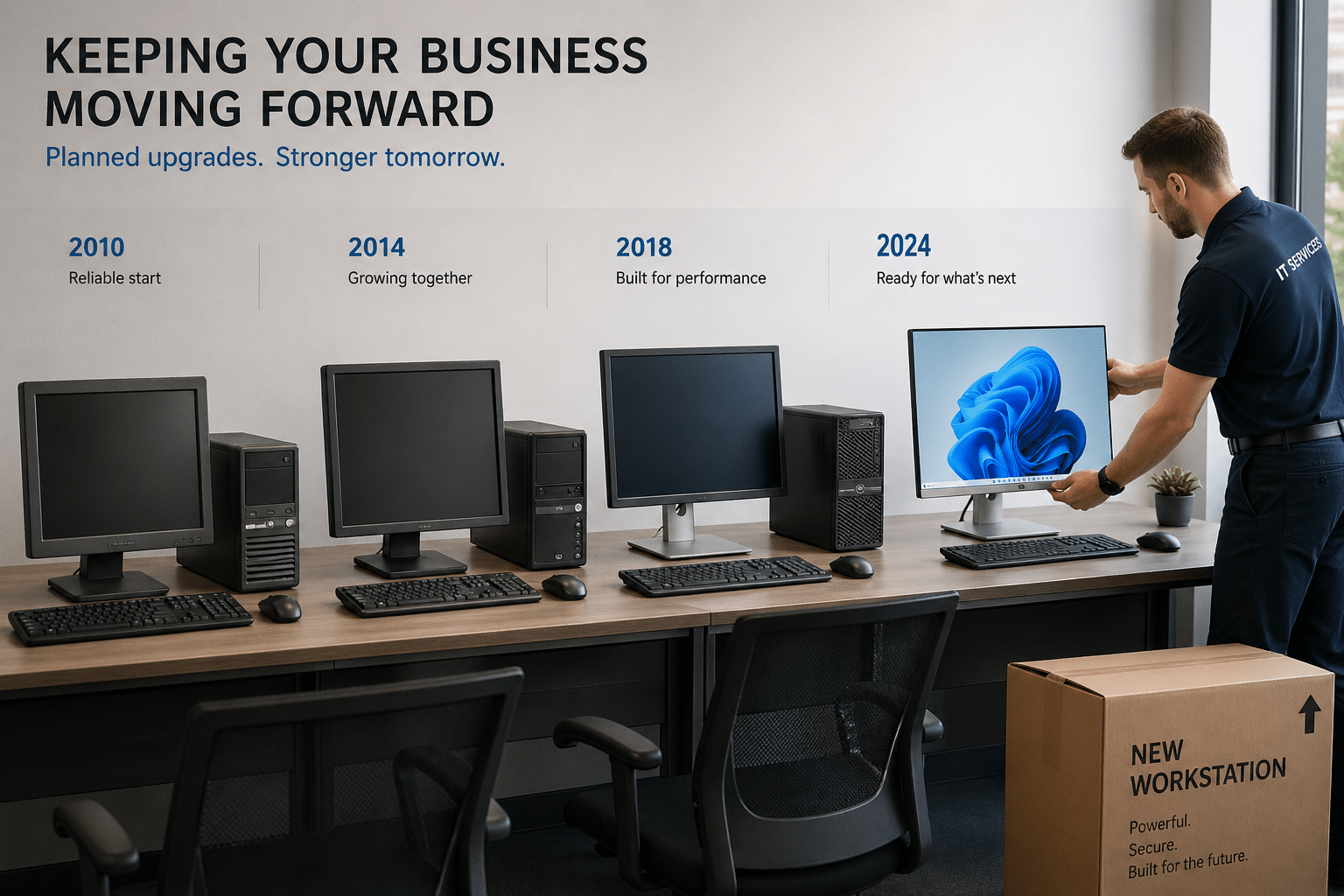
If your office still has a few Windows 10 computers quietly doing their jobs, it can be tempting to leave them alone a little longer. The problem is that a computer can still feel fine to the employee using it while becoming a growing support and risk problem for the business behind the scenes.
Windows 10 support ended on October 14, 2025. That does not mean every PC stopped working the next day. It means those computers are now living on borrowed time from a business support standpoint.
Microsoft says Microsoft 365 apps on Windows 10 may continue to run, and some updates continue for a limited period while businesses transition. But that is not the same as saying Windows 10 is a healthy long-term place to stay. Over time, unsupported operating systems become harder to protect, harder to troubleshoot, and more likely to create compatibility headaches.
For many small businesses, this turns into a chain reaction. An older PC may not be eligible for Windows 11. A line-of-business app may need testing before replacement. Staff may need data moved, printers reconnected, and downtime scheduled carefully. The sooner that work is planned, the less disruptive and expensive it tends to be.
Why it matters for small businesses:
Old computers rarely fail at a convenient time. They slow down onboarding, create patching gaps, and increase the odds of surprise interruptions. Even if employees can still send emails and open spreadsheets today, the business may be building tomorrow’s support problem in the background.
For small organizations, the real cost is often not the hardware itself. It is the scramble: replacing a device after a failure, restoring lost time, dealing with software issues, and trying to migrate under pressure.
Practical action steps:
1. Make a list of every Windows 10 device still in use, including who uses it and what business software depends on it.
2. Check which systems can move to Windows 11 and which will need replacement.
3. Prioritize front-desk, finance, owner, and shared-office machines first, since they often create the biggest operational impact.
4. Schedule replacements in phases so the budget and downtime stay manageable.
5. Back up local files before each migration and confirm cloud data is syncing correctly.
6. Use the transition as a chance to clean up old software, remove unused accounts, and tighten basic security settings.
Aging business computers do not usually announce their exit politely. They wait until they become a bottleneck, a support drain, or a security issue. Cybernetic Networks helps small businesses plan these refresh cycles in a practical way so upgrades feel organized instead of disruptive.
Source links:
1. Microsoft Support, What Windows end of support means for Office and Microsoft 365: https://support.microsoft.com/en-us/office/what-windows-end-of-support-means-for-office-and-microsoft-365-34e28be4-1e4f-4928-b210-3f45d8215595
2. Microsoft Learn, Windows 10 end of support and Microsoft 365 Apps: https://learn.microsoft.com/en-us/microsoft-365-apps/end-of-support/windows-10-support
3. Microsoft Lifecycle announcement, Windows 10 reaching end of support: https://learn.microsoft.com/en-us/lifecycle/announcements/windows-10-end-of-support


Himala and his team at Cybernetic Networks have been amazing. We have been a customer of Cybernetic Networks for well over 14 years now, both personally and professionally. Himala and his team are professional, reachable and on the cutting edge of technology. We have enjoyed doing business with Cybernetic Networks for many years and still rely on their knowledge, skills and technology every day
Himala and his Cybernetic team have never let me down! For over 10 years now they have been fixing my technical issues, set up all my new networks and computers and have safeguarded me from any hackers or malware. You can trust this company to navigate you as your company grows and to keep you on track with the latest in security and safety
I am a solo practicing neurologist and have had all my IT needs covered through Cybernetic Networks since 2007. They are the best! All of their tech support staff is extremely knowledgeable and efficient. Just as importantly, they are quickly responsive whenever we need their assistance. I couldn’t be happier with their service and give them my highest recommendation!
I couldn't be happier with Cybernetics - they are experts, always respond quickly , and solves any issues I have.
Cybernetic Networks has been advising and supporting all our IT issues and purchases for the last 18 years. They are very responsive and extremely knowledgeable- always providing us with timely services.
It is not often you find small business companies that are not only rewarding to work with, but also have integrity, truth and skill. I have worked with this company for over 20 years, and the service is outstanding. I can easily recommend that if you need an IT company, this is the one to get. Full STOP! Look no further, you will be happy that you did. Sue Myhelic, Gulf Breeze Real Estate, Naples, Florida.
Himala and his team from Cybernetic Networks, Inc. has been an integral part of our successful retail business for the past 20 years. He is extraordinarily knowledgable and always available for our IT needs. Thanks to Himala and his team we are always up and running.




