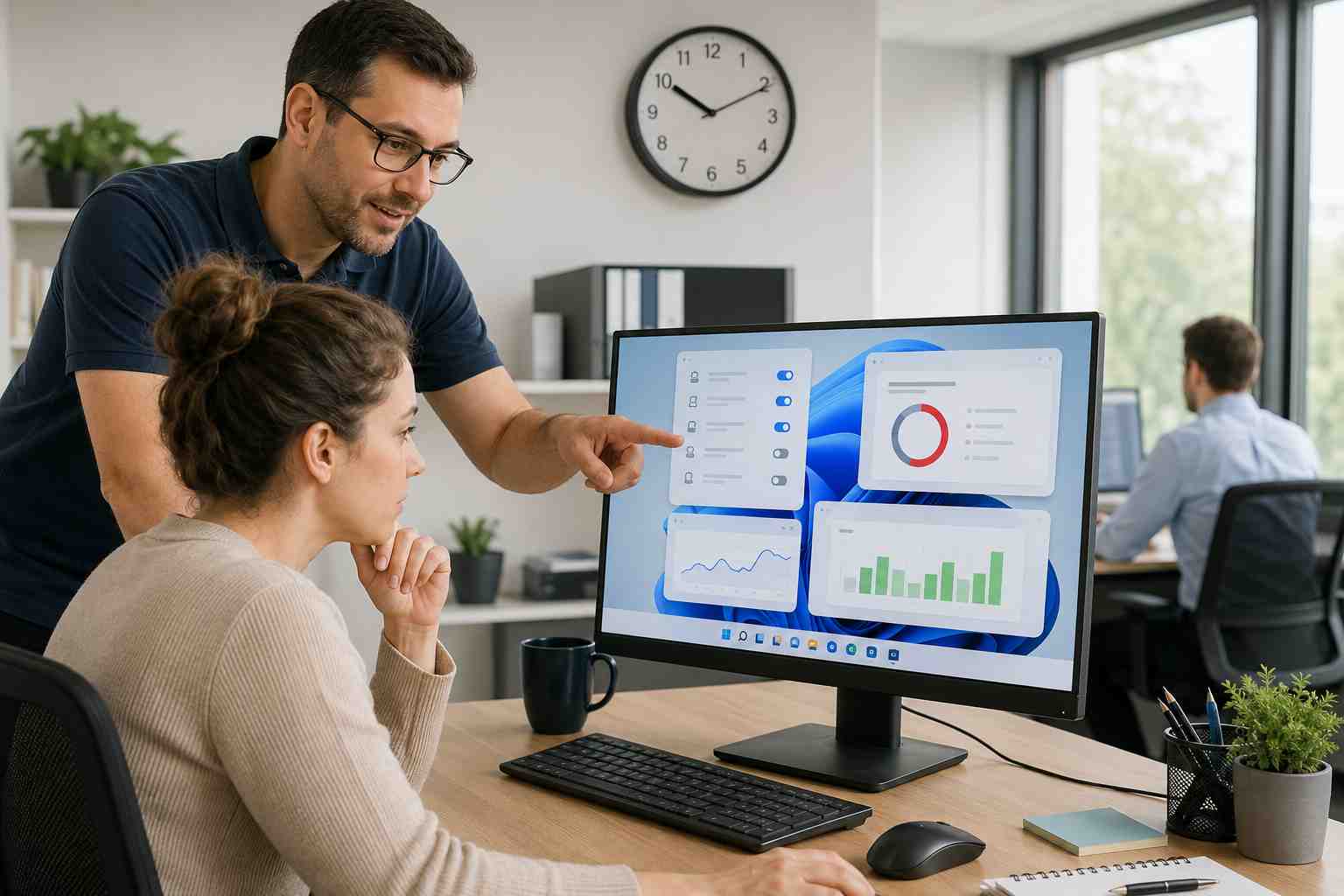
A slow office PC can quietly drain the workday. Employees wait for apps to open, video calls freeze, browser tabs hang, files take too long to save, and simple tasks start to feel harder than they should.
For a small business, that adds up. A few minutes here and there can turn into missed calls, delayed invoices, frustrated staff, and slower customer service.
When a computer feels slow, people often assume the laptop is “just old.” Sometimes that is true, but many slowdowns come from everyday issues that build up over time.
Common causes include:
The good news is that many of these problems are fixable before a replacement is needed.
Startup apps are programs that open automatically when the PC turns on. Some are useful, like security software. Others may not need to run all day.
Too many startup apps can make the computer feel slow before the employee has even opened Outlook, Teams, QuickBooks, or a browser.
A technician can review which apps are necessary and which ones can be disabled safely. Employees should be careful not to turn off security tools or required business software without checking first.
Windows needs free space to work properly. When a PC is nearly full, updates may fail, apps may lag, and basic tasks may feel sluggish.
Microsoft recommends using built-in tools such as Storage Sense to remove temporary files and manage disk space. This can help, but businesses should also look at why storage keeps filling up. Sometimes old downloads, duplicated files, local cloud-sync folders, or unused apps are the real issue.
A slow PC may need professional attention if:
If several computers are slow at once, the issue may not be the PCs. It could be the network, internet connection, file server, cloud service, or security software policy.
The best fix is not restarting the same computer every day and hoping it behaves. A better approach is regular maintenance: updates, security scans, startup app reviews, storage checks, hardware planning, and monitoring.
This is where managed IT support helps. Instead of waiting for each employee to report a slow machine, a support team can spot patterns, clean up recurring issues, and plan replacements before work grinds to a halt.


Himala and his team at Cybernetic Networks have been amazing. We have been a customer of Cybernetic Networks for well over 14 years now, both personally and professionally. Himala and his team are professional, reachable and on the cutting edge of technology. We have enjoyed doing business with Cybernetic Networks for many years and still rely on their knowledge, skills and technology every day
Himala and his Cybernetic team have never let me down! For over 10 years now they have been fixing my technical issues, set up all my new networks and computers and have safeguarded me from any hackers or malware. You can trust this company to navigate you as your company grows and to keep you on track with the latest in security and safety
I am a solo practicing neurologist and have had all my IT needs covered through Cybernetic Networks since 2007. They are the best! All of their tech support staff is extremely knowledgeable and efficient. Just as importantly, they are quickly responsive whenever we need their assistance. I couldn’t be happier with their service and give them my highest recommendation!
I couldn't be happier with Cybernetics - they are experts, always respond quickly , and solves any issues I have.
Cybernetic Networks has been advising and supporting all our IT issues and purchases for the last 18 years. They are very responsive and extremely knowledgeable- always providing us with timely services.
It is not often you find small business companies that are not only rewarding to work with, but also have integrity, truth and skill. I have worked with this company for over 20 years, and the service is outstanding. I can easily recommend that if you need an IT company, this is the one to get. Full STOP! Look no further, you will be happy that you did. Sue Myhelic, Gulf Breeze Real Estate, Naples, Florida.
Himala and his team from Cybernetic Networks, Inc. has been an integral part of our successful retail business for the past 20 years. He is extraordinarily knowledgable and always available for our IT needs. Thanks to Himala and his team we are always up and running.




