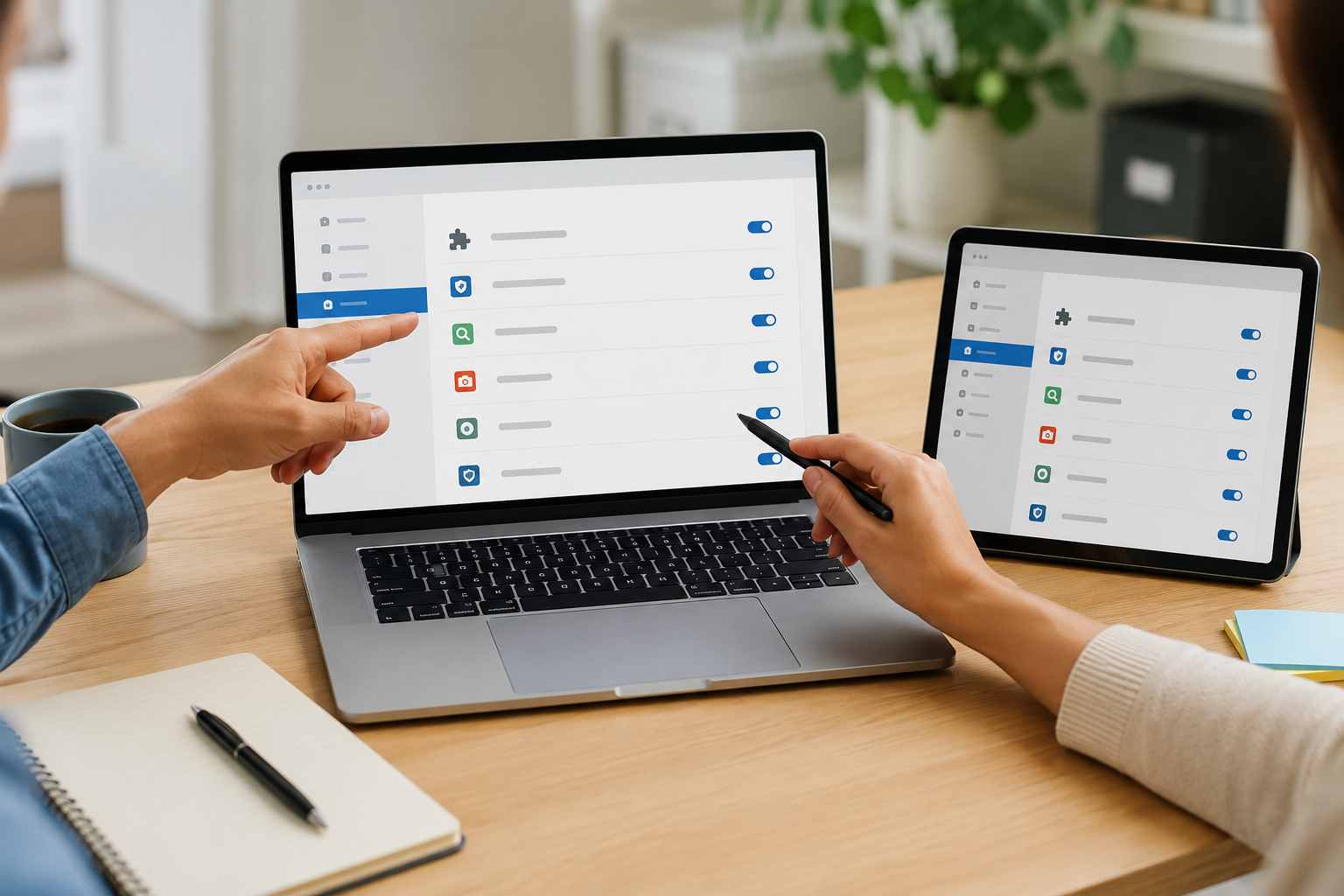
A browser extension can feel harmless. One helps write emails faster. Another checks grammar. Another summarizes web pages. Another saves passwords, clips screenshots, or connects to an AI tool.
For a small business, the problem is not that every extension is dangerous. The problem is that many extensions sit inside the same browser your team uses for email, banking, customer records, cloud files, payroll, quoting, and vendor portals.
That makes browser extensions worth a closer look.
For many Orlando-area small businesses, the browser has become the main workspace. Employees may spend most of the day in Microsoft 365, Google Workspace, QuickBooks, CRMs, scheduling tools, payment portals, and cloud storage.
A browser extension runs inside that workspace. Depending on what permissions it has, it may be able to view pages, read typed content, access cookies, manage tabs, or interact with websites.
In plain English: some extensions can see more than business owners realize.
Recent security reporting has raised concerns about AI browser extensions in particular. SC Media reported on LayerX’s 2026 browser extension research, which found that AI extensions can request sensitive permissions such as cookie access, scripting access, and tab management. Those permissions can create risk if an extension is vulnerable, poorly maintained, sold to another owner, or misused.
Most employees do not install browser extensions to create risk. They install them because they are trying to get work done.
Common examples include:
The concern is that these tools may touch sensitive information during normal work. If an employee uses an extension while writing a customer email, reviewing a contract, opening invoices, or working inside a cloud app, the extension may be closer to business data than expected.
Start with a simple inventory. Ask: what browser extensions are installed on company computers, who uses them, and why?
Then sort them into three groups:
For any extension that stays, review the publisher, permissions, privacy policy, update history, and whether the tool is truly needed. AI tools deserve extra attention because they may process typed content, prompts, documents, or customer information.
It also helps to create a short, plain-English policy. Employees should know they cannot install random browser tools on company devices without approval. This does not need to be heavy-handed. It just needs to make the safe path clear.
If an extension can read what is on the page, change what is on the page, access cookies, or connect to an outside AI service, treat it like business software. It should be reviewed before it becomes part of daily operations.
That does not mean blocking every useful tool. It means choosing tools intentionally, managing them, and removing the ones that create unnecessary risk.


Himala and his team at Cybernetic Networks have been amazing. We have been a customer of Cybernetic Networks for well over 14 years now, both personally and professionally. Himala and his team are professional, reachable and on the cutting edge of technology. We have enjoyed doing business with Cybernetic Networks for many years and still rely on their knowledge, skills and technology every day
Himala and his Cybernetic team have never let me down! For over 10 years now they have been fixing my technical issues, set up all my new networks and computers and have safeguarded me from any hackers or malware. You can trust this company to navigate you as your company grows and to keep you on track with the latest in security and safety
I am a solo practicing neurologist and have had all my IT needs covered through Cybernetic Networks since 2007. They are the best! All of their tech support staff is extremely knowledgeable and efficient. Just as importantly, they are quickly responsive whenever we need their assistance. I couldn’t be happier with their service and give them my highest recommendation!
I couldn't be happier with Cybernetics - they are experts, always respond quickly , and solves any issues I have.
Cybernetic Networks has been advising and supporting all our IT issues and purchases for the last 18 years. They are very responsive and extremely knowledgeable- always providing us with timely services.
It is not often you find small business companies that are not only rewarding to work with, but also have integrity, truth and skill. I have worked with this company for over 20 years, and the service is outstanding. I can easily recommend that if you need an IT company, this is the one to get. Full STOP! Look no further, you will be happy that you did. Sue Myhelic, Gulf Breeze Real Estate, Naples, Florida.
Himala and his team from Cybernetic Networks, Inc. has been an integral part of our successful retail business for the past 20 years. He is extraordinarily knowledgable and always available for our IT needs. Thanks to Himala and his team we are always up and running.




