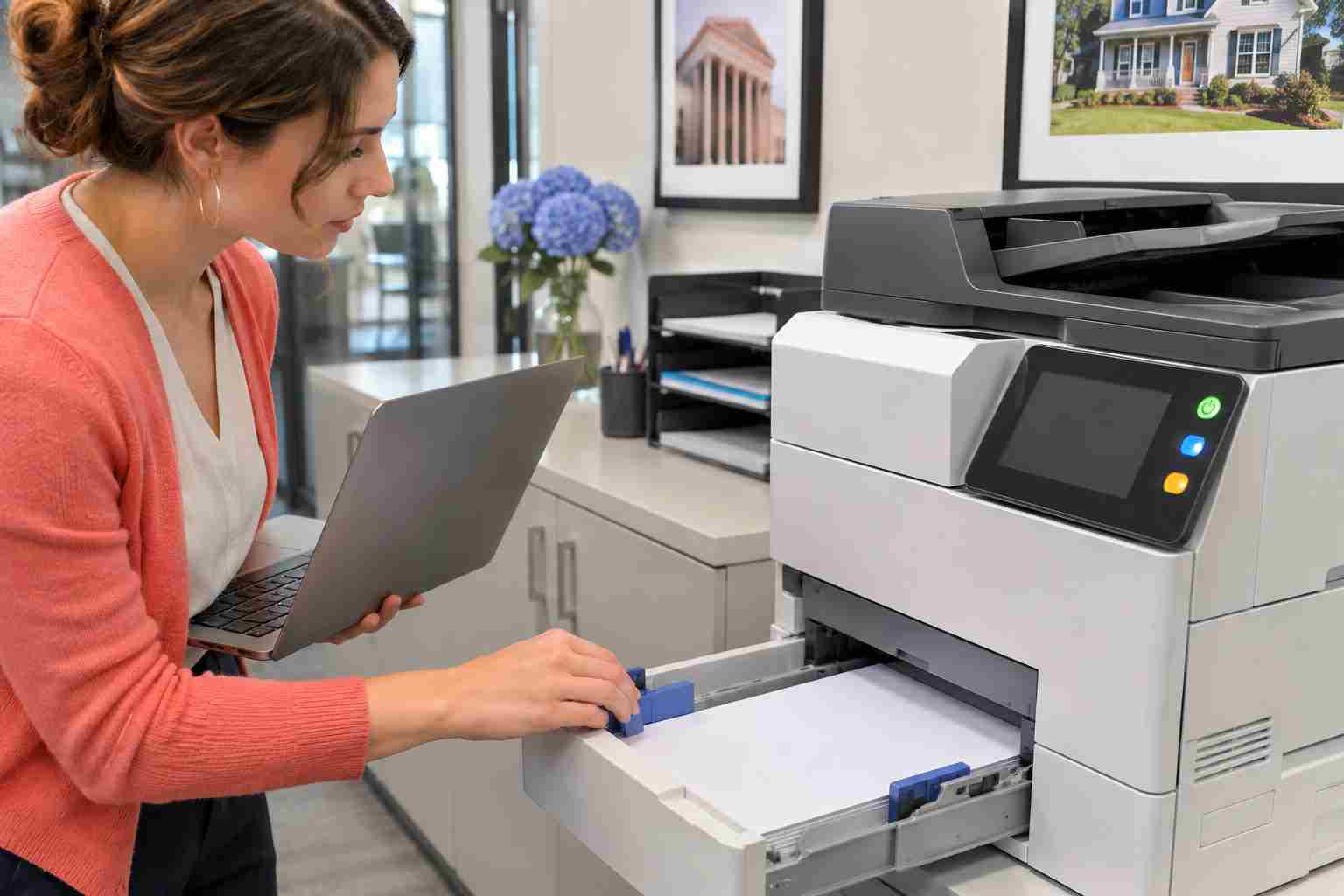
A shared office printer can be working normally for several employees while refusing to install on a new or recently updated computer. When that happens, replacing the printer or repeatedly reinstalling its software may not solve anything.
Microsoft has confirmed one such Windows 11 problem. An issue introduced by its October 2026 update could prevent users from adding a printer published through a company directory. The Windows Settings app might display error 87 and say, “The parameter is incorrect.”
Microsoft says the November 10 security update, KB5132061, fixes the issue for supported Windows 11 versions 24H2, 25H2 and 26H2.
This particular update-related problem has a fairly specific pattern:
Microsoft says the October issue generally did not affect printers that were already installed or ordinary printing from those devices.
If the printer is offline for everyone, has a paper jam, displays a hardware warning or has disappeared from the network entirely, the cause is probably different.
Before deleting printers or downloading new drivers, gather a few details:
These details can quickly separate a Windows installation problem from a printer, network, permissions or print-server problem.
For supported Windows 11 computers, open Settings > Windows Update and review the update status. The relevant November update is KB5132061.
Business-managed computers may receive updates through a company policy rather than immediately through the normal Windows Update screen. If an update is missing, employees should contact their IT provider instead of downloading an installer from an unfamiliar website.
Install approved updates, restart the computer if Windows requests it and then try adding the shared printer again.
Do not remove security updates simply to make a printer work. Updates frequently contain important protections in addition to individual bug fixes.
Printer troubleshooting becomes more disruptive when several unplanned changes are made at once. Avoid:
A failed printer installation is frustrating, but it is usually better to preserve the working configuration while the cause is identified.
Error 87 can have causes unrelated to Microsoft’s October update. If the November update is already installed, an IT technician may need to check:
This is especially important when multiple employees are affected. What looks like several individual computer problems may actually be one shared configuration issue.
Printer trouble rarely stays confined to printing. Employees may be unable to prepare contracts, shipping documents, patient forms, invoices or customer paperwork. They may create workarounds such as emailing documents to another employee, which wastes time and can create privacy concerns.
Managed IT support reduces those interruptions by tracking Windows updates, maintaining approved printer configurations and identifying whether a problem belongs to the PC, the network or the printer itself.


Himala and his team at Cybernetic Networks have been amazing. We have been a customer of Cybernetic Networks for well over 14 years now, both personally and professionally. Himala and his team are professional, reachable and on the cutting edge of technology. We have enjoyed doing business with Cybernetic Networks for many years and still rely on their knowledge, skills and technology every day
Himala and his Cybernetic team have never let me down! For over 10 years now they have been fixing my technical issues, set up all my new networks and computers and have safeguarded me from any hackers or malware. You can trust this company to navigate you as your company grows and to keep you on track with the latest in security and safety
I am a solo practicing neurologist and have had all my IT needs covered through Cybernetic Networks since 2007. They are the best! All of their tech support staff is extremely knowledgeable and efficient. Just as importantly, they are quickly responsive whenever we need their assistance. I couldn’t be happier with their service and give them my highest recommendation!
I couldn't be happier with Cybernetics - they are experts, always respond quickly , and solves any issues I have.
Cybernetic Networks has been advising and supporting all our IT issues and purchases for the last 18 years. They are very responsive and extremely knowledgeable- always providing us with timely services.
It is not often you find small business companies that are not only rewarding to work with, but also have integrity, truth and skill. I have worked with this company for over 20 years, and the service is outstanding. I can easily recommend that if you need an IT company, this is the one to get. Full STOP! Look no further, you will be happy that you did. Sue Myhelic, Gulf Breeze Real Estate, Naples, Florida.
Himala and his team from Cybernetic Networks, Inc. has been an integral part of our successful retail business for the past 20 years. He is extraordinarily knowledgable and always available for our IT needs. Thanks to Himala and his team we are always up and running.