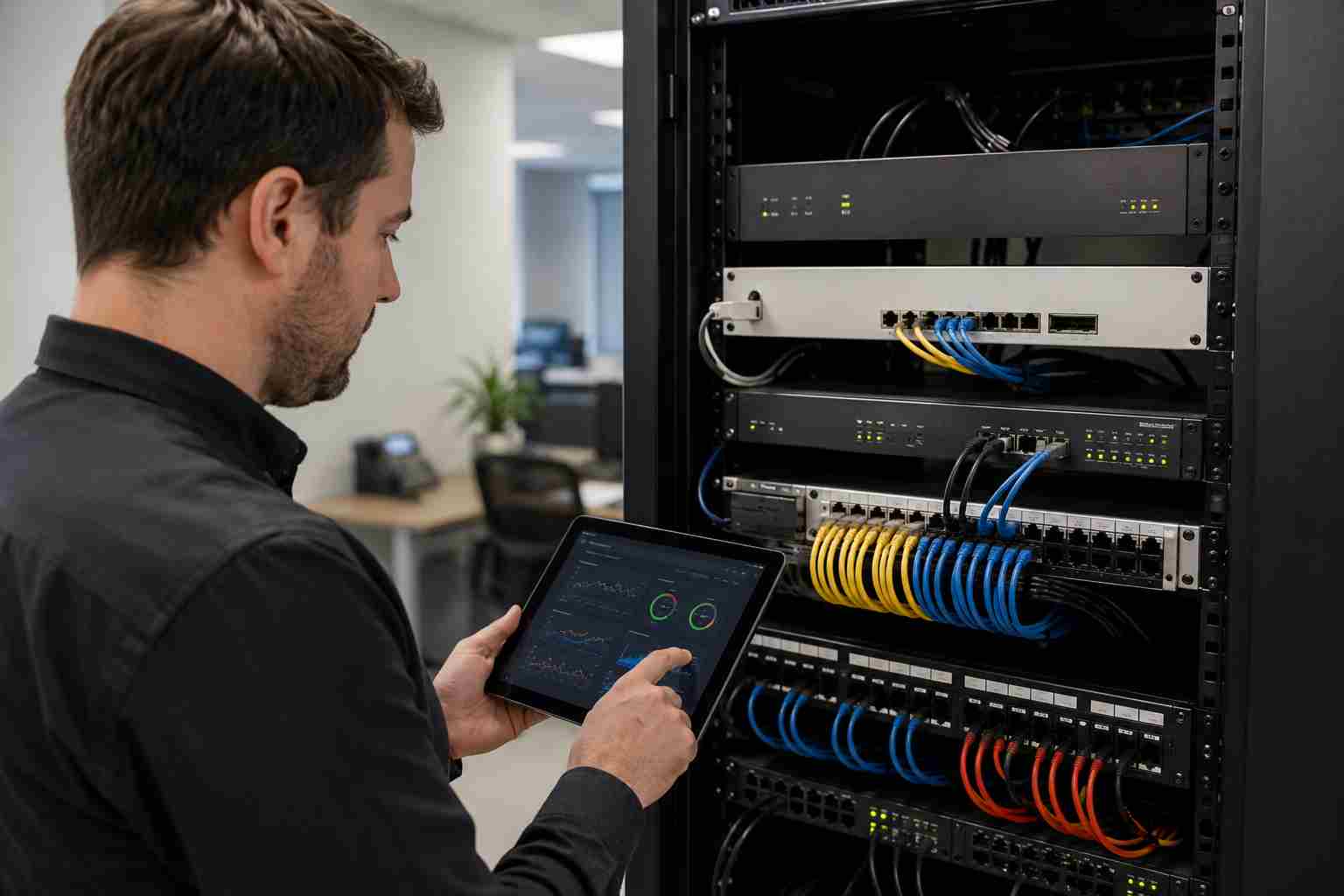
Many small businesses depend on remote access every day. Employees may connect from home. Vendors may support software after hours. Owners may check files, reports, cameras, or accounting systems while away from the office.
That convenience is useful, but it also makes VPNs and firewalls important security doors into the business.
Recent cybersecurity reporting has highlighted active attacks against certain VPN and firewall products, including a Check Point remote access VPN flaw that Dark Reading reported was exploited before public disclosure. The reporting also noted that at least one case was associated with a ransomware affiliate.
For small businesses, the lesson is not “panic about one brand.” The lesson is simpler: if your firewall or VPN is outdated, misconfigured, or using old remote access settings, it can become a serious business risk.
A VPN is often used to create a secure connection into a company network. A firewall helps control what traffic is allowed in and out. These tools are supposed to protect the business.
But if they are not maintained, attackers may treat them like a side door.
That matters because a successful attack on remote access can potentially lead to:
Small businesses in Orlando and Central Florida often run lean teams. If a firewall problem turns into downtime, it may not just affect “IT.” It can stop appointments, delay invoices, interrupt customer service, or slow an entire workday.
One important detail in the recent Check Point reporting was that the exploited issue involved older VPN technology and legacy configurations. That is a common small-business problem.
Technology gets installed, it works, and then nobody wants to touch it.
Years later, the business may still be relying on settings that made sense at the time but are no longer the safest option. The company may not know whether the firewall is still supported, whether remote access users are current, or whether old vendor accounts still exist.
Common warning signs include:
A small business does not need to understand every technical detail to take this seriously. The practical question is: “Do we know who can get into our network, and do we know the equipment is current?”
Start with a remote access review.
Make a list of everyone who can connect to your business network remotely. Include employees, outside vendors, software providers, former contractors, and any shared accounts. If someone no longer needs access, remove it.
Next, confirm that remote access requires multi-factor authentication. MFA is the extra approval step after a password. It is not perfect, but it is still one of the most important protections a small business can use.
Then review the firewall itself. Ask:
If nobody can answer those questions, that is the issue to fix.
Firewall and VPN problems are often invisible until something breaks. Email still works. Employees can still browse the web. The office may look normal.
But attackers often look for exposed systems quietly. They scan for known weaknesses, old software, and remote access systems that were never cleaned up. Once they find a weak spot, the problem can move quickly.
A proactive review is far less disruptive than an emergency response.
Even with good security, every business needs a recovery plan. If ransomware hits, a clean and tested backup may be the difference between a bad day and a business-threatening outage.
Backups should be:
Do not assume backups are working just because they were set up years ago. Backup confidence comes from testing.
If your business uses remote access, ask your IT provider for a simple remote access and firewall health review. You do not need a 50-page report. You need clear answers:
That kind of review can turn a vague security worry into a short, practical action list.


Himala and his team at Cybernetic Networks have been amazing. We have been a customer of Cybernetic Networks for well over 14 years now, both personally and professionally. Himala and his team are professional, reachable and on the cutting edge of technology. We have enjoyed doing business with Cybernetic Networks for many years and still rely on their knowledge, skills and technology every day
Himala and his Cybernetic team have never let me down! For over 10 years now they have been fixing my technical issues, set up all my new networks and computers and have safeguarded me from any hackers or malware. You can trust this company to navigate you as your company grows and to keep you on track with the latest in security and safety
I am a solo practicing neurologist and have had all my IT needs covered through Cybernetic Networks since 2007. They are the best! All of their tech support staff is extremely knowledgeable and efficient. Just as importantly, they are quickly responsive whenever we need their assistance. I couldn’t be happier with their service and give them my highest recommendation!
I couldn't be happier with Cybernetics - they are experts, always respond quickly , and solves any issues I have.
Cybernetic Networks has been advising and supporting all our IT issues and purchases for the last 18 years. They are very responsive and extremely knowledgeable- always providing us with timely services.
It is not often you find small business companies that are not only rewarding to work with, but also have integrity, truth and skill. I have worked with this company for over 20 years, and the service is outstanding. I can easily recommend that if you need an IT company, this is the one to get. Full STOP! Look no further, you will be happy that you did. Sue Myhelic, Gulf Breeze Real Estate, Naples, Florida.
Himala and his team from Cybernetic Networks, Inc. has been an integral part of our successful retail business for the past 20 years. He is extraordinarily knowledgable and always available for our IT needs. Thanks to Himala and his team we are always up and running.




