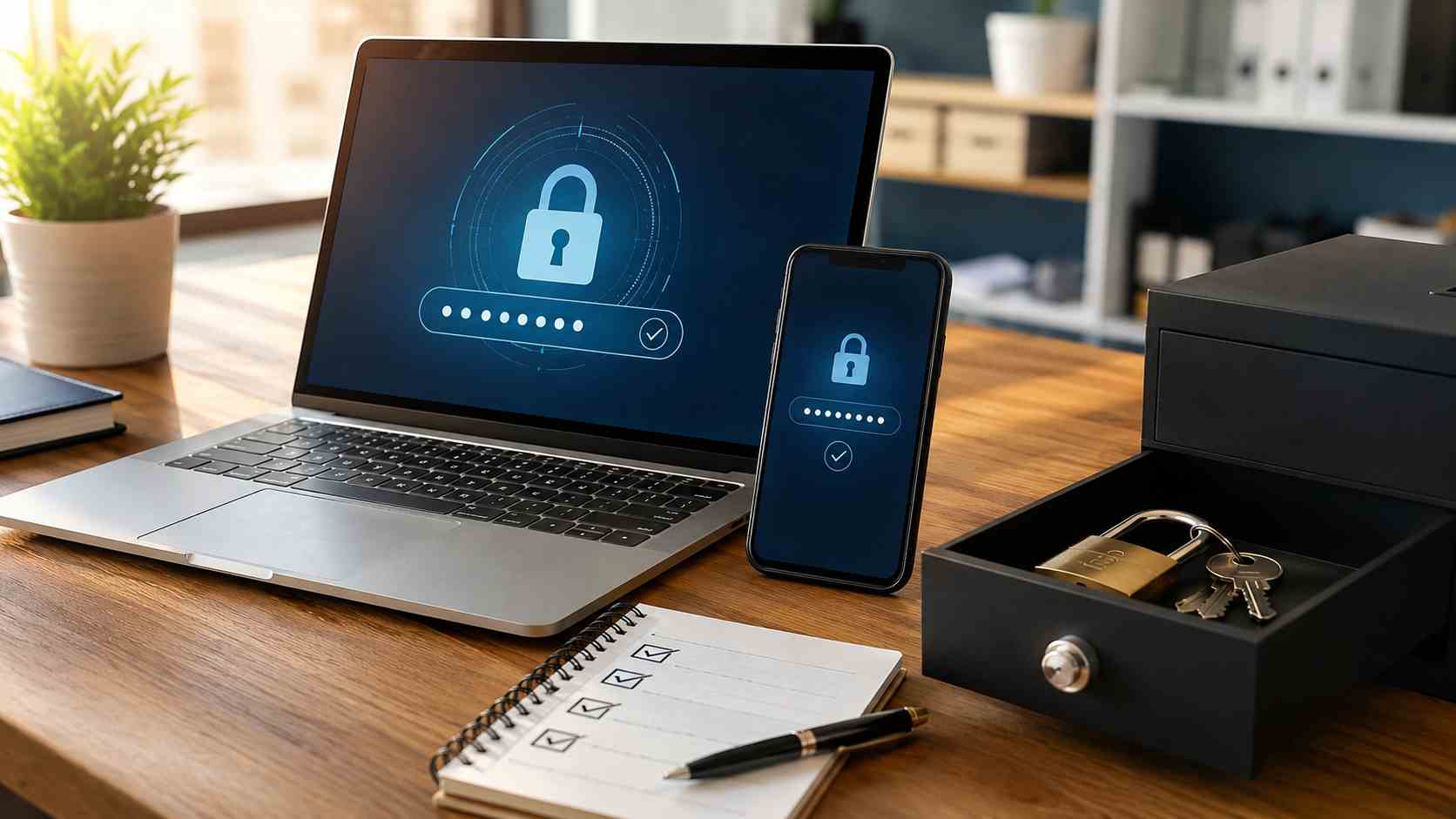
Microsoft Authenticator is familiar to many business users because it helps approve sign-ins and support multi-factor authentication, often called MFA. MFA is the extra step that proves the person signing in is really the account owner.
But Microsoft also used Authenticator for password autofill in the past. That password autofill feature has been discontinued, and Microsoft now directs users toward other options such as Microsoft Edge for saved password autofill.
For small businesses, the issue is not just the app change. The real issue is confusion. Employees may not know where their passwords are stored, whether their passkeys still work, or what to do when a login suddenly stops filling in automatically.
Microsoft says Authenticator’s autofill feature was phased out in 2025. The app still supports important sign-in functions, including Entra passkeys for work or school accounts, but it is no longer the place to rely on for password autofill.
That means a business should not assume every employee has a clean login setup just because MFA is enabled.
Some staff may have passwords saved in Edge. Others may use Chrome, Apple Passwords, a third-party password manager, or a mix of personal and business tools. Some may still be typing passwords from memory or using the same password in multiple places.
That inconsistency creates support problems and security risks.
When logins are messy, work slows down. Staff get locked out. Password resets increase. People may write passwords down, reuse easy passwords, or approve prompts without thinking because they are frustrated.
It can also affect security. Microsoft has reported very high volumes of password attacks, and NIST recommends using password managers for accounts that still require passwords. The National Cybersecurity Alliance also encourages password manager use because it helps people create and store strong, unique passwords.
For small businesses, the goal is not to chase every new login trend. The goal is to make sign-ins safer and easier for employees.
Here is the simple version:
A password is something you know. If someone steals it, they may be able to use it.
MFA adds another step, such as an app approval, code, security key, or biometric confirmation.
A password manager stores strong, unique passwords so employees do not have to remember or reuse them.
A passkey is a newer sign-in method tied to a device or secure account system. It can reduce the risk of phishing because there is no normal password for an attacker to trick the user into typing.
Most small businesses will use a mix of these for a while. That is normal. What matters is having a clear standard.
Start with a basic account review.
Ask:
This does not need to be a scary project. It can be a simple cleanup.
Do not confuse “Authenticator still works” with “all password storage is fine.”
Authenticator may still be used for MFA or passkeys, but that does not mean it should be treated as the company password plan. Businesses should decide where passwords belong, how MFA is enforced, and how account recovery is handled.
That is especially important for Microsoft 365, accounting systems, banking portals, website admin accounts, payroll tools, and customer databases.
A cleaner login setup reduces lockouts, lowers the chance of password reuse, and makes onboarding and offboarding easier. It also helps employees feel less annoyed by security, because the rules are clearer.
For many small businesses, the best next step is a short account and password review. You do not have to replace everything at once. Start with your most important accounts and build from there.


Himala and his team at Cybernetic Networks have been amazing. We have been a customer of Cybernetic Networks for well over 14 years now, both personally and professionally. Himala and his team are professional, reachable and on the cutting edge of technology. We have enjoyed doing business with Cybernetic Networks for many years and still rely on their knowledge, skills and technology every day
Himala and his Cybernetic team have never let me down! For over 10 years now they have been fixing my technical issues, set up all my new networks and computers and have safeguarded me from any hackers or malware. You can trust this company to navigate you as your company grows and to keep you on track with the latest in security and safety
I am a solo practicing neurologist and have had all my IT needs covered through Cybernetic Networks since 2007. They are the best! All of their tech support staff is extremely knowledgeable and efficient. Just as importantly, they are quickly responsive whenever we need their assistance. I couldn’t be happier with their service and give them my highest recommendation!
I couldn't be happier with Cybernetics - they are experts, always respond quickly , and solves any issues I have.
Cybernetic Networks has been advising and supporting all our IT issues and purchases for the last 18 years. They are very responsive and extremely knowledgeable- always providing us with timely services.
It is not often you find small business companies that are not only rewarding to work with, but also have integrity, truth and skill. I have worked with this company for over 20 years, and the service is outstanding. I can easily recommend that if you need an IT company, this is the one to get. Full STOP! Look no further, you will be happy that you did. Sue Myhelic, Gulf Breeze Real Estate, Naples, Florida.
Himala and his team from Cybernetic Networks, Inc. has been an integral part of our successful retail business for the past 20 years. He is extraordinarily knowledgable and always available for our IT needs. Thanks to Himala and his team we are always up and running.




