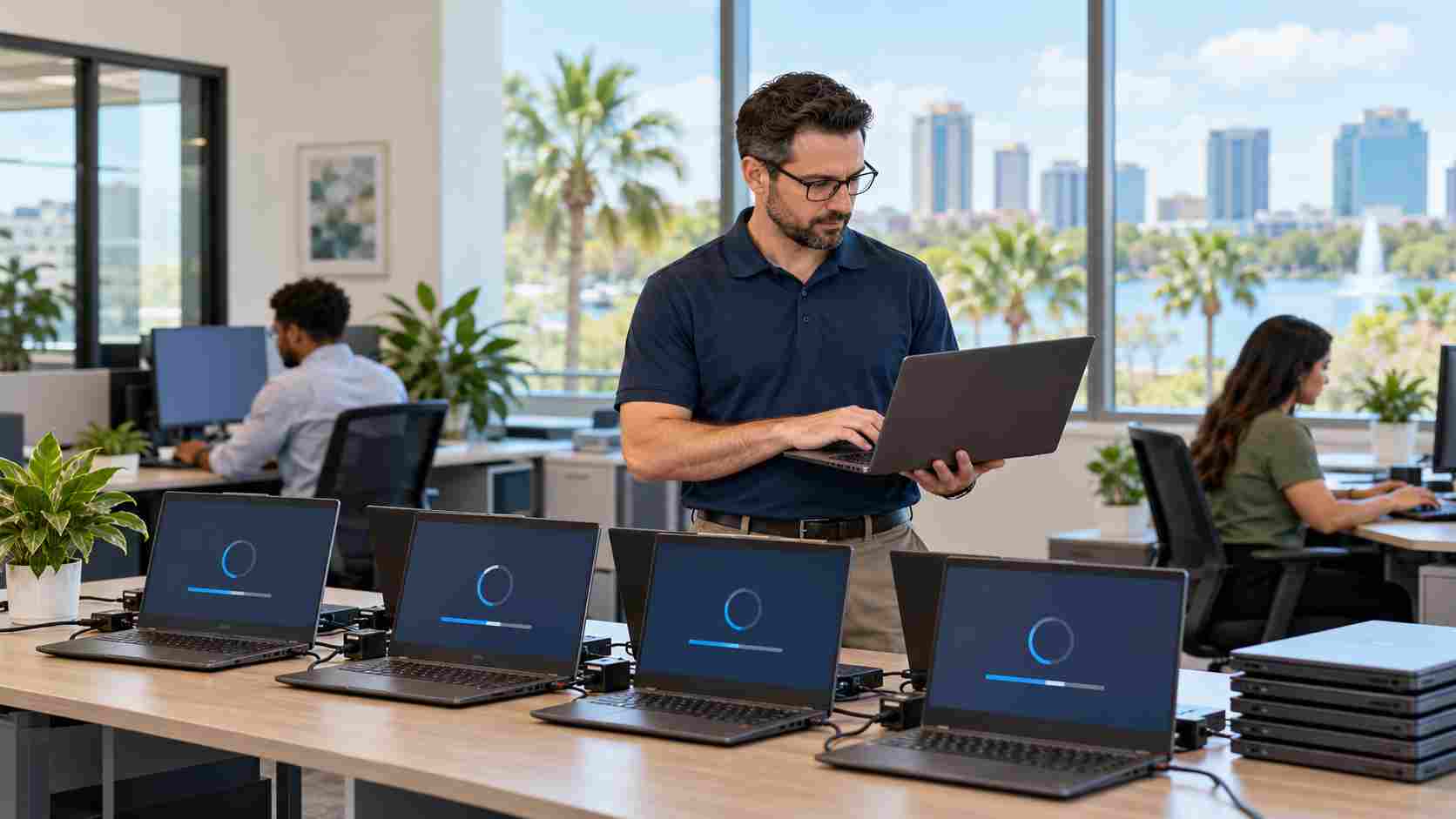
Microsoft released the Windows 11 2026 Update, also called version 26H2, on September 29. For eligible computers already running Windows 11 version 24H2 or 25H2, Microsoft says the move to 26H2 can use a relatively small “enablement package” and may require only a quick restart.
That sounds simple, but a small business should still resist the temptation to update every computer at once.
The installation itself may be fast. The larger question is whether your accounting software, printers, scanners, security tools, specialty applications, and other business equipment will continue working as expected afterward.
Version 26H2 is Microsoft’s annual Windows 11 feature update for 2026. Because it shares its underlying foundation with recent Windows 11 releases, eligible computers may already contain many of the required components.
Installing the update activates the new version and resets the Windows support period. Microsoft lists 24 months of support for Home and Pro editions and 36 months for Enterprise and Education editions.
The update also includes Microsoft’s latest quality, reliability, and security improvements. Staying on a supported Windows release matters because supported computers continue receiving security fixes and compatibility improvements.
A Windows update can expose a problem that was not obvious during normal work. An older printer driver may stop cooperating. A line-of-business application might display incorrectly. A laptop may need a firmware or driver update before it behaves reliably.
For an Orlando small business, an unplanned problem can mean:
Microsoft recommends that commercial customers begin with targeted deployments to validate their devices, applications, and critical workflows before expanding the update more broadly.
Select one or two computers that represent the equipment your staff uses. Avoid choosing the only computer capable of running a critical application.
After installing 26H2, test the work people actually perform:
Run the pilot long enough to reveal everyday problems. A successful login immediately after the update is not the same as a successful business test.
Microsoft uses “safeguard holds” when it detects a known compatibility issue involving particular hardware or software. A held computer may not be offered the new version immediately.
That delay can be useful. It gives Microsoft or another vendor time to correct the problem.
Employees should not use unofficial workarounds to force the update onto a computer that is not being offered it. An IT provider can review the device, determine whether a hold applies, and check for updated drivers or vendor guidance.
Businesses often discover that their computers are not all running the same version. Some may be ready for 26H2, while others need earlier updates, additional storage, driver work, or replacement planning.
This inventory is especially important because Microsoft says Windows 11 version 24H2 Home and Pro editions reach end of support in October 2026. Those editions should not be left without a migration plan.
An inventory should record:
Normal Windows updates should not erase business data, but backups remain an essential precaution. Verify that important files are included in a monitored backup and that the backup can actually be restored.
Files stored only on one employee’s desktop are particularly vulnerable. A business should know where its important information lives before any major change, equipment failure, or security incident occurs.
Once the pilot devices pass testing, roll out the update in manageable groups. Schedule installations outside important work periods and let employees know when their computers will restart.
Avoid updating the entire office immediately before payroll, a major customer deadline, or a busy operating day. Keep a record of successful devices and any machines that require follow-up.
The goal is not merely to install the newest version of Windows. It is to keep computers supported without interrupting the work those computers enable.


Himala and his team at Cybernetic Networks have been amazing. We have been a customer of Cybernetic Networks for well over 14 years now, both personally and professionally. Himala and his team are professional, reachable and on the cutting edge of technology. We have enjoyed doing business with Cybernetic Networks for many years and still rely on their knowledge, skills and technology every day
Himala and his Cybernetic team have never let me down! For over 10 years now they have been fixing my technical issues, set up all my new networks and computers and have safeguarded me from any hackers or malware. You can trust this company to navigate you as your company grows and to keep you on track with the latest in security and safety
I am a solo practicing neurologist and have had all my IT needs covered through Cybernetic Networks since 2007. They are the best! All of their tech support staff is extremely knowledgeable and efficient. Just as importantly, they are quickly responsive whenever we need their assistance. I couldn’t be happier with their service and give them my highest recommendation!
I couldn't be happier with Cybernetics - they are experts, always respond quickly , and solves any issues I have.
Cybernetic Networks has been advising and supporting all our IT issues and purchases for the last 18 years. They are very responsive and extremely knowledgeable- always providing us with timely services.
It is not often you find small business companies that are not only rewarding to work with, but also have integrity, truth and skill. I have worked with this company for over 20 years, and the service is outstanding. I can easily recommend that if you need an IT company, this is the one to get. Full STOP! Look no further, you will be happy that you did. Sue Myhelic, Gulf Breeze Real Estate, Naples, Florida.
Himala and his team from Cybernetic Networks, Inc. has been an integral part of our successful retail business for the past 20 years. He is extraordinarily knowledgable and always available for our IT needs. Thanks to Himala and his team we are always up and running.




