A speed test says your office internet connection is fast. A few minutes later, a customer’s voice becomes robotic, the video freezes, or an employee drops out of a Teams meeting.
This is frustrating because the obvious test appears to say nothing is wrong.
The missing piece is that video meetings need more than raw download speed. They also need a steady connection. A short interruption, inconsistent Wi‑Fi signal, or delayed piece of audio can be noticeable during a live conversation even when websites and email seem normal.
A speed test measures how much data the connection can move during a short test. Video meetings also depend on three less familiar measurements:
Microsoft’s Teams guidance says poor Wi‑Fi coverage, insufficient bandwidth, outdated wireless drivers, VPN configuration, and overloaded network equipment can all contribute to poor calls.
Ask employees where the trouble happens.
If meetings are unreliable only in the conference room, back office, reception area, or one corner of the building, the problem may be Wi‑Fi coverage rather than the internet service itself.
Walls, metal shelving, appliances, neighboring wireless networks, and the distance from the access point can weaken or disrupt a connection. A router hidden in a cabinet at one end of the office may not provide dependable coverage at the other end.
Keep a simple record of:
Patterns are far more useful than “the Wi‑Fi was bad again.”
Microsoft Teams includes a Call Health view that can show network conditions during a meeting.
During a call, select More actions, then Settings, and open Call health. Depending on the meeting and device, it can display information such as round-trip time, packet loss, and jitter.
Microsoft describes lower than 2% received packet loss, lower than 200 milliseconds of round-trip time, and lower than 30 milliseconds of received jitter as typical targets. These figures are helpful clues, but an IT professional should evaluate them in context.
Capture a screenshot or write down the readings while the problem is happening. A test performed hours later may miss an intermittent issue.
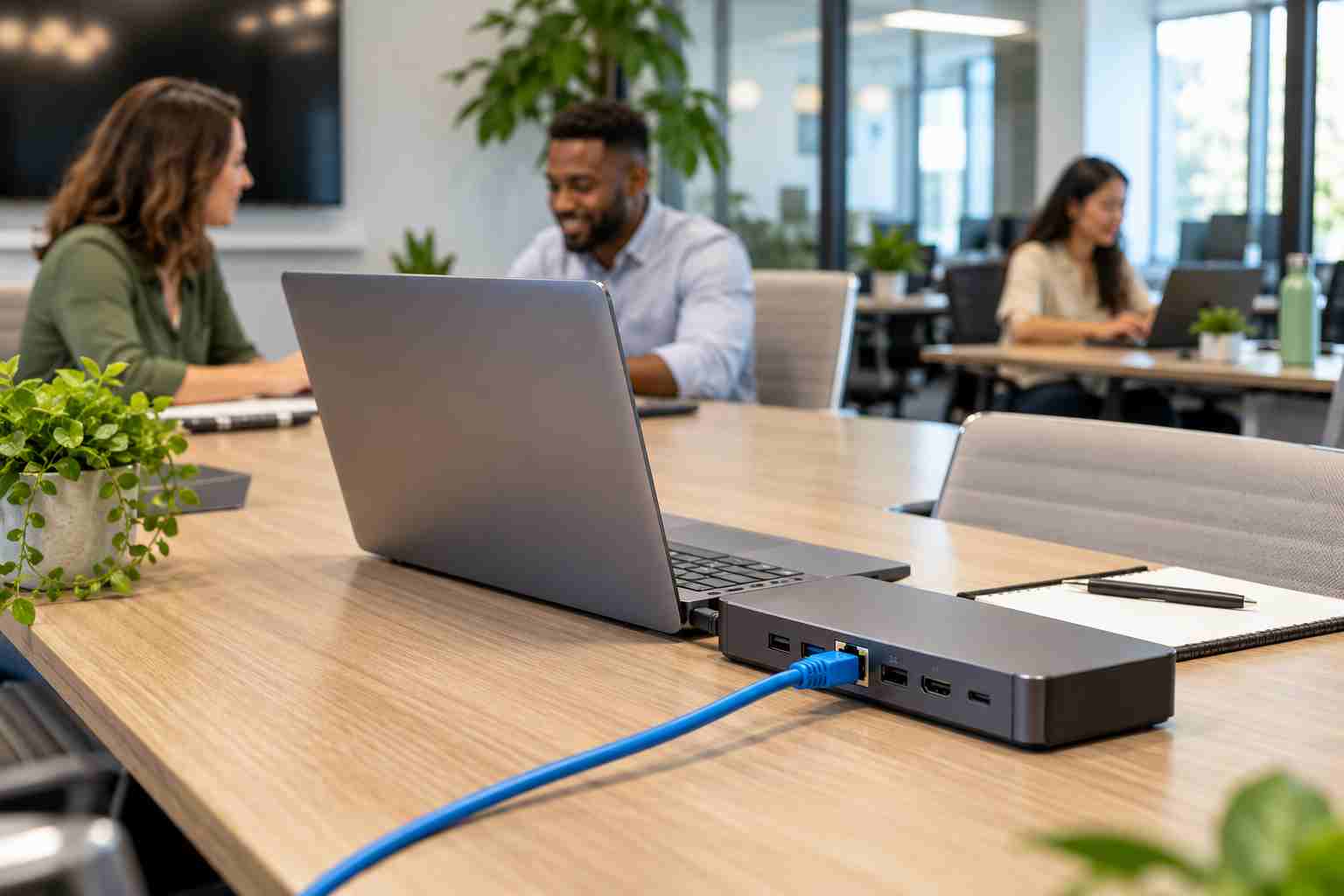
Connect the affected laptop to Ethernet, if possible, and repeat the call.
If the wired call works normally while Wi‑Fi remains unreliable, the internet service may be fine. The investigation should focus on wireless coverage, congestion, interference, access-point placement, or the laptop’s wireless adapter.
A wired connection is also a sensible permanent choice for conference-room systems, reception workstations, desktop computers, and other devices that do not need to move.
Poor calls are not always caused by Wi‑Fi. Microsoft notes that low video performance can also result from the computer’s processor or graphics hardware.
Try these basic checks:
Change one item at a time. Otherwise, you may temporarily improve the call without learning what caused the problem.
Many offices use both 2.4 GHz and 5 GHz Wi‑Fi.
The 2.4 GHz band generally reaches farther and passes through obstacles more effectively, but it is often more congested. The 5 GHz band commonly provides faster service and more usable channels, but it has a shorter range and does not pass through walls as well.
Employees should not have to manually switch networks throughout the day. A properly designed business Wi‑Fi system should help devices connect to the appropriate access point and band as people move around the office.
Buying a more expensive router does not guarantee a reliable business network. The issue may be access-point location, building materials, channel congestion, old wiring, outdated firmware, insufficient capacity, or the number and type of connected devices.
Adding wireless extenders without a plan can also create confusing network names, inconsistent performance, and difficult troubleshooting.
A proper assessment looks at the entire environment:
A dropped customer meeting is more than a technical inconvenience. It can delay decisions, interrupt sales calls, reduce confidence, and waste time for everyone in the conversation.


Himala and his team at Cybernetic Networks have been amazing. We have been a customer of Cybernetic Networks for well over 14 years now, both personally and professionally. Himala and his team are professional, reachable and on the cutting edge of technology. We have enjoyed doing business with Cybernetic Networks for many years and still rely on their knowledge, skills and technology every day
Himala and his Cybernetic team have never let me down! For over 10 years now they have been fixing my technical issues, set up all my new networks and computers and have safeguarded me from any hackers or malware. You can trust this company to navigate you as your company grows and to keep you on track with the latest in security and safety
I am a solo practicing neurologist and have had all my IT needs covered through Cybernetic Networks since 2007. They are the best! All of their tech support staff is extremely knowledgeable and efficient. Just as importantly, they are quickly responsive whenever we need their assistance. I couldn’t be happier with their service and give them my highest recommendation!
I couldn't be happier with Cybernetics - they are experts, always respond quickly , and solves any issues I have.
Cybernetic Networks has been advising and supporting all our IT issues and purchases for the last 18 years. They are very responsive and extremely knowledgeable- always providing us with timely services.
It is not often you find small business companies that are not only rewarding to work with, but also have integrity, truth and skill. I have worked with this company for over 20 years, and the service is outstanding. I can easily recommend that if you need an IT company, this is the one to get. Full STOP! Look no further, you will be happy that you did. Sue Myhelic, Gulf Breeze Real Estate, Naples, Florida.
Himala and his team from Cybernetic Networks, Inc. has been an integral part of our successful retail business for the past 20 years. He is extraordinarily knowledgable and always available for our IT needs. Thanks to Himala and his team we are always up and running.




