Call or Text - 
Orlando & Central Florida:
407-554-5534
Naples & Southwest Florida:
239-653-0252
cybernetic_logo_white
Schedule a Free Consultation

Why Microsoft Teams Calls Sound Robotic Even When Your Internet Seems Fast

08/26/2026
2149445127(1)

A Fast Speed Test Does Not Tell the Whole Story

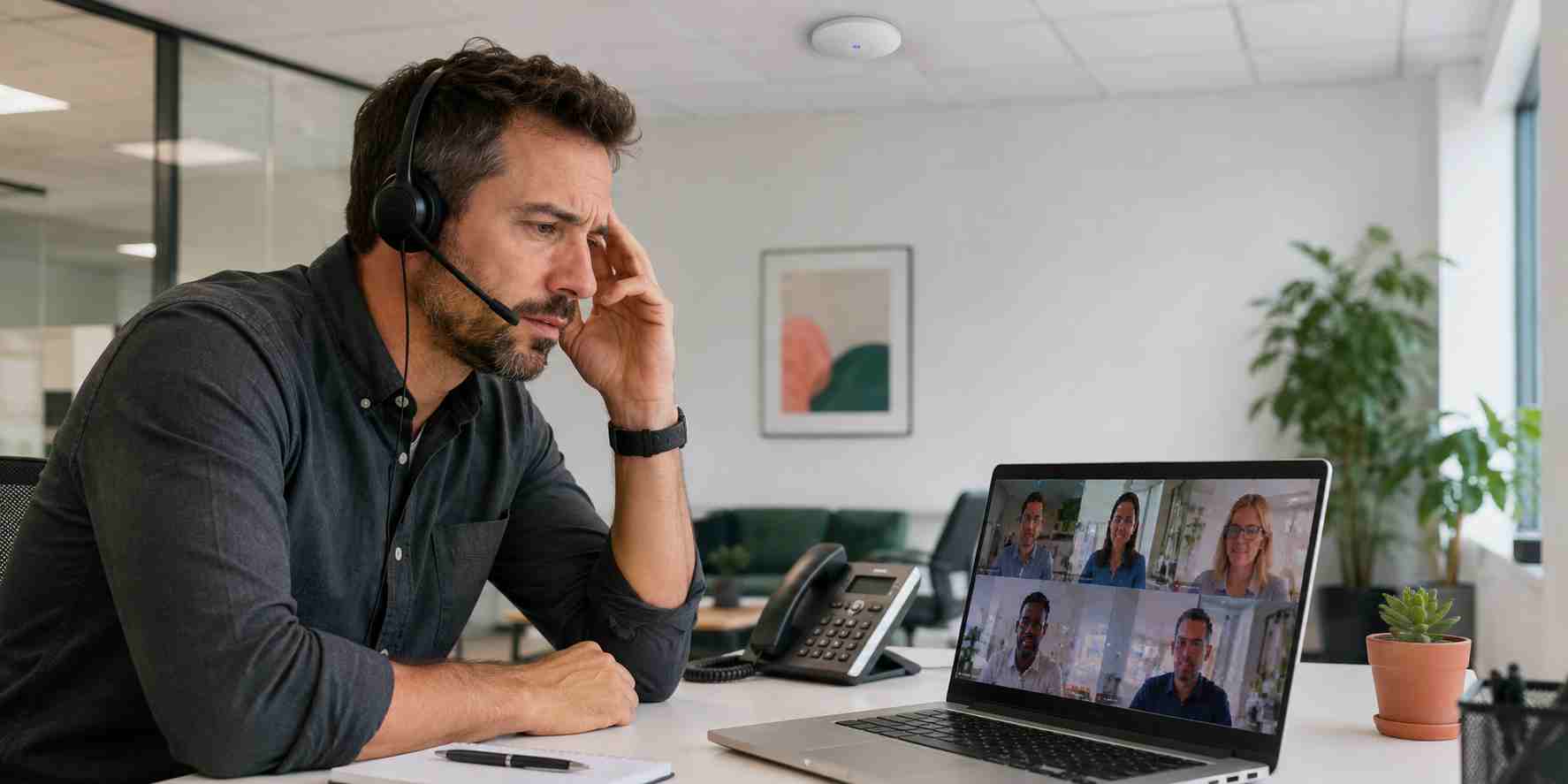
A customer is explaining an important problem, but every third word disappears. A remote employee sounds robotic. The video freezes while the audio continues. Someone leaves and rejoins the meeting, and the problem returns five minutes later.

The natural reaction is to run an internet speed test. When the result looks fast, the problem becomes even more confusing.

Microsoft Teams and other internet-based calling systems do not depend on speed alone. They also need information to travel consistently and arrive in the correct order. A connection can download large files quickly and still perform poorly during a live conversation.

Three Network Problems Behind Bad Calls

Microsoft identifies delay, changing delay, and lost data as important call-quality measurements.

Delay, often called latency, is how long information takes to travel between participants. Too much delay causes people to talk over one another because responses arrive late.

Changing delay, known technically as jitter, means pieces of the conversation are arriving at uneven intervals. The calling application tries to smooth them out, but excessive variation can make a voice sound distorted or robotic.

Lost data, called packet loss, happens when small pieces of the audio or video never arrive. That can produce missing words, frozen video, or complete audio cutouts.

A normal speed test may not clearly expose any of these problems.

Why the Problem May Affect Only Certain Employees

Call-quality trouble often follows a pattern. It may affect one conference room, one side of the office, remote employees using a company VPN, or everyone at the busiest time of day.

Common causes include:

  • A weak or congested Wi-Fi connection
  • Large cloud backups or file transfers competing with a meeting
  • An aging wireless access point or router
  • A laptop’s outdated wireless driver
  • A VPN sending call traffic through an unnecessarily long route
  • Firewall settings interfering with preferred Teams connections
  • Too many simultaneous calls for the office connection or network design
  • Poor headset, microphone, dock, or USB connectivity

Finding the pattern is more useful than repeatedly restarting random equipment.

What Employees Can Check Safely

When a call begins breaking up, try these simple checks:

  1. Move closer to the wireless access point. Walls, distance, and interference can weaken the connection even when the Wi-Fi icon looks normal.
  2. Use a wired connection when available. Connecting the laptop to Ethernet is a useful test. If the call immediately improves, the office Wi-Fi deserves closer attention.
  3. Pause unnecessary transfers. Large uploads, cloud synchronization, security-camera traffic, and online backups can compete with live calls.
  4. Disconnect unused audio devices. Confirm that Teams is using the intended headset, microphone, and speaker. A failing dock or Bluetooth connection can sound like a network problem.
  5. Record the time and location. Note which employee, device, meeting room, and internet connection were involved. This information helps support staff identify a pattern.

Avoid changing firewall, router, VPN, or advanced network settings without qualified assistance. An improvised adjustment can create security problems or make the fault harder to diagnose.

What Your IT Provider Can See

Microsoft provides call-quality information that an administrator can use to investigate individual calls and broader office trends. This can show whether poor calls are associated with delay, lost data, a particular building, a network connection, or a recurring group of devices.

An IT provider can then evaluate practical improvements such as:

  • Correcting wireless coverage or channel overlap
  • Updating managed network and device software
  • Prioritizing voice and video traffic during congestion
  • Reviewing firewall and Microsoft 365 connectivity
  • Improving the route used by remote employees
  • Scheduling large backups outside busy calling periods
  • Planning capacity around the number of simultaneous meetings

Microsoft calls traffic prioritization “Quality of Service.” In plain English, it gives time-sensitive calls a better place in line so they are less likely to become stuck behind a large download.

Treat Recurring Call Problems as a Business Issue

Poor calls waste meeting time, create misunderstandings, and make customer conversations feel less professional. Rejoining every meeting or buying a faster internet package may temporarily hide the issue without addressing its cause.


Cybernetic Networks can review Teams call information, office Wi-Fi, firewalls, internet usage, and managed devices to determine where call quality is breaking down. A properly monitored business network helps employees spend less time asking, “Can you hear me?” and more time serving customers.

Source Links

Quotes from our Customers

Posted on Google Google
Lori Hall Patel profile picture
Lori Hall Patel
Google star 1Google star 2Google star 3Google star 4Google star 5Trustindex verifies that the original source of the review is Google.
Fantastic service!
Posted on Google Google
Yaritza Quintero Luis profile picture
Yaritza Quintero Luis
Google star 1Google star 2Google star 3Google star 4Google star 5Trustindex verifies that the original source of the review is Google.
Cybernetic Networks Inc. provides excellent tech support for the office. Himala is always responsive, knowledgeable, and quick to resolve any issues I run into. I truly appreciate his reliability and professionalism—highly recommended!
Posted on Google Google
Carlos Villoch profile picture
Carlos Villoch
Google star 1Google star 2Google star 3Google star 4Google star 5Trustindex verifies that the original source of the review is Google.
From the very first call to Cybernetic, the team was responsive, knowledgeable, and genuinely committed to solving my issues. Their proactive approach and genuine care are what really stood out above any other IT Support Businesses. If you’re looking for IT support that’s dependable, friendly, and truly invested in keeping your technology running smoothly, this is the team you want. I can’t recommend them highly enough.
Posted on Google Google
KIMBERLY profile picture
KIMBERLY
Google star 1Google star 2Google star 3Google star 4Google star 5Trustindex verifies that the original source of the review is Google.
I would highly recommend Cybernetic Networks Inc. to anyone looking for reliable and trustworthy tech support.
Posted on Google Google
Tom moore profile picture
Tom moore
Google star 1Google star 2Google star 3Google star 4Google star 5Trustindex verifies that the original source of the review is Google.
Himala and his team at Cybernetic Networks have been amazing. We have been a customer of Cybernetic Networks for well over 14 years now, both personally and professionally. Himala and his team are professional, reachable and on the cutting edge of technology. We have enjoyed doing business with Cybernetic Networks for many years and still rely on their knowledge, skills and technology every day.
Posted on Google Google
Daniel Fusco profile picture
Daniel Fusco
Google star 1Google star 2Google star 3Google star 4Google star 5Trustindex verifies that the original source of the review is Google.
Himala and his Cybernetic team have never let me down! For over 10 years now they have been fixing my technical issues, set up all my new networks and computers and have safeguarded me from any hackers or malware. You can trust this company to navigate you as your company grows and to keep you on track with the latest in security and safety.
Posted on Google Google
Beth Wolff profile picture
Beth Wolff
Google star 1Google star 2Google star 3Google star 4Google star 5Trustindex verifies that the original source of the review is Google.
Cybernetic Networks has been advising and supporting all our IT issues and purchases for the last 18 years. They are very responsive and extremely knowledgeable- always providing us with timely services.
Posted on Google Google
Brian Wolff profile picture
Brian Wolff
Google star 1Google star 2Google star 3Google star 4Google star 5Trustindex verifies that the original source of the review is Google.
I am a solo practicing neurologist and have had all my IT needs covered through Cybernetic Networks since 2007. They are the best! All of their tech support staff is extremely knowledgeable and efficient. Just as importantly, they are quickly responsive whenever we need their assistance. I couldn’t be happier with their service and give them my highest recommendation!
Posted on Google Google
Patti Muzzonigro profile picture
Patti Muzzonigro
Google star 1Google star 2Google star 3Google star 4Google star 5Trustindex verifies that the original source of the review is Google.
I couldn't be happier with Cybernetics - they are experts, always respond quickly , and solves any issues I have.
Posted on Google Google
sue myhelic profile picture
sue myhelic
Google star 1Google star 2Google star 3Google star 4Google star 5Trustindex verifies that the original source of the review is Google.
It is not often you find small business companies that are not only rewarding to work with, but also have integrity, truth and skill. I have worked with this company for over 20 years, and the service is outstanding. I can easily recommend that if you need an IT company, this is the one to get. Full STOP! Look no further, you will be happy that you did. Sue Myhelic, Gulf Breeze Real Estate, Naples, Florida.

