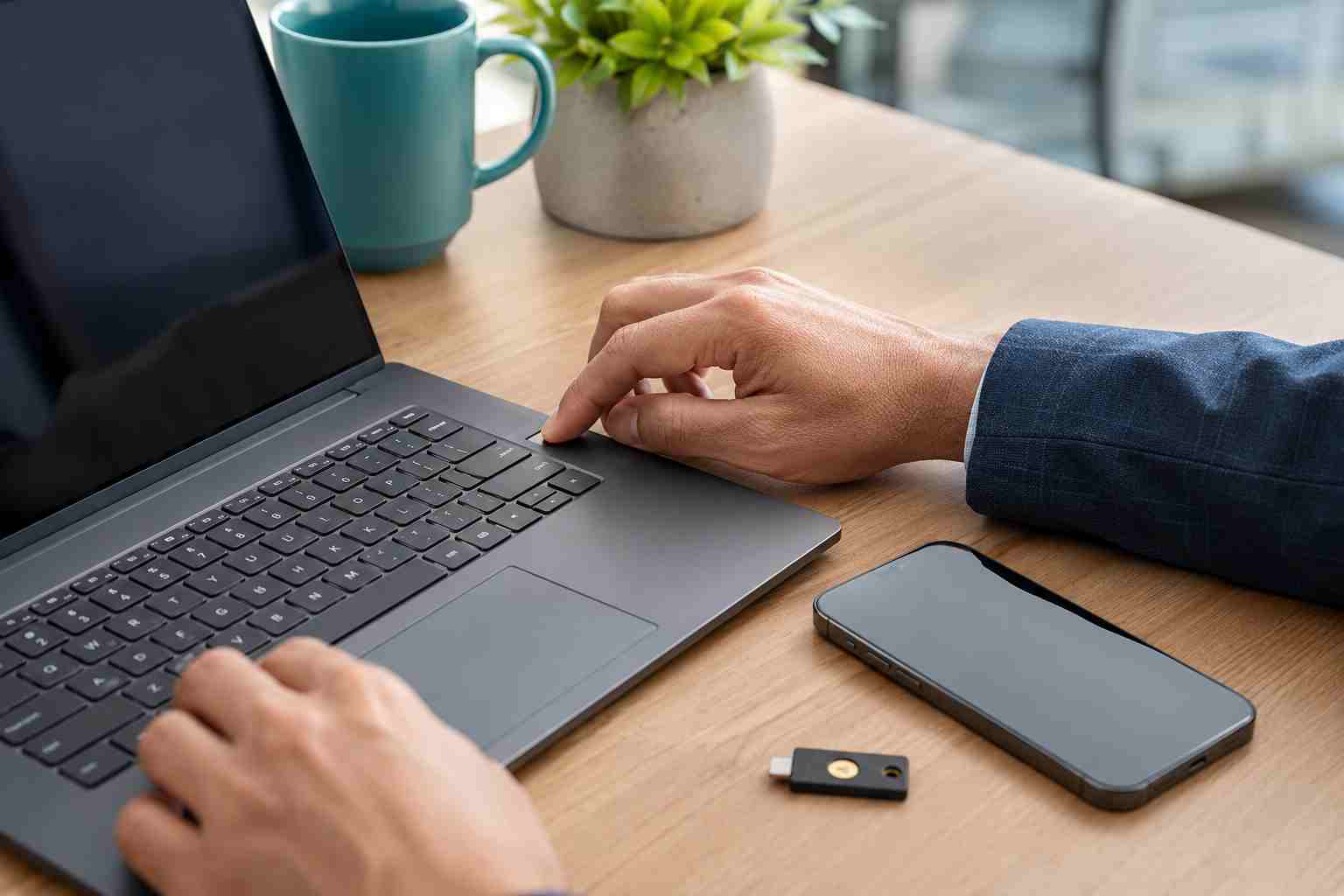
Employees who use text messages or phone calls to confirm Microsoft account sign-ins may soon start seeing prompts to register a passkey.
Microsoft says that beginning September 1, 2026, passkeys will become the default authentication experience in Microsoft Entra ID. Users who are enabled for SMS or voice authentication may be automatically enabled and encouraged to register a passkey.
This does not mean every Microsoft 365 password will suddenly stop working on September 1. It does mean businesses should prepare employees for a different sign-in experience instead of waiting for an unfamiliar prompt to create confusion or support calls.
A passkey replaces a typed password with a secure credential stored on a trusted device or security key. The employee confirms the sign-in using something familiar, such as:
The important difference is that the passkey is tied to the real website or application where it was created. A fake sign-in page cannot simply collect it and reuse it in the way criminals reuse stolen passwords or verification codes.
Passkeys are therefore described as “phishing-resistant.” They are designed to keep working securely even when someone clicks a convincing imitation of a Microsoft sign-in page.
Text-message verification is better than using a password alone, but it is not the strongest form of protection. Criminals can trick employees into sharing codes, redirect mobile numbers, or use fake sign-in pages that capture passwords and verification codes together.
Microsoft says its own delivery of SMS and voice authentication for Entra ID is scheduled to retire on February 1, 2027. Organizations that still depend on these methods will need to move users to passkeys or another supported approach, or arrange a separate telecom provider where appropriate.
For a small business, the transition can offer two benefits:
However, those benefits depend on a careful rollout. An employee who loses a phone or replaces a laptop still needs a reliable and secure way to recover access.
Ask your IT provider to review which employees rely on SMS or phone calls for Microsoft sign-ins. Pay special attention to owners, managers, finance staff, administrators, and anyone with access to sensitive customer information.
A passkey saved on a phone may be convenient for most employees. Device-bound credentials, Windows Hello, or physical security keys may be more appropriate for administrators and employees with especially sensitive access.
There is no single answer for every business. Device ownership, remote work, regulatory obligations, and the types of information employees handle should influence the decision.
Start with a few employees who can report confusing prompts, compatibility problems, or recovery concerns. A pilot group gives the business time to improve instructions before expanding the change to everyone.
Determine how an employee will sign in if a phone is lost, a laptop fails, or a security key is misplaced. Recovery should involve identity verification and an approved IT process, not an informal request over email or text.
Consider registering more than one approved sign-in method where the platform and company policy allow it.
Employees should know that a passkey registration prompt may appear, but that does not make every unexpected sign-in request trustworthy. Staff should contact the approved IT support channel when uncertain instead of following instructions from an unsolicited caller or email.
A criminal who gains control of an account may try to register a new authentication method. Administrators should review authentication-method changes and remove access promptly when an employee leaves the company.
Passkeys can greatly reduce password phishing, but they do not protect a business from every threat. A stolen, unlocked device, unsafe account-recovery process, excessive user permissions, or malicious software can still create risk.
Businesses should continue to maintain software updates, managed device security, reliable backups, account monitoring, employee training, and a documented process for adding and removing users.


Himala and his team at Cybernetic Networks have been amazing. We have been a customer of Cybernetic Networks for well over 14 years now, both personally and professionally. Himala and his team are professional, reachable and on the cutting edge of technology. We have enjoyed doing business with Cybernetic Networks for many years and still rely on their knowledge, skills and technology every day
Himala and his Cybernetic team have never let me down! For over 10 years now they have been fixing my technical issues, set up all my new networks and computers and have safeguarded me from any hackers or malware. You can trust this company to navigate you as your company grows and to keep you on track with the latest in security and safety
I am a solo practicing neurologist and have had all my IT needs covered through Cybernetic Networks since 2007. They are the best! All of their tech support staff is extremely knowledgeable and efficient. Just as importantly, they are quickly responsive whenever we need their assistance. I couldn’t be happier with their service and give them my highest recommendation!
I couldn't be happier with Cybernetics - they are experts, always respond quickly , and solves any issues I have.
Cybernetic Networks has been advising and supporting all our IT issues and purchases for the last 18 years. They are very responsive and extremely knowledgeable- always providing us with timely services.
It is not often you find small business companies that are not only rewarding to work with, but also have integrity, truth and skill. I have worked with this company for over 20 years, and the service is outstanding. I can easily recommend that if you need an IT company, this is the one to get. Full STOP! Look no further, you will be happy that you did. Sue Myhelic, Gulf Breeze Real Estate, Naples, Florida.
Himala and his team from Cybernetic Networks, Inc. has been an integral part of our successful retail business for the past 20 years. He is extraordinarily knowledgable and always available for our IT needs. Thanks to Himala and his team we are always up and running.




