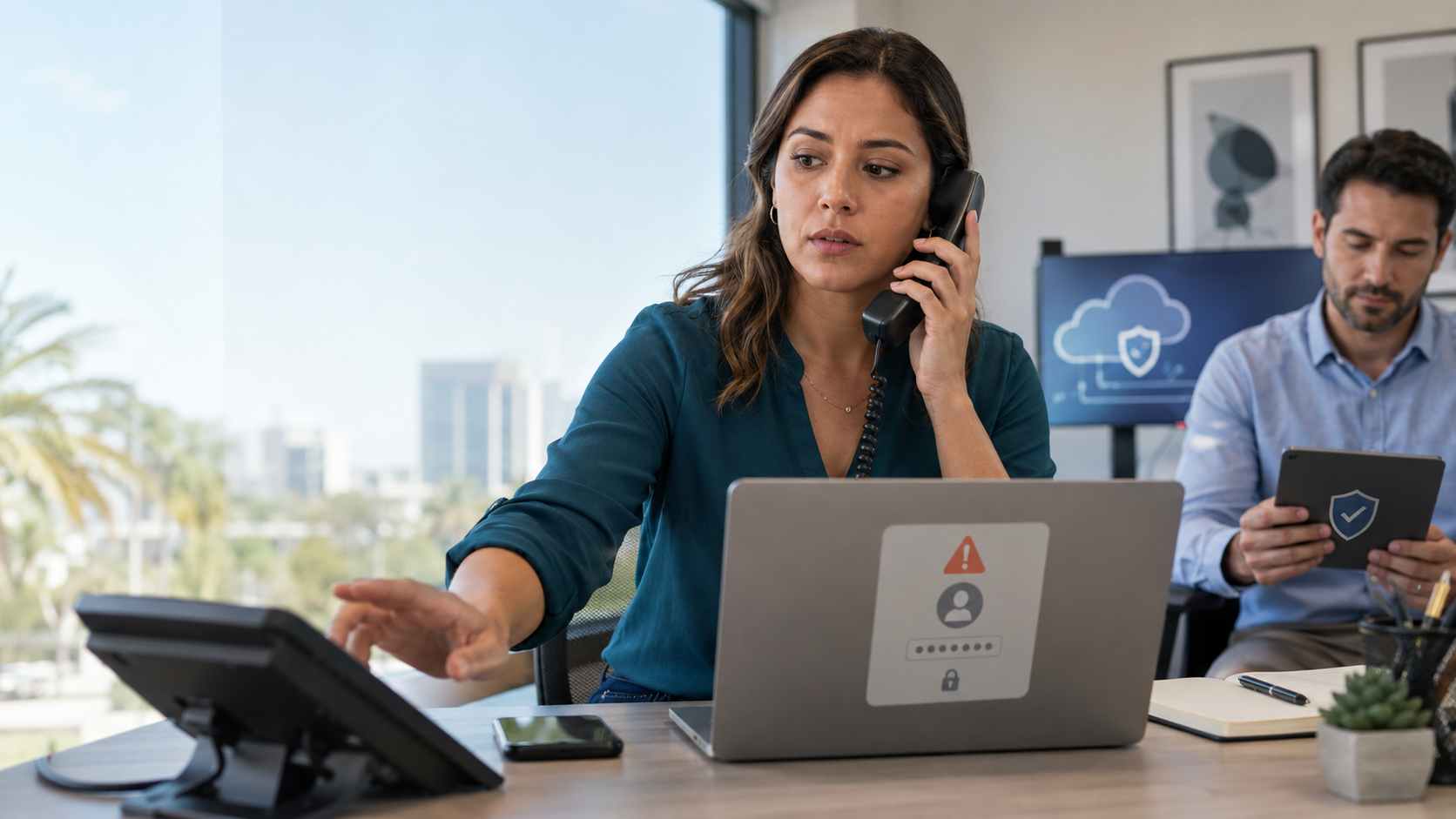
Most business owners know to be careful with suspicious emails. But what happens when the scam comes through a phone call instead?
That is the risk behind vishing, which means voice phishing. Instead of sending a fake email, an attacker calls an employee and pretends to be someone trustworthy, such as IT support, a software vendor, or a help desk representative. The goal is simple: get the employee to approve access, share a code, reset a login, or connect an app that should never have been approved.
For a small business, this can be especially dangerous because staff often move fast, wear multiple hats, and want to be helpful. A convincing call during a busy workday can lead to a serious security problem.
Google Threat Intelligence has reported campaigns where attackers impersonated IT support personnel and persuaded employees to authorize access to business cloud systems. In some cases, the attackers used connected apps to pull data from Salesforce and then attempted extortion later.
The important point for small businesses is this: the attack did not always depend on a software flaw. In many cases, it depended on convincing a real person to approve the wrong thing.
That matters because many businesses now rely on cloud apps for customer records, invoices, sales notes, email, documents, scheduling, and internal communication. If an attacker talks an employee into approving access, the damage can spread beyond one account.
A fake IT support call can lead to:
For Orlando-area small businesses, the risk is not limited to large companies with complex systems. If your business uses Microsoft 365, Google Workspace, QuickBooks, Salesforce, Dropbox, industry software, or other cloud tools, your staff may already be using the kinds of systems attackers want to access.
Employees should know that a real IT provider will not pressure them to approve a login, share a security code, install an unfamiliar app, or reset a setting without a clear reason.
A simple rule helps: if the call creates urgency, slow down.
If someone calls claiming to be from IT support or a software vendor, employees should hang up and call back using a known number, not a number provided by the caller.
This is especially important for requests involving:
Not every employee should be able to connect third-party apps to business systems. Cloud app permissions should be reviewed and limited so only approved administrators can authorize tools with broad access.
This helps prevent one rushed click from opening the door to sensitive data.
Many businesses have old connected apps, integrations, or trial tools that no one remembers approving. These should be reviewed periodically.
Look for apps that:
Employees should feel comfortable reporting suspicious calls without fear of blame. Fast reporting can make the difference between a close call and a costly incident.
A good internal message is: “If something feels off, stop and ask.”
Vishing works because it sounds personal. A phone call can feel more legitimate than an email, especially when the caller uses familiar business language and creates a sense of urgency.
Small businesses do not need complicated security rules to get better at this. They need clear approval procedures, strong account controls, employee awareness, and someone watching the bigger picture.


Himala and his team at Cybernetic Networks have been amazing. We have been a customer of Cybernetic Networks for well over 14 years now, both personally and professionally. Himala and his team are professional, reachable and on the cutting edge of technology. We have enjoyed doing business with Cybernetic Networks for many years and still rely on their knowledge, skills and technology every day
Himala and his Cybernetic team have never let me down! For over 10 years now they have been fixing my technical issues, set up all my new networks and computers and have safeguarded me from any hackers or malware. You can trust this company to navigate you as your company grows and to keep you on track with the latest in security and safety
I am a solo practicing neurologist and have had all my IT needs covered through Cybernetic Networks since 2007. They are the best! All of their tech support staff is extremely knowledgeable and efficient. Just as importantly, they are quickly responsive whenever we need their assistance. I couldn’t be happier with their service and give them my highest recommendation!
I couldn't be happier with Cybernetics - they are experts, always respond quickly , and solves any issues I have.
Cybernetic Networks has been advising and supporting all our IT issues and purchases for the last 18 years. They are very responsive and extremely knowledgeable- always providing us with timely services.
It is not often you find small business companies that are not only rewarding to work with, but also have integrity, truth and skill. I have worked with this company for over 20 years, and the service is outstanding. I can easily recommend that if you need an IT company, this is the one to get. Full STOP! Look no further, you will be happy that you did. Sue Myhelic, Gulf Breeze Real Estate, Naples, Florida.
Himala and his team from Cybernetic Networks, Inc. has been an integral part of our successful retail business for the past 20 years. He is extraordinarily knowledgable and always available for our IT needs. Thanks to Himala and his team we are always up and running.




