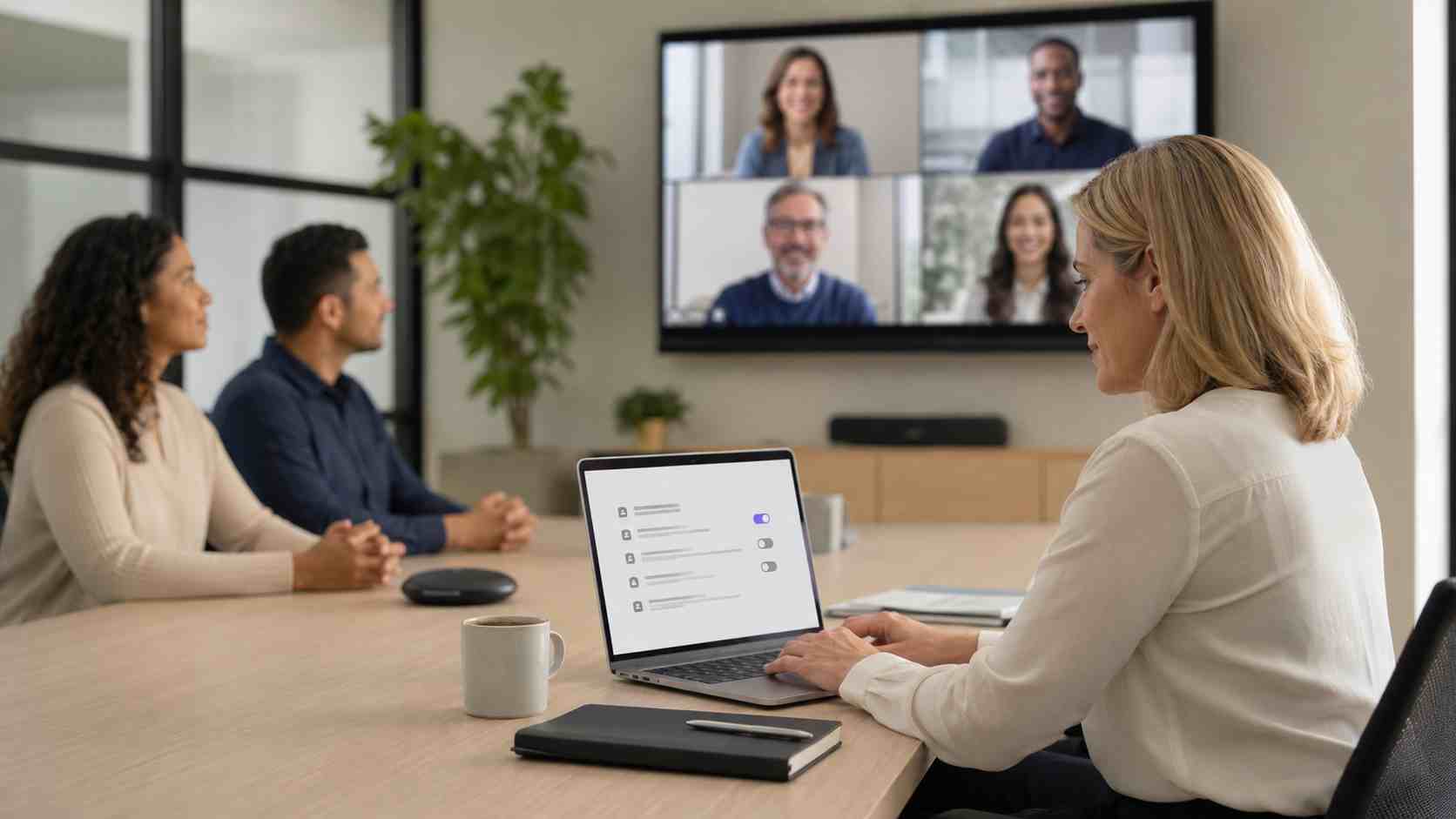
Microsoft Teams makes it easier than ever to record meetings, create transcripts, and use AI-powered recaps to catch up on what was discussed.
That can be a huge help for busy small businesses. A missed meeting can be summarized. Action items can be easier to find. A project conversation can be reviewed later.
But there is another side to it: recordings and transcripts can include customer details, pricing, employee issues, strategy discussions, passwords mentioned out loud, or internal decisions.
If your business uses Teams, it is worth taking a few minutes to review how meeting content is created, stored, and shared.
A meeting recording is not just a video. It can become a business record.
Depending on your Microsoft 365 setup, recordings and transcripts may be stored in OneDrive or SharePoint. Access may depend on meeting settings, sharing permissions, organizer choices, and company policies.
That means a recording may live longer than expected or be available to more people than intended.
For small businesses, the issue is usually not bad intent. It is unclear process. Employees may record a meeting because it feels convenient, then share it casually without thinking about what was discussed.
AI meeting recap tools can help summarize key points and action items. To work well, those tools may rely on transcription, recording, or meeting content.
That does not mean businesses should avoid them. It means businesses should decide when they are appropriate.
For example, an AI recap may be helpful for a weekly operations meeting. It may be less appropriate for a sensitive HR conversation, legal discussion, financial negotiation, or customer issue involving private information.
The setting that works for one meeting may not be right for every meeting.
Start with a practical Microsoft Teams checkup.
Who can record meetings?
Decide whether all users can record or whether recording should be limited to organizers, co-organizers, or certain roles.
Who can start transcription?
Transcripts can be just as sensitive as recordings. Treat them like business documents.
Where are recordings stored?
Understand whether files are landing in OneDrive, SharePoint, or other Microsoft 365 locations.
How long should recordings be kept?
Old recordings can become clutter and risk. Retention rules help keep storage and access under control.
Can users share recordings outside the company?
External sharing may be useful for clients, but it should be intentional.
Do employees know when not to record?
A short internal guideline can prevent awkward or risky situations.
Small businesses do not need a 40-page meeting policy. A short, clear rule set is often enough.
For example:
The goal is not to make meetings harder. The goal is to keep useful information useful without letting it spread unintentionally.


Himala and his team at Cybernetic Networks have been amazing. We have been a customer of Cybernetic Networks for well over 14 years now, both personally and professionally. Himala and his team are professional, reachable and on the cutting edge of technology. We have enjoyed doing business with Cybernetic Networks for many years and still rely on their knowledge, skills and technology every day
Himala and his Cybernetic team have never let me down! For over 10 years now they have been fixing my technical issues, set up all my new networks and computers and have safeguarded me from any hackers or malware. You can trust this company to navigate you as your company grows and to keep you on track with the latest in security and safety
I am a solo practicing neurologist and have had all my IT needs covered through Cybernetic Networks since 2007. They are the best! All of their tech support staff is extremely knowledgeable and efficient. Just as importantly, they are quickly responsive whenever we need their assistance. I couldn’t be happier with their service and give them my highest recommendation!
I couldn't be happier with Cybernetics - they are experts, always respond quickly , and solves any issues I have.
Cybernetic Networks has been advising and supporting all our IT issues and purchases for the last 18 years. They are very responsive and extremely knowledgeable- always providing us with timely services.
It is not often you find small business companies that are not only rewarding to work with, but also have integrity, truth and skill. I have worked with this company for over 20 years, and the service is outstanding. I can easily recommend that if you need an IT company, this is the one to get. Full STOP! Look no further, you will be happy that you did. Sue Myhelic, Gulf Breeze Real Estate, Naples, Florida.
Himala and his team from Cybernetic Networks, Inc. has been an integral part of our successful retail business for the past 20 years. He is extraordinarily knowledgable and always available for our IT needs. Thanks to Himala and his team we are always up and running.




