Microsoft changed the pricing and packaging of several commercial Microsoft 365 subscriptions during 2026. Along with the price changes, qualifying plans gained additional security and IT-management capabilities.
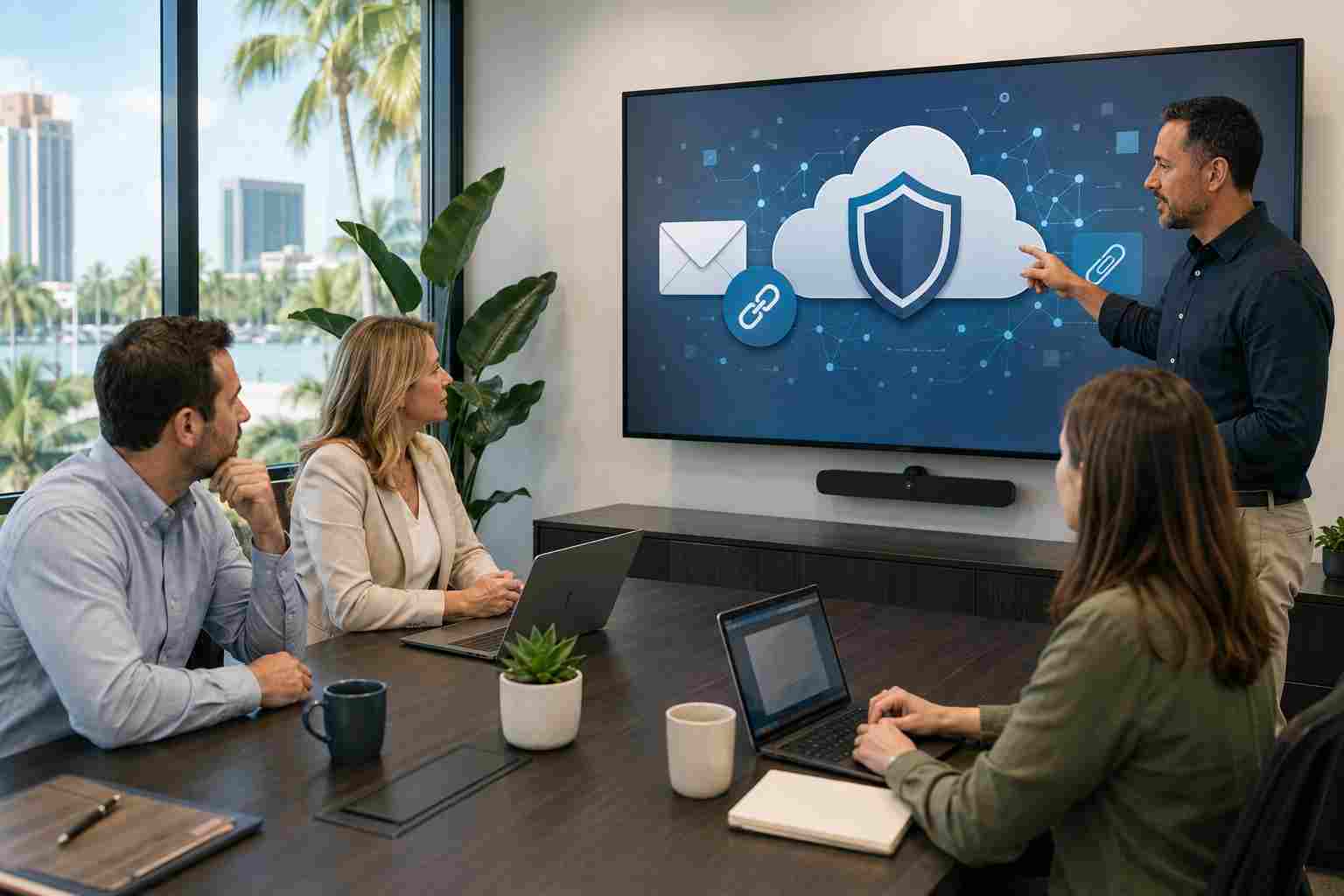
Microsoft says the expanded features include Microsoft Defender for Office 365 Plan 1 for certain subscriptions. This provides protections designed to identify dangerous links, suspicious attachments, phishing, and business email compromise.
That sounds reassuring, but a license appearing in the account does not automatically mean every useful policy has been reviewed, configured, or tested for the way your company works.
Defender for Office 365 Plan 1 adds protection beyond basic spam filtering.
Its capabilities can include:
These controls can reduce risk, but they do not eliminate the need for employee awareness, account security, and prompt investigation of suspicious activity.
Microsoft’s packaging differs by subscription. Before changing settings, confirm:
This review can prevent both security gaps and unnecessary licensing costs.
Once licensing is confirmed, an administrator should review how email protection is applied.
Important questions include:
Policies should be tested carefully. An overly aggressive rule can interfere with legitimate email, while a weak rule may provide less protection than the business expects.
Email is only one part of Microsoft 365. Employees also exchange files through Teams, OneDrive, and SharePoint.
A malicious file can arrive through a shared workspace instead of a traditional attachment. That is why businesses should review collaboration protection, sharing permissions, guest access, and the handling of files received from outside the company.
This is especially important for companies working with clients, vendors, contractors, or temporary staff.
Technical protection works best when employees know what to do with unexpected requests.
Staff should be encouraged to verify:
Employees also need a simple way to report questionable messages without worrying that they are wasting someone’s time.


Himala and his team at Cybernetic Networks have been amazing. We have been a customer of Cybernetic Networks for well over 14 years now, both personally and professionally. Himala and his team are professional, reachable and on the cutting edge of technology. We have enjoyed doing business with Cybernetic Networks for many years and still rely on their knowledge, skills and technology every day
Himala and his Cybernetic team have never let me down! For over 10 years now they have been fixing my technical issues, set up all my new networks and computers and have safeguarded me from any hackers or malware. You can trust this company to navigate you as your company grows and to keep you on track with the latest in security and safety
I am a solo practicing neurologist and have had all my IT needs covered through Cybernetic Networks since 2007. They are the best! All of their tech support staff is extremely knowledgeable and efficient. Just as importantly, they are quickly responsive whenever we need their assistance. I couldn’t be happier with their service and give them my highest recommendation!
I couldn't be happier with Cybernetics - they are experts, always respond quickly , and solves any issues I have.
Cybernetic Networks has been advising and supporting all our IT issues and purchases for the last 18 years. They are very responsive and extremely knowledgeable- always providing us with timely services.
It is not often you find small business companies that are not only rewarding to work with, but also have integrity, truth and skill. I have worked with this company for over 20 years, and the service is outstanding. I can easily recommend that if you need an IT company, this is the one to get. Full STOP! Look no further, you will be happy that you did. Sue Myhelic, Gulf Breeze Real Estate, Naples, Florida.
Himala and his team from Cybernetic Networks, Inc. has been an integral part of our successful retail business for the past 20 years. He is extraordinarily knowledgable and always available for our IT needs. Thanks to Himala and his team we are always up and running.




