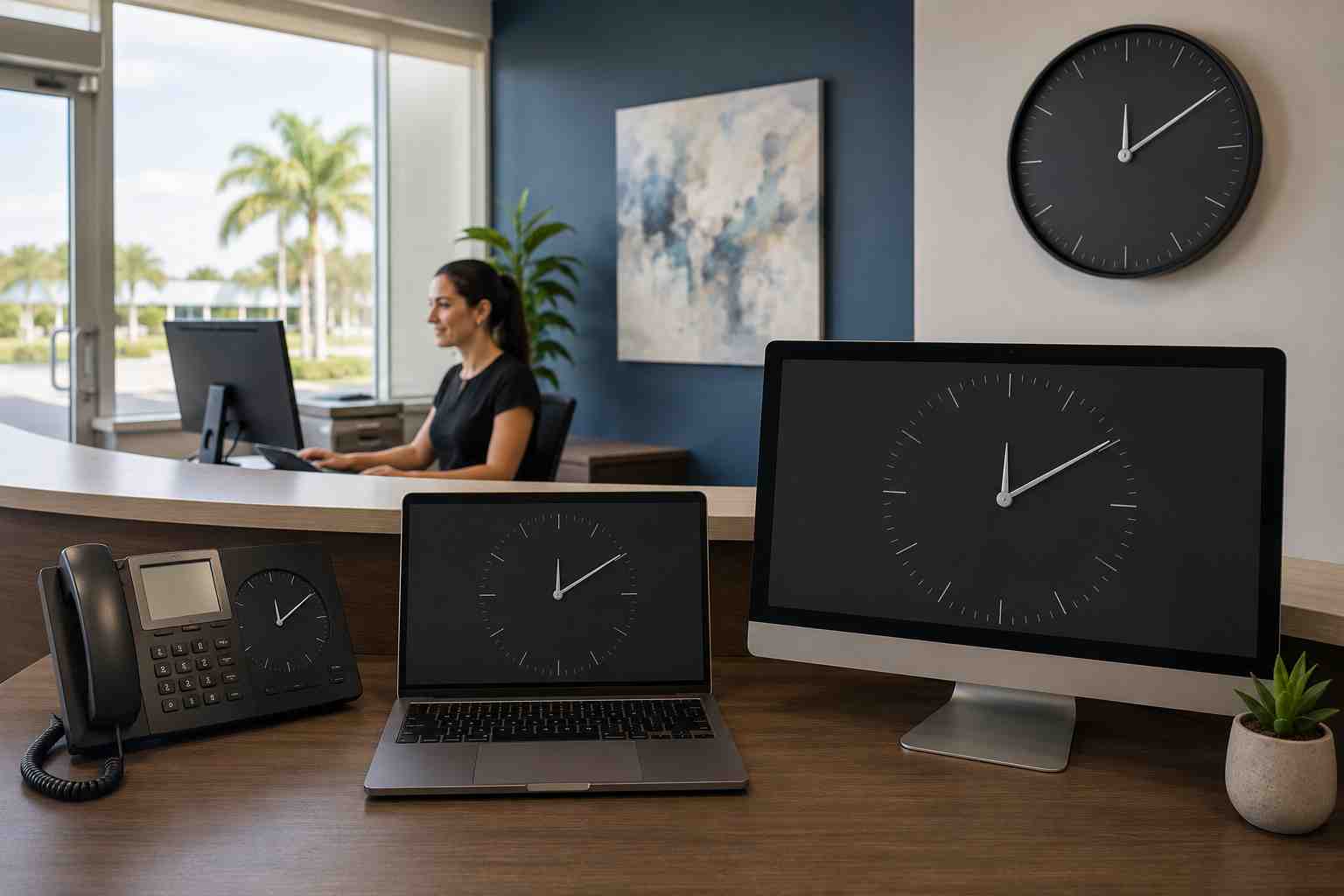
An employee turns on a computer and notices that the clock is an hour behind. Another laptop shows yesterday’s date. A meeting appears at the wrong time, or a secure website suddenly displays a warning.
It is tempting to ignore the clock and keep working. Unfortunately, computers use time for much more than the taskbar display.
Accurate time helps business systems confirm logins, validate secure connections, arrange calendar events, timestamp files, and record activity. When a computer’s clock or time zone is wrong, several unrelated applications may appear to fail at once.
A computer can display the wrong time for two basic reasons.
The clock itself may not be synchronized. For example, it may be several minutes or hours away from the correct time.
The time zone may also be incorrect. In that case, the computer may be keeping accurate time for the wrong part of the world.
This distinction matters in Orlando. Business computers should normally use the Eastern Time zone and adjust for daylight saving time according to company policy and Windows settings. A laptop previously used for travel or remote work may still be set to another location.
Employees may notice:
Microsoft’s Windows Time Service documentation notes that computers using business-domain authentication need synchronized clocks. If the difference becomes too large, authentication can fail.
First, compare the computer with a reliable source, such as a managed company device or a trusted network-connected phone. Determine whether the problem involves a few minutes, an entire hour, or the wrong date.
In Windows 11:
After correcting the setting, restart applications that were showing the wrong time. A full computer restart may be helpful if login or calendar problems continue.
Employees should avoid making repeated manual adjustments on a company-managed computer. A management policy or business server may be responsible for setting the time, and manual changes can hide the real problem.
Scope is one of the most useful troubleshooting clues.
If only one laptop is wrong, the issue may involve that computer’s settings, travel history, time service, firmware, or hardware.
If several computers change at the same time, the business may have a network, server, management-policy, or time-source problem. Ask IT to investigate rather than correcting each device individually.
Tell support:
Specific details help IT connect several symptoms to one cause.
If a website says its secure connection cannot be verified, check the computer’s date and time before assuming the website is broken.
However, do not use a clock problem as a reason to bypass a browser warning. The warning could still indicate a real security issue.
Correct the clock through the approved Windows settings. If the warning remains, stop and contact IT support. Employees should not install certificates, disable browser protections, or change advanced security settings to make the message disappear.
A one-time incorrect setting is often easy to fix. A clock that repeatedly changes needs investigation.
Possible causes include a disabled or malfunctioning Windows time service, an incorrect company time source, a management policy, travel-related settings, firmware trouble, or an aging internal clock component.
The employee does not need to identify which one is responsible. The useful action is to report that the problem returned after synchronization or restart.
Repeatedly setting the clock by hand treats the visible symptom while allowing the underlying cause to continue.
Businesses with managed Windows devices can apply consistent time settings, monitor recurring errors, and make sure workstations synchronize with the intended source.
This becomes especially valuable when the company depends on Microsoft 365, cloud accounting, remote access, shared files, or systems that record employee and customer activity.
Correct timestamps also make support and security investigations easier. When every device agrees on the time, technicians can compare events accurately instead of guessing which clock was wrong.


Himala and his team at Cybernetic Networks have been amazing. We have been a customer of Cybernetic Networks for well over 14 years now, both personally and professionally. Himala and his team are professional, reachable and on the cutting edge of technology. We have enjoyed doing business with Cybernetic Networks for many years and still rely on their knowledge, skills and technology every day
Himala and his Cybernetic team have never let me down! For over 10 years now they have been fixing my technical issues, set up all my new networks and computers and have safeguarded me from any hackers or malware. You can trust this company to navigate you as your company grows and to keep you on track with the latest in security and safety
I am a solo practicing neurologist and have had all my IT needs covered through Cybernetic Networks since 2007. They are the best! All of their tech support staff is extremely knowledgeable and efficient. Just as importantly, they are quickly responsive whenever we need their assistance. I couldn’t be happier with their service and give them my highest recommendation!
I couldn't be happier with Cybernetics - they are experts, always respond quickly , and solves any issues I have.
Cybernetic Networks has been advising and supporting all our IT issues and purchases for the last 18 years. They are very responsive and extremely knowledgeable- always providing us with timely services.
It is not often you find small business companies that are not only rewarding to work with, but also have integrity, truth and skill. I have worked with this company for over 20 years, and the service is outstanding. I can easily recommend that if you need an IT company, this is the one to get. Full STOP! Look no further, you will be happy that you did. Sue Myhelic, Gulf Breeze Real Estate, Naples, Florida.
Himala and his team from Cybernetic Networks, Inc. has been an integral part of our successful retail business for the past 20 years. He is extraordinarily knowledgable and always available for our IT needs. Thanks to Himala and his team we are always up and running.




