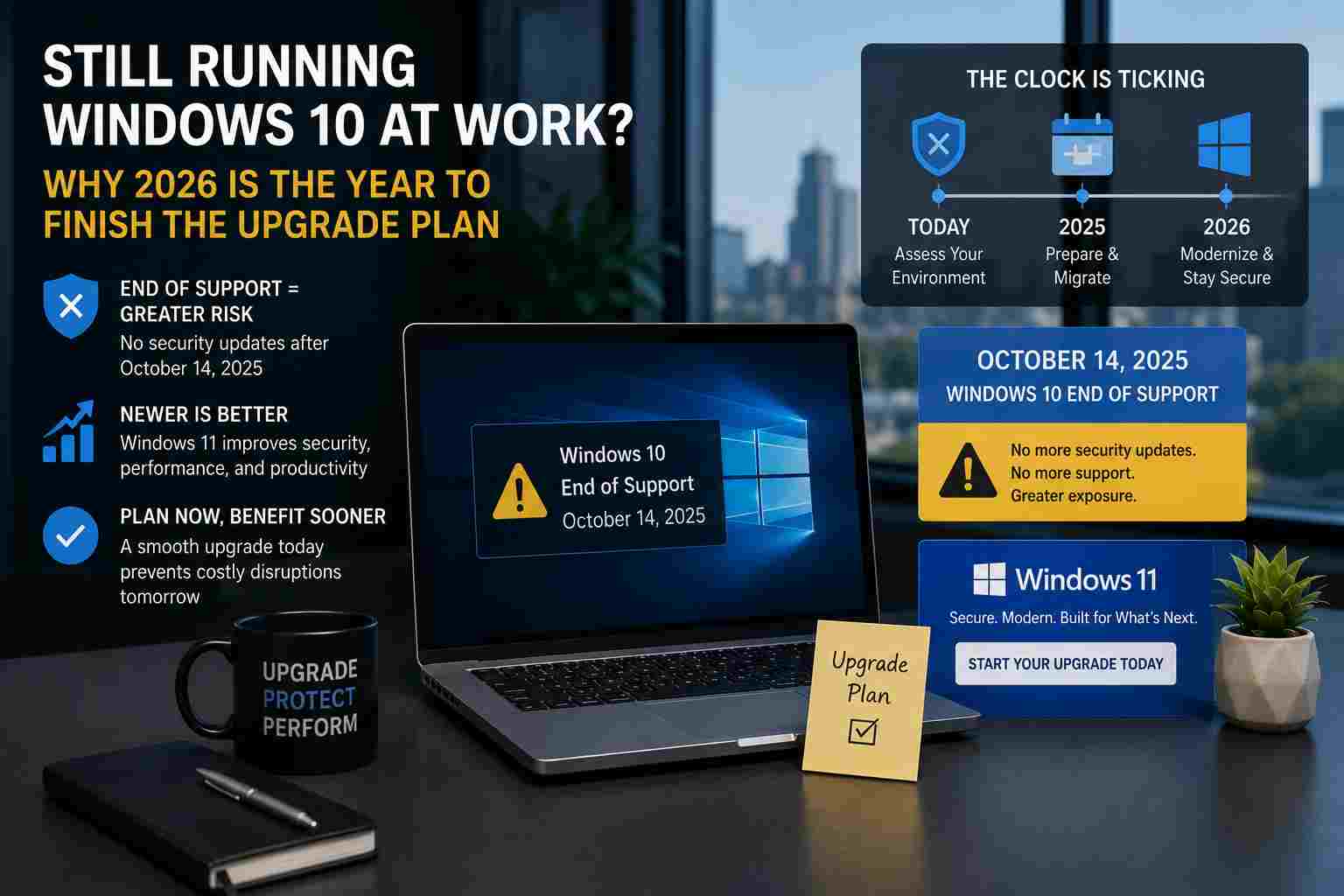
Many small businesses still have Windows 10 computers in daily use. They may open email, print invoices, run QuickBooks, access cloud files, or support a front desk. If they still turn on, it is easy to put off replacement planning.
But Windows 10 reached end of support on October 14, 2025. Microsoft has also explained that Microsoft 365 Apps on Windows 10 will continue in a more limited way, with devices eventually staying on a specific app version and receiving only security updates for a period of time.
For a small business, the concern is not just whether the computer turns on today. The concern is whether it will stay secure, compatible, reliable, and supportable.
End of support means the product is no longer part of Microsoft’s normal support lifecycle. Over time, that creates several practical problems.
A Windows 10 PC may still run, but the business may face:
This is why waiting until a computer breaks is usually the most expensive way to handle upgrades.
Many businesses think about Windows and Microsoft 365 separately. In real life, they are connected.
If employees use Outlook, Word, Excel, Teams, OneDrive, SharePoint, or Copilot-related features, the operating system matters. Microsoft’s documentation says Microsoft 365 Apps on Windows 10 will receive feature updates and Copilot support where eligible until Version 2608 is released. After that, devices remain on that version and receive security updates until October 10, 2028.
That does not mean every Windows 10 computer becomes useless overnight. It does mean businesses should stop treating Windows 10 as a normal long-term workstation platform.
Old computers create hidden costs. Staff lose time waiting on slow machines. Owners lose time approving emergency purchases. IT support becomes harder because aging systems often have more moving parts: old drivers, older software, unsupported hardware, and inconsistent updates.
For local businesses that depend on appointments, payments, phones, cloud files, and customer communication, a failed front-desk PC or office workstation can interrupt the whole day.
A planned refresh is usually calmer and less expensive than a rushed replacement.
Start with a simple device inventory. List every business computer and note:
Then sort devices into three groups.
First, upgrade-ready computers that can move to Windows 11 with minimal disruption. Second, computers that should be replaced because they are too old or unreliable. Third, special-purpose computers that need extra planning because they run legacy software, connect to equipment, or cannot be changed quickly.
A Windows upgrade is not only about the PC. A business should also check the surrounding tools.
Printers, scanners, label makers, accounting software, estimating tools, medical or legal applications, and industry-specific systems may need updated drivers or compatibility checks. This is especially important for businesses that have older hardware connected by USB or older network protocols.
The best time to find that out is before the upgrade, not on a Monday morning when employees are trying to open.
Small businesses should avoid turning this into a panic project. A good plan can be simple:
If budget is a concern, spread replacements across a few months. The important part is having a plan instead of waiting for a failure.
Device upgrades are not exciting, but they protect daily operations. A managed IT provider can help track aging computers, confirm upgrade readiness, handle backups, reduce downtime, and make sure users are not surprised by missing files, broken printers, or software issues.


Himala and his team at Cybernetic Networks have been amazing. We have been a customer of Cybernetic Networks for well over 14 years now, both personally and professionally. Himala and his team are professional, reachable and on the cutting edge of technology. We have enjoyed doing business with Cybernetic Networks for many years and still rely on their knowledge, skills and technology every day
Himala and his Cybernetic team have never let me down! For over 10 years now they have been fixing my technical issues, set up all my new networks and computers and have safeguarded me from any hackers or malware. You can trust this company to navigate you as your company grows and to keep you on track with the latest in security and safety
I am a solo practicing neurologist and have had all my IT needs covered through Cybernetic Networks since 2007. They are the best! All of their tech support staff is extremely knowledgeable and efficient. Just as importantly, they are quickly responsive whenever we need their assistance. I couldn’t be happier with their service and give them my highest recommendation!
I couldn't be happier with Cybernetics - they are experts, always respond quickly , and solves any issues I have.
Cybernetic Networks has been advising and supporting all our IT issues and purchases for the last 18 years. They are very responsive and extremely knowledgeable- always providing us with timely services.
It is not often you find small business companies that are not only rewarding to work with, but also have integrity, truth and skill. I have worked with this company for over 20 years, and the service is outstanding. I can easily recommend that if you need an IT company, this is the one to get. Full STOP! Look no further, you will be happy that you did. Sue Myhelic, Gulf Breeze Real Estate, Naples, Florida.
Himala and his team from Cybernetic Networks, Inc. has been an integral part of our successful retail business for the past 20 years. He is extraordinarily knowledgable and always available for our IT needs. Thanks to Himala and his team we are always up and running.




