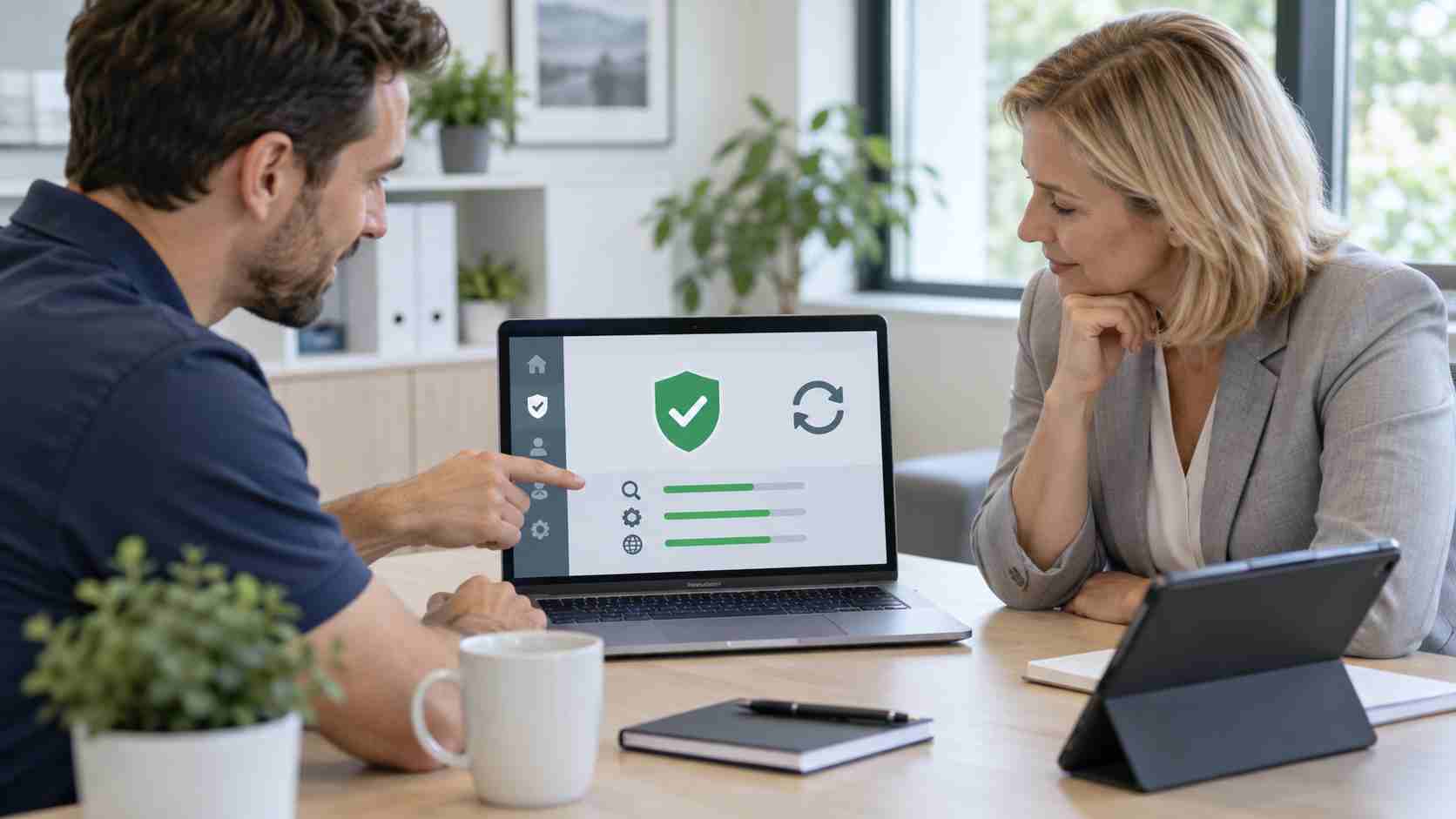
A message saying that antivirus protection is turned off can stop an employee in their tracks. It may lead to hurried calls, interrupted work, or someone changing settings without understanding the consequences.
Microsoft has confirmed that some Windows computers and servers may display incorrect notifications saying Microsoft Defender Antivirus is turned off. According to Microsoft, Defender can remain active and functioning correctly even while these warnings appear.
The issue followed recent Defender updates and can occur when Windows starts or at other times during the day. Microsoft was still developing a resolution when its release-health information was updated on September 10.
That does not mean every antivirus warning should be ignored. The right response is to verify the computer’s actual security status.
A notification is only one part of Windows. The small pop-up employees see may disagree with the status displayed inside the Windows Security application.
In the confirmed Microsoft issue, the notification says Defender is off while the security settings show that protection is active.
This distinction matters. Automatically dismissing every warning could hide a real security problem later. Repeatedly trying to “fix” a false warning could also lead someone to disable protections, install unnecessary antivirus software, or interrupt employees across the office.
When the warning appears, start with these safe checks:
If the Windows Security application reports that protection is active, definitions are current, and no action is required, the notification may be related to Microsoft’s confirmed issue.
Take a screenshot of the notification and note the date and time. This gives an IT provider something specific to compare with Microsoft’s current release information and the device’s management records.
A legitimate Windows notification should not send an employee to an unfamiliar website to purchase software, call a telephone number, or provide payment information.
Scam websites often display browser pop-ups designed to look like Windows security alerts. These are different from the Microsoft issue.
Employees should stop and contact support when a warning:
Closing a suspicious browser tab is safer than following its instructions.
Contact IT promptly if Windows Security itself says protection is disabled, cannot start, or cannot download updates. The same applies if the computer is behaving unusually.
Warning signs can include:
These symptoms do not prove that the computer is infected, but they deserve professional review.
Some employees respond to an antivirus warning by downloading another security program. That can make the situation more complicated.
Windows may intentionally place Defender into a different mode when an approved third-party security product is installed. Adding another product without coordination can create conflicting scans, slow performance, confusing notifications, or gaps in business monitoring.
The business should have one documented security standard explaining which protection tool belongs on each device and who is responsible for checking it.
A business with managed devices should not need to rely solely on what an employee sees in a notification. Central monitoring can help confirm whether antivirus protection is active, definitions are current, scans are completing, and devices are reporting normally.
It also helps identify the difference between one known notification bug and a broader security problem affecting multiple computers.


Himala and his team at Cybernetic Networks have been amazing. We have been a customer of Cybernetic Networks for well over 14 years now, both personally and professionally. Himala and his team are professional, reachable and on the cutting edge of technology. We have enjoyed doing business with Cybernetic Networks for many years and still rely on their knowledge, skills and technology every day
Himala and his Cybernetic team have never let me down! For over 10 years now they have been fixing my technical issues, set up all my new networks and computers and have safeguarded me from any hackers or malware. You can trust this company to navigate you as your company grows and to keep you on track with the latest in security and safety
I am a solo practicing neurologist and have had all my IT needs covered through Cybernetic Networks since 2007. They are the best! All of their tech support staff is extremely knowledgeable and efficient. Just as importantly, they are quickly responsive whenever we need their assistance. I couldn’t be happier with their service and give them my highest recommendation!
I couldn't be happier with Cybernetics - they are experts, always respond quickly , and solves any issues I have.
Cybernetic Networks has been advising and supporting all our IT issues and purchases for the last 18 years. They are very responsive and extremely knowledgeable- always providing us with timely services.
It is not often you find small business companies that are not only rewarding to work with, but also have integrity, truth and skill. I have worked with this company for over 20 years, and the service is outstanding. I can easily recommend that if you need an IT company, this is the one to get. Full STOP! Look no further, you will be happy that you did. Sue Myhelic, Gulf Breeze Real Estate, Naples, Florida.
Himala and his team from Cybernetic Networks, Inc. has been an integral part of our successful retail business for the past 20 years. He is extraordinarily knowledgable and always available for our IT needs. Thanks to Himala and his team we are always up and running.




