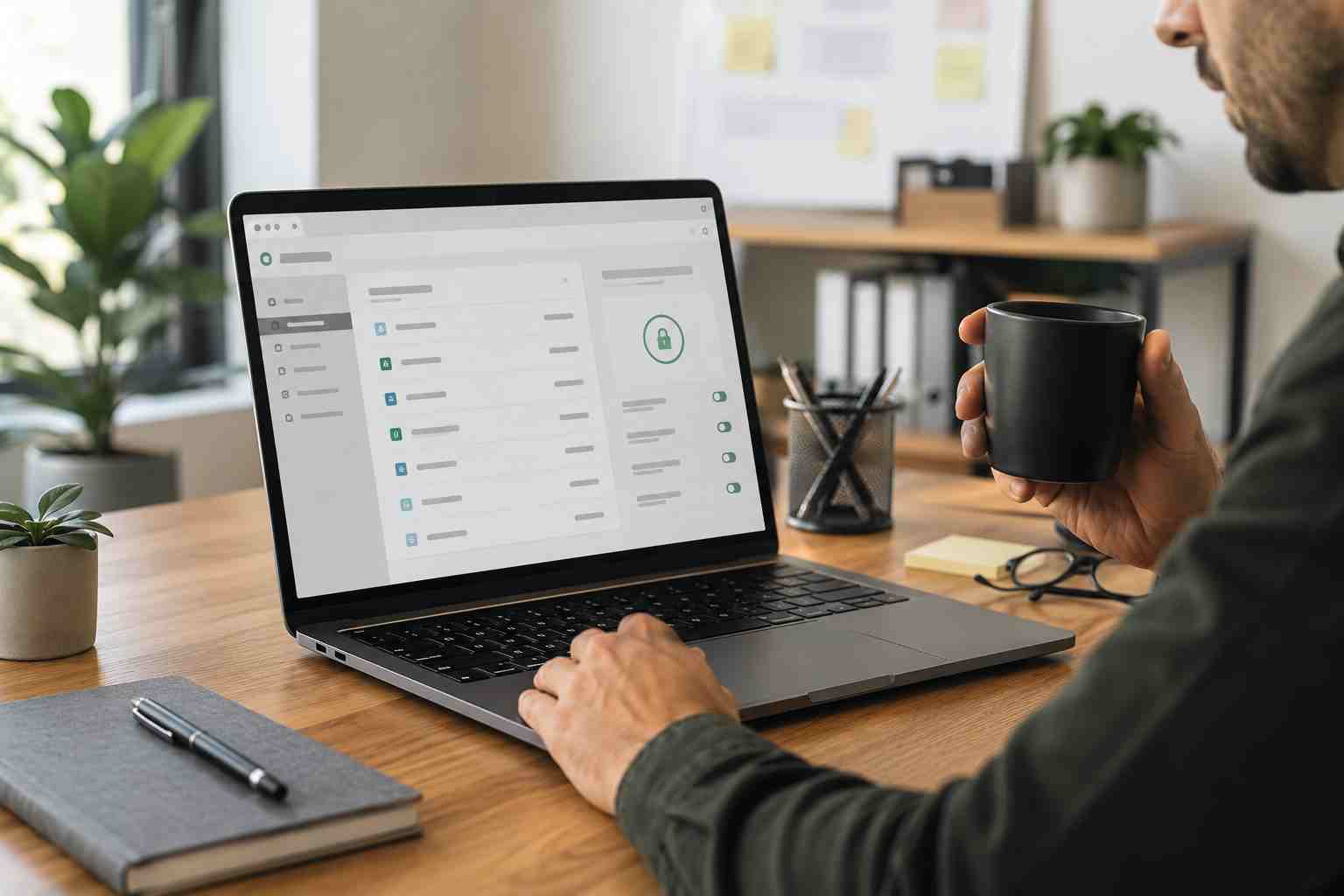
A recent international law enforcement operation disrupted infrastructure connected to StealC and Amadey, two malware tools used by cybercriminals to steal information and deliver additional attacks.
That is good news. But for small businesses, the bigger lesson is this: stolen passwords, saved browser logins, and unprotected devices are still one of the easiest ways criminals get into business accounts.
Even when a criminal network is disrupted, the data already stolen can keep creating problems. A password taken from one infected computer may still work on email, banking, vendor portals, cloud storage, or remote access systems if the business has not changed it.
An infostealer is a type of malware designed to quietly collect useful information from a computer. That can include:
In plain English, infostealers are built to help criminals skip the front door. If they can steal a working login session or password, they may not need to “hack” the system in the dramatic way people imagine.
Small businesses often rely heavily on a few key accounts. One compromised email account can create a chain reaction.
A criminal may use access to:
For Orlando-area businesses that depend on email, cloud files, online payments, and scheduling systems, even one infected workstation can become a business interruption.
Many employees save passwords in Chrome, Edge, Firefox, or Safari because it is convenient. The problem is that infostealer malware often looks for browser-stored credentials and session data.
That does not mean every business must panic. It does mean businesses should be intentional.
A safer approach is to use a business-grade password manager, require multi-factor authentication, and make sure lost or stolen sessions can be revoked quickly. Browser password storage may be convenient, but it is rarely enough as a company-wide security plan.
Start with the accounts that would hurt the most if they were misused.
Review administrator accounts, email accounts, banking access, payroll systems, vendor portals, and cloud file storage. Change passwords where there is any reason to believe a device may have been infected or a password may have been reused.
Next, check whether MFA is turned on. MFA means users must provide a second proof of identity, such as an app prompt or security key, in addition to a password. It is not perfect, but it still blocks many account takeover attempts.
Also make sure company devices have reliable endpoint protection, updates are being installed, and employees know not to download “free” business tools from random search results.
Small businesses should treat these signs seriously:
The earlier these signs are investigated, the easier it is to stop a small problem from becoming a major incident.
The takedown of criminal infrastructure is helpful, but it does not remove the need for basic protection. Small businesses should know which devices are protected, which accounts have MFA, where passwords are stored, and who is watching for suspicious sign-ins.


Himala and his team at Cybernetic Networks have been amazing. We have been a customer of Cybernetic Networks for well over 14 years now, both personally and professionally. Himala and his team are professional, reachable and on the cutting edge of technology. We have enjoyed doing business with Cybernetic Networks for many years and still rely on their knowledge, skills and technology every day
Himala and his Cybernetic team have never let me down! For over 10 years now they have been fixing my technical issues, set up all my new networks and computers and have safeguarded me from any hackers or malware. You can trust this company to navigate you as your company grows and to keep you on track with the latest in security and safety
I am a solo practicing neurologist and have had all my IT needs covered through Cybernetic Networks since 2007. They are the best! All of their tech support staff is extremely knowledgeable and efficient. Just as importantly, they are quickly responsive whenever we need their assistance. I couldn’t be happier with their service and give them my highest recommendation!
I couldn't be happier with Cybernetics - they are experts, always respond quickly , and solves any issues I have.
Cybernetic Networks has been advising and supporting all our IT issues and purchases for the last 18 years. They are very responsive and extremely knowledgeable- always providing us with timely services.
It is not often you find small business companies that are not only rewarding to work with, but also have integrity, truth and skill. I have worked with this company for over 20 years, and the service is outstanding. I can easily recommend that if you need an IT company, this is the one to get. Full STOP! Look no further, you will be happy that you did. Sue Myhelic, Gulf Breeze Real Estate, Naples, Florida.
Himala and his team from Cybernetic Networks, Inc. has been an integral part of our successful retail business for the past 20 years. He is extraordinarily knowledgable and always available for our IT needs. Thanks to Himala and his team we are always up and running.




