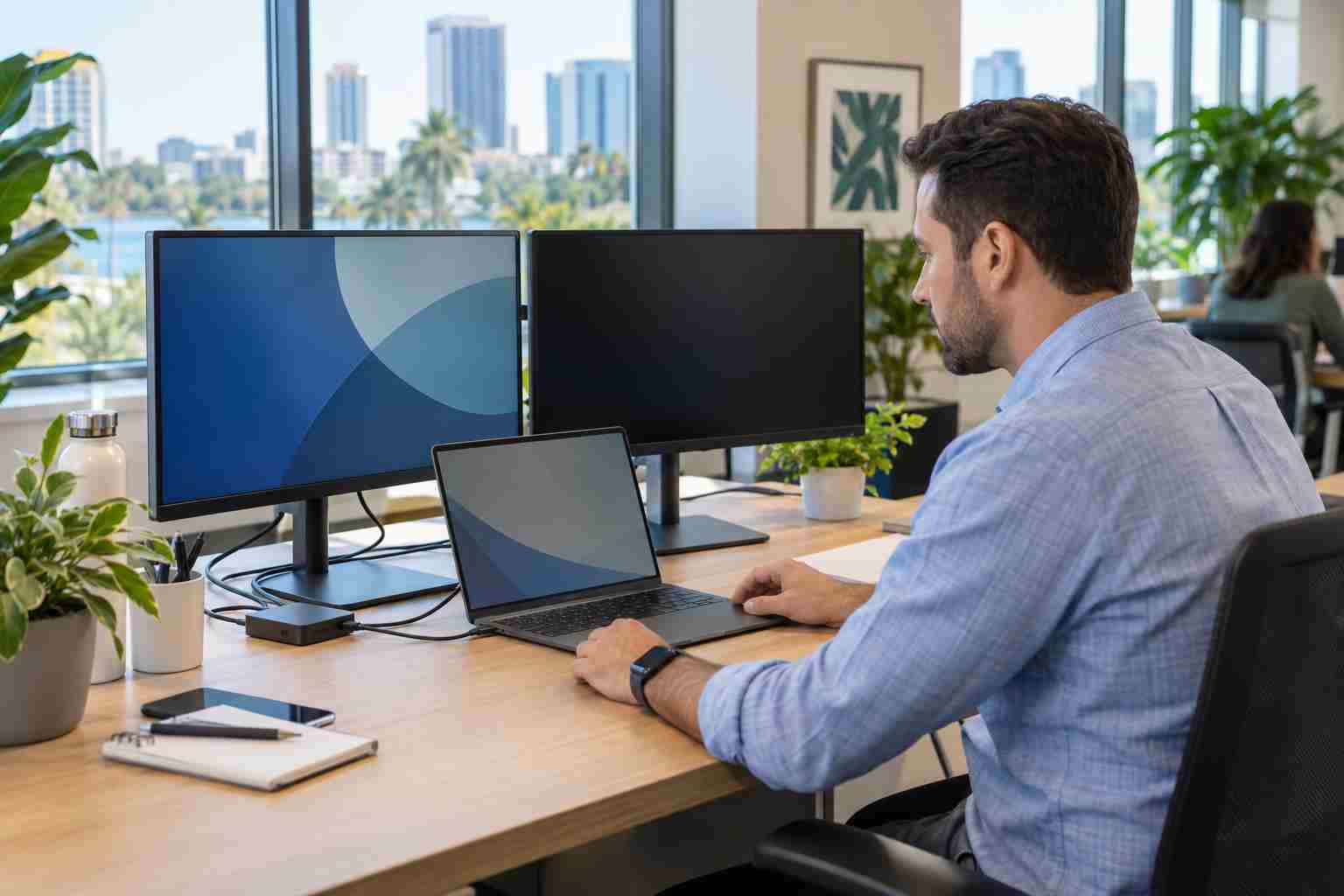
Modern laptop docks are convenient when they work. A single USB-C cable can connect a laptop to monitors, power, a keyboard, a mouse, and the office network.
When that connection fails, an employee can suddenly lose both screens, network access, charging, and connected accessories. Meetings are delayed while cables are unplugged repeatedly, employees swap desks, and somebody starts wondering whether the laptop needs to be replaced.
Usually, it does not.
Docking-station problems often come from a display setting, loose cable, power interruption, outdated software, or a mismatch between the laptop, dock, and monitors.
Windows may still detect the monitors but use the wrong display mode.
Press Windows key + P and select Extend. This tells Windows to use the external monitor as additional desktop space.
If the monitor appears but everything is duplicated, the computer is probably using Duplicate instead of Extend. If the external screens remain blank, continue with the physical checks.
Randomly moving every cable can make it harder to determine what failed. Save your work, then use a consistent sequence:
Look closely at the USB-C connector. A cable can appear connected without being fully seated. Worn connectors may also work only when held at a particular angle, which is a sign that the cable or port needs attention.
USB-C cables may look nearly identical while supporting different features. Some are intended mainly for charging. Others can also carry video and high-speed data.
A convenient spare phone-charging cable may charge the laptop but fail to run the monitors or dock network connection.
Test with the dock manufacturer’s cable or another cable known to support the required video, data, and charging features. Do not assume every cable with the same connector is equivalent.
If possible, connect one monitor directly to the laptop. This helps narrow down the problem.
Microsoft also notes that a simple display splitter usually duplicates one signal. It does not necessarily create two independent extended displays.
For a display setup that suddenly stopped working, Microsoft recommends pressing:
Windows key + Ctrl + Shift + B
The screen may flicker or briefly go dark while Windows resets the graphics driver. This does not erase open files, although saving work first is still sensible.
A normal Windows restart can also help. Choose Restart rather than simply closing and reopening the laptop lid.
External displays depend on several pieces working together: Windows, the laptop’s graphics system, the USB-C or Thunderbolt connection, and the dock’s internal software.
Check for Windows updates and use the laptop or dock manufacturer’s official support utility for driver and firmware updates. Avoid downloading drivers from unfamiliar third-party websites.
Businesses should test broader updates on a small group of workstations when possible, especially when employees rely on specialized docks, conference-room equipment, or multiple high-resolution monitors.
Ask for support when:
Repeated dock failures are often a standardization problem. A business may have accumulated several laptop models, power supplies, cables, adapters, and docks with different capabilities.


Himala and his team at Cybernetic Networks have been amazing. We have been a customer of Cybernetic Networks for well over 14 years now, both personally and professionally. Himala and his team are professional, reachable and on the cutting edge of technology. We have enjoyed doing business with Cybernetic Networks for many years and still rely on their knowledge, skills and technology every day
Himala and his Cybernetic team have never let me down! For over 10 years now they have been fixing my technical issues, set up all my new networks and computers and have safeguarded me from any hackers or malware. You can trust this company to navigate you as your company grows and to keep you on track with the latest in security and safety
I am a solo practicing neurologist and have had all my IT needs covered through Cybernetic Networks since 2007. They are the best! All of their tech support staff is extremely knowledgeable and efficient. Just as importantly, they are quickly responsive whenever we need their assistance. I couldn’t be happier with their service and give them my highest recommendation!
I couldn't be happier with Cybernetics - they are experts, always respond quickly , and solves any issues I have.
Cybernetic Networks has been advising and supporting all our IT issues and purchases for the last 18 years. They are very responsive and extremely knowledgeable- always providing us with timely services.
It is not often you find small business companies that are not only rewarding to work with, but also have integrity, truth and skill. I have worked with this company for over 20 years, and the service is outstanding. I can easily recommend that if you need an IT company, this is the one to get. Full STOP! Look no further, you will be happy that you did. Sue Myhelic, Gulf Breeze Real Estate, Naples, Florida.
Himala and his team from Cybernetic Networks, Inc. has been an integral part of our successful retail business for the past 20 years. He is extraordinarily knowledgable and always available for our IT needs. Thanks to Himala and his team we are always up and running.




