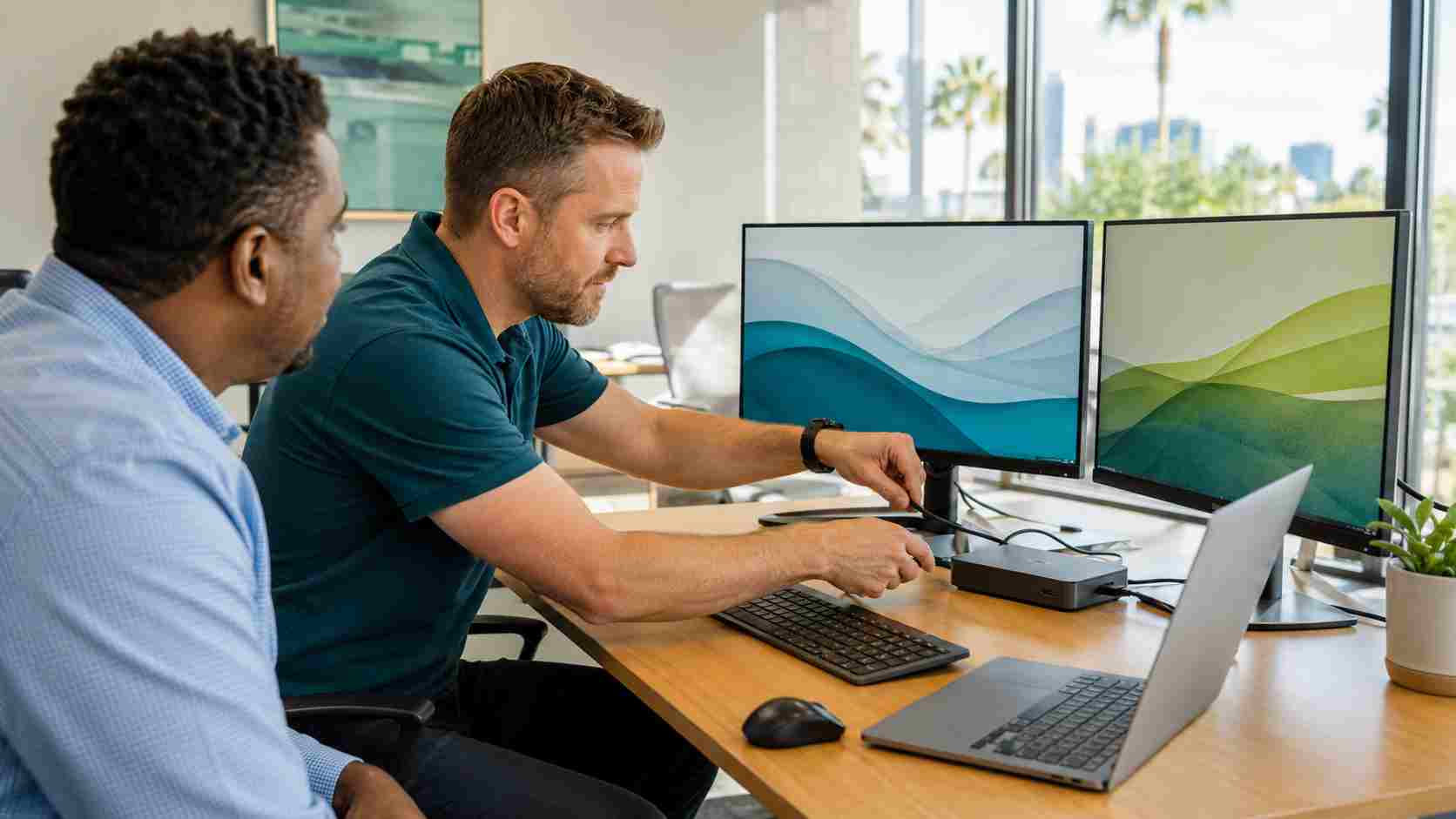
You arrive at work, connect your laptop to its dock, and discover that one monitor is blank. Perhaps the keyboard is missing, the laptop is not charging, or every connected device keeps dropping out.
Because all those devices connect through one dock, the entire desk can appear broken at once.
USB-C docking stations make offices cleaner and more flexible, but the technology is not as universal as the connector makes it look. Two ports can have the same shape while supporting different charging, video, and data capabilities. Cables that look identical may also perform very differently.
Before buying a new monitor or dock, use a simple process to identify where the problem is coming from.
Ask whether the problem affects one employee, one desk, or several people.
If only one workstation is affected, the likely causes include a loose cable, an incorrect display setting, a mismatched charger, or an issue with that laptop or dock. If several employees develop the same problem after an update, the cause may be a driver, dock firmware, or Windows issue.
Write down what still works. For example:
This information helps an IT technician isolate the cause without repeating every test.
Confirm that the dock has power and that its power adapter is firmly connected. Some docks can pass data without supplying enough power for the laptop and every connected device.
Disconnect and firmly reconnect the USB-C cable at both ends. If the laptop has more than one USB-C port, use the port recommended by the manufacturer. A USB-C port may support charging but not video, or data but not the full capability of the dock.
Inspect the cable for damage or a loose connector. Use the dock manufacturer’s original cable or a verified replacement whenever possible. A basic charging cable may fit correctly while failing to carry a monitor signal.
Press Windows key + P and select Extend.
“Extend” allows Windows to use the external monitor as additional workspace. “PC screen only” deliberately turns the external monitor off, while “Duplicate” shows the same content on both screens.
You can also open Settings > System > Display and ask Windows to detect another display. If Windows can see the monitor but the screen remains blank, check that the monitor is set to the correct input, such as HDMI or DisplayPort.
Disconnect unnecessary USB devices from the dock. Then test the monitor directly with the laptop, when the laptop has a suitable video port.
If the monitor works when connected directly, the monitor is probably not the problem. The remaining possibilities include the dock, USB-C cable, laptop port, power supply, or compatibility between those components.
When practical, test one known-working component at a time:
Avoid changing several components at once. If everything begins working, you will not know which change solved the problem.
Save your work and shut down the laptop. Disconnect the USB-C cable and unplug the dock’s power for about 30 seconds.
Reconnect the monitor cables and dock power first. Allow the dock to start, then connect the laptop and turn it on.
This can clear a temporary communication problem between the laptop, dock, and displays. If the issue returns frequently, however, repeated power cycling is a temporary workaround rather than a real solution.
Windows updates are only one part of a docked workstation. The laptop may also depend on manufacturer-provided graphics drivers, USB or Thunderbolt software, BIOS updates, and dock firmware.
These updates should be handled through the computer or dock manufacturer’s approved support tools. Businesses should let their IT provider coordinate firmware and BIOS changes, especially when many employees use the same equipment.
Hardware also has limits. A laptop or dock may support only a certain number of monitors, resolutions, or refresh rates. A splitter usually duplicates one picture rather than creating two independent displays.
Small businesses often accumulate a mix of inexpensive adapters, chargers, cables, docks, and laptop models. Each item may work individually while the combined setup remains unreliable.
A more dependable approach is to standardize a small number of tested workstation configurations. Record which dock, charger, cable, and monitor models are approved for each laptop family. Keep one known-working spare for testing.
Managed IT support can also track recurring failures, coordinate updates, and identify patterns across employees. That turns “my monitor is broken again” into a problem with a measurable cause and a permanent fix.


Himala and his team at Cybernetic Networks have been amazing. We have been a customer of Cybernetic Networks for well over 14 years now, both personally and professionally. Himala and his team are professional, reachable and on the cutting edge of technology. We have enjoyed doing business with Cybernetic Networks for many years and still rely on their knowledge, skills and technology every day
Himala and his Cybernetic team have never let me down! For over 10 years now they have been fixing my technical issues, set up all my new networks and computers and have safeguarded me from any hackers or malware. You can trust this company to navigate you as your company grows and to keep you on track with the latest in security and safety
I am a solo practicing neurologist and have had all my IT needs covered through Cybernetic Networks since 2007. They are the best! All of their tech support staff is extremely knowledgeable and efficient. Just as importantly, they are quickly responsive whenever we need their assistance. I couldn’t be happier with their service and give them my highest recommendation!
I couldn't be happier with Cybernetics - they are experts, always respond quickly , and solves any issues I have.
Cybernetic Networks has been advising and supporting all our IT issues and purchases for the last 18 years. They are very responsive and extremely knowledgeable- always providing us with timely services.
It is not often you find small business companies that are not only rewarding to work with, but also have integrity, truth and skill. I have worked with this company for over 20 years, and the service is outstanding. I can easily recommend that if you need an IT company, this is the one to get. Full STOP! Look no further, you will be happy that you did. Sue Myhelic, Gulf Breeze Real Estate, Naples, Florida.
Himala and his team from Cybernetic Networks, Inc. has been an integral part of our successful retail business for the past 20 years. He is extraordinarily knowledgable and always available for our IT needs. Thanks to Himala and his team we are always up and running.




