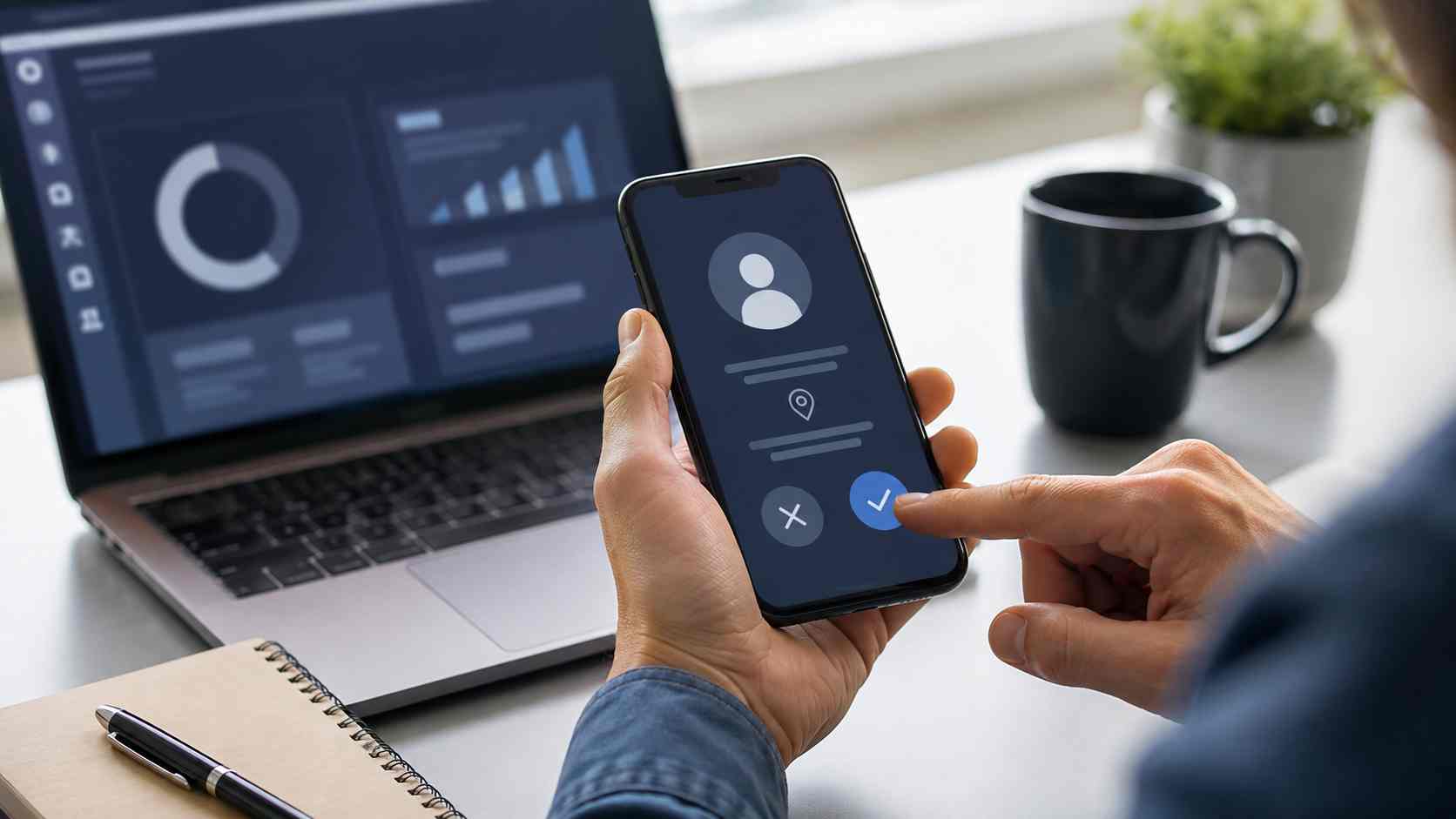
An employee receives a believable email about an invoice, shared document, meeting, or account problem. The message asks them to follow a link, enter a short sign-in code, or approve a Microsoft prompt.
The employee may see a real Microsoft sign-in page. They may even complete multifactor authentication, commonly called MFA. Everything can look legitimate.
But the employee may actually be approving access for an attacker.
On August 7, 2026, the Indian Computer Emergency Response Team, known as CERT-In, issued a critical advisory about increased attacks targeting Microsoft 365. The advisory describes password spraying, device-code phishing, stolen sign-in sessions, and business email compromise affecting services such as Outlook, Teams, OneDrive, and SharePoint.
For small businesses, the lesson is not that MFA has stopped working. The lesson is that employees and account settings must be prepared for phishing tactics that manipulate the sign-in process itself.
A device code is a legitimate way to sign in on equipment that does not have a convenient keyboard or browser. A conference-room device, printer, or smart display might show a short code and ask the user to enter it on another device.
Attackers can abuse this process by starting the sign-in themselves and then persuading an employee to complete it.
The employee may be taken to Microsoft’s real website. However, the code was generated for the attacker’s session. By entering it and approving the request, the employee can unknowingly authorize the attacker.
Microsoft reported in April 2026 that attackers were automating this process and using convincing business themes such as invoices, requests for proposals, and shared files.
MFA remains one of the most valuable protections a small business can enable. It can stop many attacks in which someone has obtained or guessed a password.
The problem is that not every form of MFA provides the same protection. Text-message codes, one-time codes, and approval notifications can still be misused when an employee is tricked into participating in an attacker’s sign-in.
Businesses should keep MFA enabled while strengthening how it is configured. Passkeys, security keys, Windows Hello for Business, and other phishing-resistant methods are designed to make it harder for an employee to approve access to the wrong website or session.
Give employees one clear rule: Never enter a device code or approve a sign-in request unless you personally started the sign-in.
An unexpected request should be treated like an unexpected request to transfer money. The employee should stop and contact the company’s IT provider through a known phone number or support channel.
Employees should also report:
Reporting quickly matters. A suspicious request can be investigated before it becomes an email takeover or fraudulent payment.
Ask your IT provider whether device-code sign-ins are genuinely needed in your Microsoft 365 environment. Microsoft recommends blocking this sign-in method wherever possible and limiting it to specific approved equipment when it is necessary.
The review should also cover:
These checks should be tested before an incident. Discovering that nobody knows how to end a stolen session during an active email takeover wastes valuable time.
A familiar logo or genuine Microsoft page does not automatically make the entire request safe. Employees should consider who initiated the process, why it is happening, and whether they expected it.
That small pause can prevent an attacker from turning a legitimate sign-in system into a doorway.


Himala and his team at Cybernetic Networks have been amazing. We have been a customer of Cybernetic Networks for well over 14 years now, both personally and professionally. Himala and his team are professional, reachable and on the cutting edge of technology. We have enjoyed doing business with Cybernetic Networks for many years and still rely on their knowledge, skills and technology every day
Himala and his Cybernetic team have never let me down! For over 10 years now they have been fixing my technical issues, set up all my new networks and computers and have safeguarded me from any hackers or malware. You can trust this company to navigate you as your company grows and to keep you on track with the latest in security and safety
I am a solo practicing neurologist and have had all my IT needs covered through Cybernetic Networks since 2007. They are the best! All of their tech support staff is extremely knowledgeable and efficient. Just as importantly, they are quickly responsive whenever we need their assistance. I couldn’t be happier with their service and give them my highest recommendation!
I couldn't be happier with Cybernetics - they are experts, always respond quickly , and solves any issues I have.
Cybernetic Networks has been advising and supporting all our IT issues and purchases for the last 18 years. They are very responsive and extremely knowledgeable- always providing us with timely services.
It is not often you find small business companies that are not only rewarding to work with, but also have integrity, truth and skill. I have worked with this company for over 20 years, and the service is outstanding. I can easily recommend that if you need an IT company, this is the one to get. Full STOP! Look no further, you will be happy that you did. Sue Myhelic, Gulf Breeze Real Estate, Naples, Florida.
Himala and his team from Cybernetic Networks, Inc. has been an integral part of our successful retail business for the past 20 years. He is extraordinarily knowledgable and always available for our IT needs. Thanks to Himala and his team we are always up and running.




