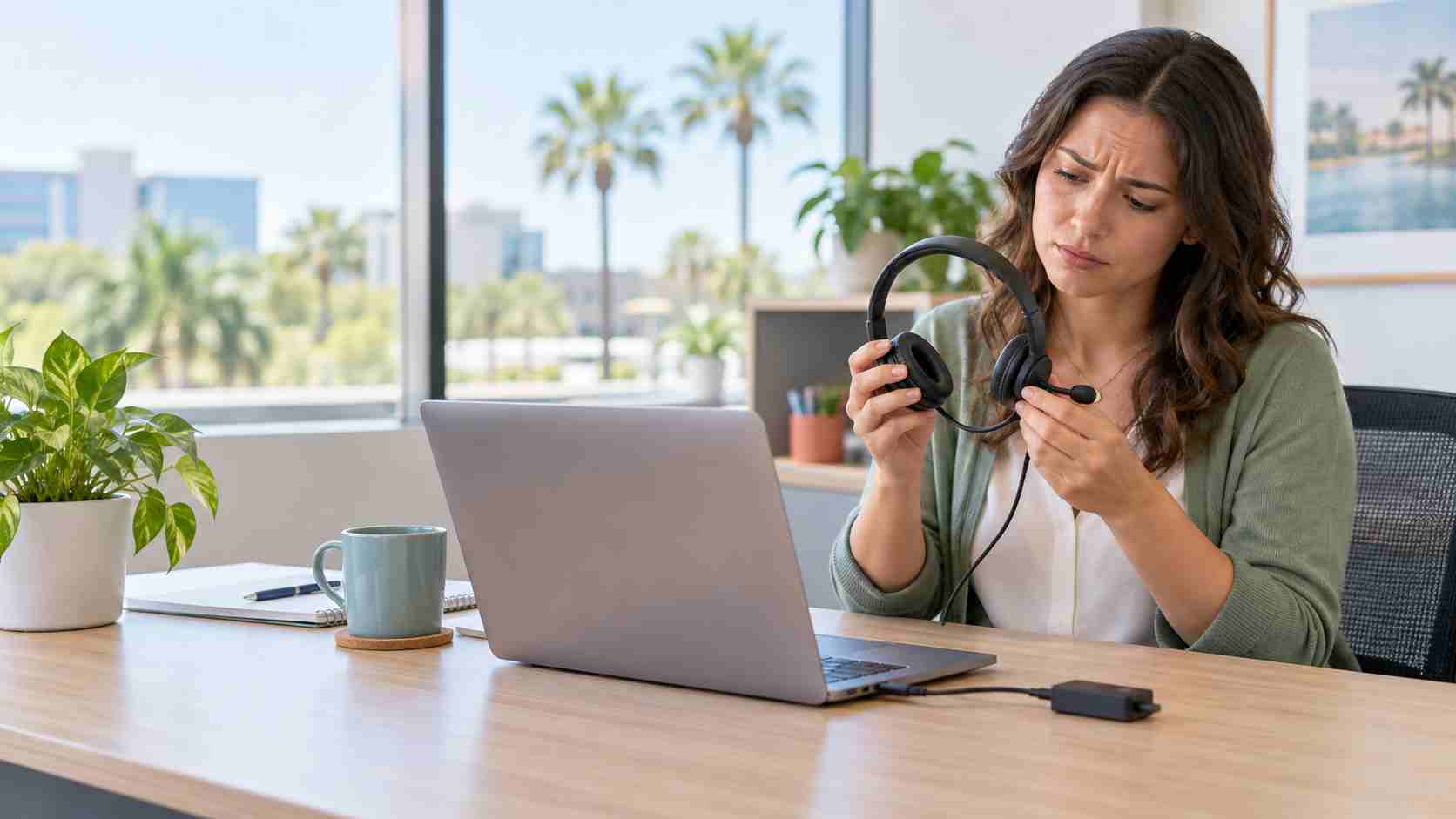
Your employee joins a customer meeting, but the USB headset has no sound. The volume control appears stuck at zero. Windows suddenly stops recognizing the conference-room speaker that worked yesterday.
These problems are frustrating at any time. They are particularly disruptive when employees depend on headsets and USB audio equipment for sales calls, telehealth appointments, remote work, training, and customer support.
Microsoft is currently tracking a Windows issue that can cause some USB Audio Class 1.0 devices to fail, produce no sound, display a Device Manager “Code 10” error, or show unresponsive volume settings.
Microsoft lists the issue as mitigated as of September 29, 2026. “Mitigated” does not necessarily mean every affected device has already returned to normal.
Microsoft says some symptoms not addressed by the current out-of-band update may still require business support, and the company plans to provide a fuller resolution through a future Windows update.
The issue is limited to a particular class of USB audio equipment, so not every headset, microphone, speaker, or computer will be affected. A silent headset may also have a simpler cause, such as the wrong output device being selected.
That is why businesses should begin with basic checks rather than immediately replacing equipment or downloading unofficial drivers.
A pending update or driver change may not finish until Windows restarts.
Save documents, close business applications, and perform a proper restart. Shutting a laptop lid or putting it to sleep is not the same thing.
Windows may send sound to a monitor, docking station, internal speaker, or another connected device instead of the headset.
Select the speaker icon on the taskbar, open the output-device list, and choose the intended headset or USB speaker. Also check whether the meeting application has selected a different device inside its own audio settings.
Look for:
These quick checks solve many audio problems without changing the computer.
Unplug the USB audio device, wait a few seconds, and reconnect it.
If possible, try another USB port directly on the computer. This can help distinguish a headset problem from a failed port, docking station, or USB hub.
Avoid repeatedly forcing a connector that does not fit. USB-A, USB-C, and headset adapters are not interchangeable without the correct hardware.
Connect the affected headset to another business computer, or try a known-working headset on the original computer.
This simple comparison can reveal whether the likely problem is the accessory or the PC. It also prevents the business from replacing a perfectly functional headset.
Open Settings > Windows Update and check whether Microsoft has provided another update. Install approved updates, restart when prompted, and test the audio again.
For managed business computers, employees should follow the company’s update process rather than forcing optional updates independently.
Contact your IT provider when:
Microsoft publishes advanced steps involving driver updates, reinstalls, and rollbacks. Those actions can be appropriate, but they should be handled carefully on a business computer. Random driver-download websites should never be used.
A Windows update issue can make functioning equipment appear broken. Replacing headsets, docks, or conference speakers before identifying the cause wastes money and may leave the underlying PC problem unresolved.
Keep a short record of:
That information helps IT support find patterns and respond faster.
One silent headset may cost only a few minutes. The same issue across a sales team, medical office, or customer-service group can derail an entire morning.


Himala and his team at Cybernetic Networks have been amazing. We have been a customer of Cybernetic Networks for well over 14 years now, both personally and professionally. Himala and his team are professional, reachable and on the cutting edge of technology. We have enjoyed doing business with Cybernetic Networks for many years and still rely on their knowledge, skills and technology every day
Himala and his Cybernetic team have never let me down! For over 10 years now they have been fixing my technical issues, set up all my new networks and computers and have safeguarded me from any hackers or malware. You can trust this company to navigate you as your company grows and to keep you on track with the latest in security and safety
I am a solo practicing neurologist and have had all my IT needs covered through Cybernetic Networks since 2007. They are the best! All of their tech support staff is extremely knowledgeable and efficient. Just as importantly, they are quickly responsive whenever we need their assistance. I couldn’t be happier with their service and give them my highest recommendation!
I couldn't be happier with Cybernetics - they are experts, always respond quickly , and solves any issues I have.
Cybernetic Networks has been advising and supporting all our IT issues and purchases for the last 18 years. They are very responsive and extremely knowledgeable- always providing us with timely services.
It is not often you find small business companies that are not only rewarding to work with, but also have integrity, truth and skill. I have worked with this company for over 20 years, and the service is outstanding. I can easily recommend that if you need an IT company, this is the one to get. Full STOP! Look no further, you will be happy that you did. Sue Myhelic, Gulf Breeze Real Estate, Naples, Florida.
Himala and his team from Cybernetic Networks, Inc. has been an integral part of our successful retail business for the past 20 years. He is extraordinarily knowledgable and always available for our IT needs. Thanks to Himala and his team we are always up and running.




