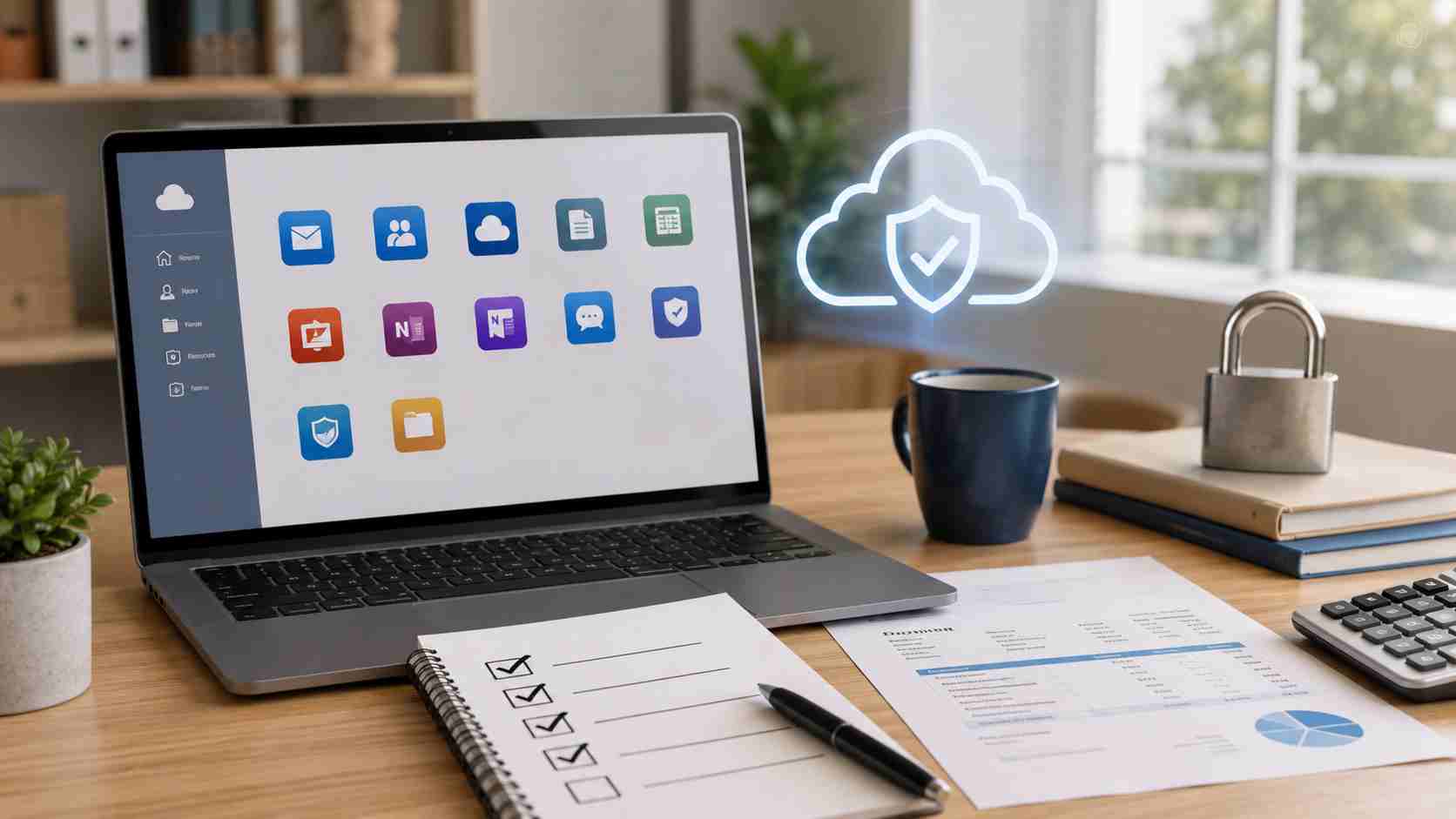
Microsoft 365 is one of the most important tools in many small businesses. It handles email, calendars, files, Teams meetings, Office apps, and sometimes device security. When Microsoft changes pricing or packaging, it can affect both the monthly bill and the features your business is actually using.
Microsoft announced commercial pricing and packaging updates that took effect on July 1, 2026. Some plans are gaining new capabilities, including security and AI-related features, while pricing varies by product, country, currency, and agreement type.
For small businesses, this is a good moment to pause and review the whole Microsoft 365 setup instead of just accepting the next bill.
A Microsoft 365 license is not just an email subscription. It can control:
If licenses are not reviewed regularly, businesses can end up paying for accounts they no longer need, missing useful security features, or using the wrong plan for how the company actually works.
One of the easiest ways to waste money and create risk is to leave old accounts active. Former employees, temporary staff, old shared mailboxes, and unused test accounts can quietly stay licensed long after they are needed.
A practical review should ask:
Cleaning up old accounts can reduce cost and lower security risk at the same time.
Not everyone in a business needs the same Microsoft 365 license. A field employee, office manager, executive, bookkeeper, and front-desk user may all have different needs.
Some users may need desktop Office apps. Others may only need web access. Some may need advanced security or device management. Others may only need email and basic file access.
The key is to match licenses to roles instead of giving everyone the same plan by default.
Microsoft has been adding more security and management features across Microsoft 365 offerings. That is good news, but features only help if they are configured properly.
Small businesses should review:
Many business owners assume Microsoft automatically protects everything. Microsoft provides the platform, but your settings, policies, and backup approach still matter.
As Microsoft 365 adds more AI and automation features, businesses should think about what information employees can access and share. AI tools can be useful, but they also make permissions more important.
If a user has access to too many files, an AI assistant may surface information that person should not normally see. That is not an AI problem as much as a permissions problem.
Before turning on new features broadly, small businesses should review file access, sharing rules, and employee roles.
A good Microsoft 365 review does not have to be complicated. Once or twice a year, small businesses should check:
This turns Microsoft 365 from a monthly bill into a managed business system.
The July 1, 2026 Microsoft 365 pricing and packaging changes are a good reason for small businesses to look closely at what they are paying for, what they are using, and what security settings may need attention.


Himala and his team at Cybernetic Networks have been amazing. We have been a customer of Cybernetic Networks for well over 14 years now, both personally and professionally. Himala and his team are professional, reachable and on the cutting edge of technology. We have enjoyed doing business with Cybernetic Networks for many years and still rely on their knowledge, skills and technology every day
Himala and his Cybernetic team have never let me down! For over 10 years now they have been fixing my technical issues, set up all my new networks and computers and have safeguarded me from any hackers or malware. You can trust this company to navigate you as your company grows and to keep you on track with the latest in security and safety
I am a solo practicing neurologist and have had all my IT needs covered through Cybernetic Networks since 2007. They are the best! All of their tech support staff is extremely knowledgeable and efficient. Just as importantly, they are quickly responsive whenever we need their assistance. I couldn’t be happier with their service and give them my highest recommendation!
I couldn't be happier with Cybernetics - they are experts, always respond quickly , and solves any issues I have.
Cybernetic Networks has been advising and supporting all our IT issues and purchases for the last 18 years. They are very responsive and extremely knowledgeable- always providing us with timely services.
It is not often you find small business companies that are not only rewarding to work with, but also have integrity, truth and skill. I have worked with this company for over 20 years, and the service is outstanding. I can easily recommend that if you need an IT company, this is the one to get. Full STOP! Look no further, you will be happy that you did. Sue Myhelic, Gulf Breeze Real Estate, Naples, Florida.
Himala and his team from Cybernetic Networks, Inc. has been an integral part of our successful retail business for the past 20 years. He is extraordinarily knowledgable and always available for our IT needs. Thanks to Himala and his team we are always up and running.




