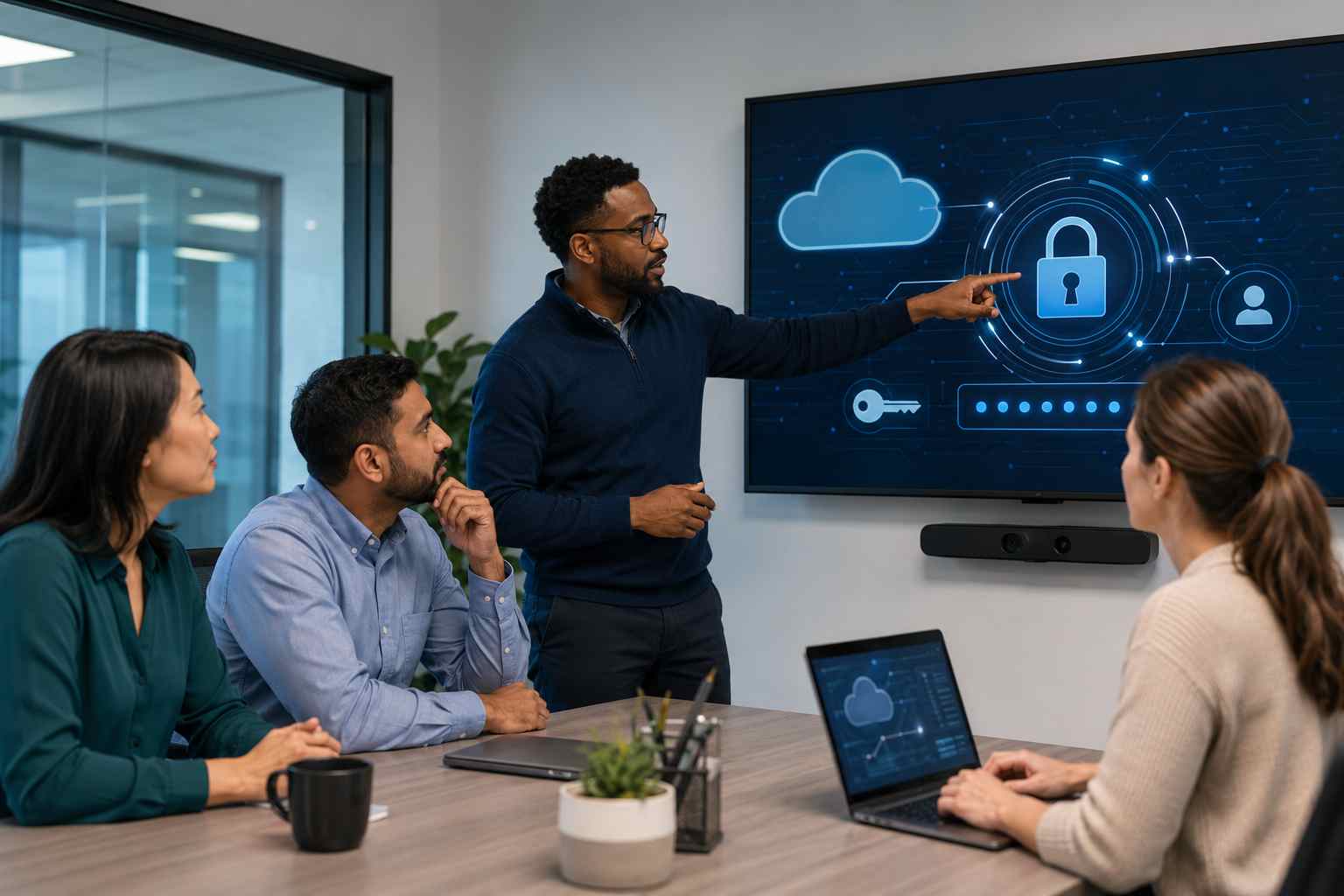
For many small businesses, Microsoft 365 is the center of daily work. It holds email, calendars, files, Teams chats, invoices, client documents, and internal approvals.
That is exactly why attackers keep targeting it.
The FBI recently warned about a phishing-as-a-service platform called Kali365 that is designed to steal Microsoft 365 access tokens. In plain English, that means criminals are trying to trick users into giving them a kind of digital access pass. If they succeed, they may not need the user’s password again right away.
That is a big shift from the older idea of phishing, where a fake login page simply asked for a username and password.
Many business owners already know the basics: do not click strange links, check the sender, and be careful with attachments.
Those habits still matter. But newer Microsoft 365 phishing attacks can look more convincing because they may send the user to a real Microsoft page or ask the user to enter a code, approve access, or grant permissions to an app.
To the employee, it may feel like a normal Microsoft security step.
To the attacker, it can be a way into the account.
Once inside, a criminal may be able to read email, search for invoices, watch conversations, send messages as the employee, or look for files stored in OneDrive or SharePoint. In some cases, attackers use one compromised account to go after accounting, payroll, vendors, or customers.
Small businesses are often busy, trusting, and stretched thin. Employees are moving quickly between email, phone calls, invoices, customer requests, and cloud apps.
That creates the perfect opening for a convincing Microsoft 365 prompt.
The business impact can be serious:
The scary part is that multi-factor authentication, or MFA, is still important but may not be enough by itself if attackers trick users into granting access or approving the wrong request.
Employees do not need to become cybersecurity experts. They just need a few clear rules.
Be cautious if a message asks you to:
The safest habit is simple: if a Microsoft 365 prompt appears after clicking an email link, stop and open Microsoft 365 directly from the browser or trusted app instead.
Small businesses can reduce Microsoft 365 account takeover risk with a few practical controls.
First, require MFA for every account, especially owners, managers, finance staff, and anyone with access to customer or employee data.
Second, review app permissions regularly. Many businesses do not realize that third-party apps can be granted access to Microsoft 365 accounts. Unused or suspicious app permissions should be removed.
Third, set up alerts for unusual sign-ins, risky locations, impossible travel, and suspicious mailbox rules.
Fourth, train employees to question unexpected login prompts. The goal is not fear. The goal is a pause before approving access.
Fifth, use stronger authentication where appropriate, such as number matching, conditional access, or phishing-resistant sign-in methods for higher-risk users.
Finally, make sure someone is actually watching Microsoft 365 security events. Alerts only help if they are reviewed and acted on.
Microsoft 365 is powerful, but it needs active protection. The newer phishing trend is not just “someone guessed a password.” It is about tricking trusted users into granting access in ways that look normal.
That is why small businesses need a mix of employee awareness, account monitoring, secure configuration, and fast response when something looks wrong.


Himala and his team at Cybernetic Networks have been amazing. We have been a customer of Cybernetic Networks for well over 14 years now, both personally and professionally. Himala and his team are professional, reachable and on the cutting edge of technology. We have enjoyed doing business with Cybernetic Networks for many years and still rely on their knowledge, skills and technology every day
Himala and his Cybernetic team have never let me down! For over 10 years now they have been fixing my technical issues, set up all my new networks and computers and have safeguarded me from any hackers or malware. You can trust this company to navigate you as your company grows and to keep you on track with the latest in security and safety
I am a solo practicing neurologist and have had all my IT needs covered through Cybernetic Networks since 2007. They are the best! All of their tech support staff is extremely knowledgeable and efficient. Just as importantly, they are quickly responsive whenever we need their assistance. I couldn’t be happier with their service and give them my highest recommendation!
I couldn't be happier with Cybernetics - they are experts, always respond quickly , and solves any issues I have.
Cybernetic Networks has been advising and supporting all our IT issues and purchases for the last 18 years. They are very responsive and extremely knowledgeable- always providing us with timely services.
It is not often you find small business companies that are not only rewarding to work with, but also have integrity, truth and skill. I have worked with this company for over 20 years, and the service is outstanding. I can easily recommend that if you need an IT company, this is the one to get. Full STOP! Look no further, you will be happy that you did. Sue Myhelic, Gulf Breeze Real Estate, Naples, Florida.
Himala and his team from Cybernetic Networks, Inc. has been an integral part of our successful retail business for the past 20 years. He is extraordinarily knowledgable and always available for our IT needs. Thanks to Himala and his team we are always up and running.




