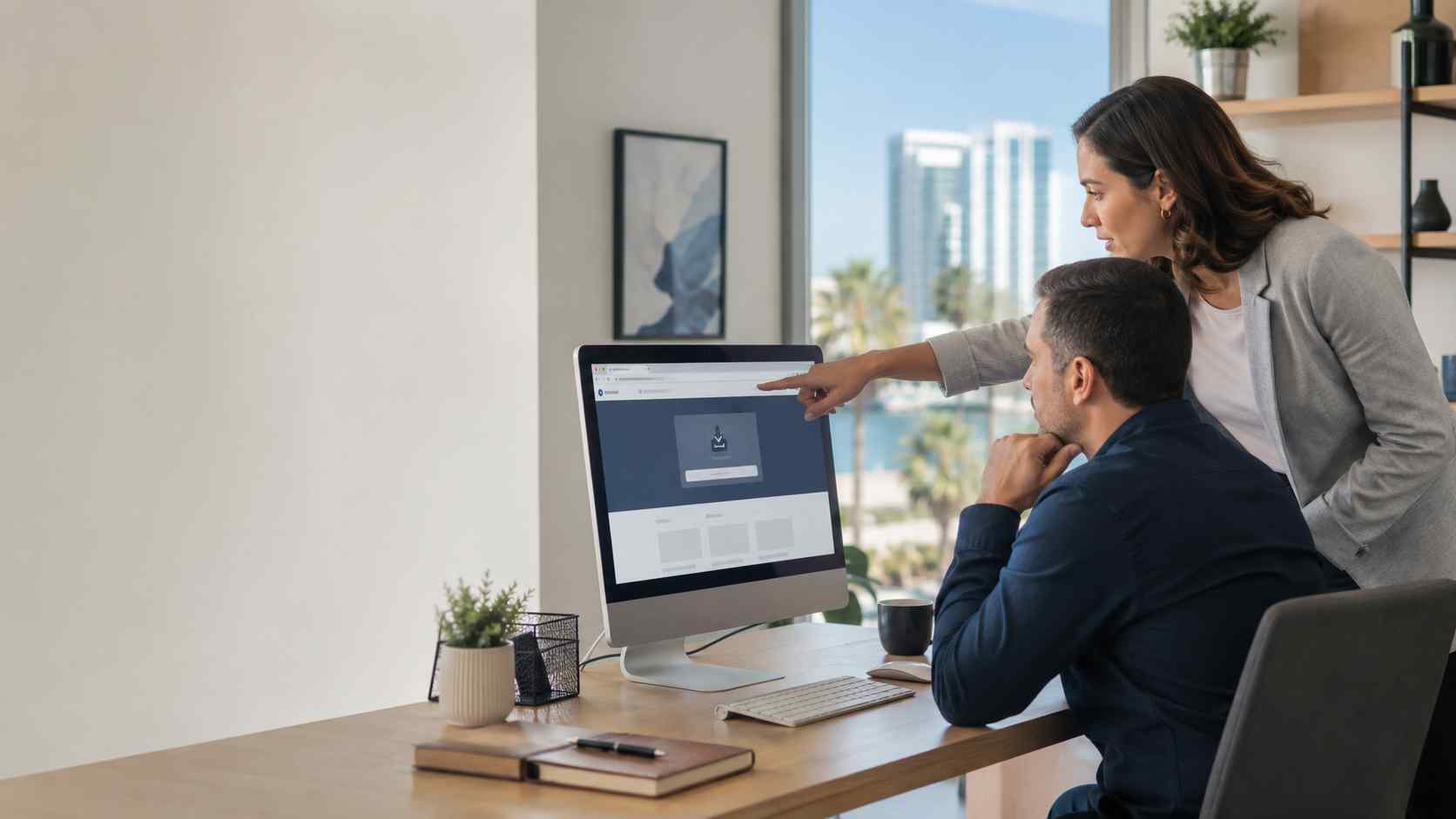
Most business owners know not to open strange email attachments. But many do not think twice about downloading a familiar tool from a search result.
That is exactly what makes fake software download sites dangerous.
Recent reporting from The Hacker News and Infoblox described a campaign where fake installer websites impersonated trusted tools, including 7-Zip, and used lookalike domains to get people to install malicious software. In plain English, the program may look like it installed normally, but hidden software can run in the background and use the computer for someone else’s activity.
For a small business, that is more than an IT inconvenience. It can create security risk, slow down devices, expose accounts, and damage trust if the device is later tied to suspicious activity.
Small businesses often let employees install basic tools when they need them. A PDF utility, file extractor, scanner app, browser extension, remote meeting tool, or printer helper may seem harmless.
The risk is that fake download pages can look professional. Some even install a working copy of the real program so the user does not realize anything is wrong.
That can lead to problems such as:
The lesson is simple: even trusted software can become risky if it is downloaded from the wrong place.
Small businesses do not need to ban every download. But they do need a safer process.
Start with these practical steps:
That last point matters. If every employee can install anything without approval, one mistaken click can become a company-wide cleanup job.
If an employee thinks they may have installed something from the wrong website, do not panic and do not ignore it.
A good first step is to disconnect the device from the network and contact IT support. The device should be checked for unwanted software, startup services, unusual network activity, browser changes, and security alerts. Passwords may also need to be reviewed if there is any sign the computer was compromised.
The goal is not to blame the employee. These fake pages are designed to fool normal people. The goal is to respond quickly before the issue spreads.
The best long-term fix is to make safe software installation easy.
A managed IT provider can help your business create an approved software list, keep common tools updated, block risky downloads, monitor devices for suspicious behavior, and remove administrator rights where appropriate. This gives your team the tools they need without leaving every employee to judge every download alone.


Himala and his team at Cybernetic Networks have been amazing. We have been a customer of Cybernetic Networks for well over 14 years now, both personally and professionally. Himala and his team are professional, reachable and on the cutting edge of technology. We have enjoyed doing business with Cybernetic Networks for many years and still rely on their knowledge, skills and technology every day
Himala and his Cybernetic team have never let me down! For over 10 years now they have been fixing my technical issues, set up all my new networks and computers and have safeguarded me from any hackers or malware. You can trust this company to navigate you as your company grows and to keep you on track with the latest in security and safety
I am a solo practicing neurologist and have had all my IT needs covered through Cybernetic Networks since 2007. They are the best! All of their tech support staff is extremely knowledgeable and efficient. Just as importantly, they are quickly responsive whenever we need their assistance. I couldn’t be happier with their service and give them my highest recommendation!
I couldn't be happier with Cybernetics - they are experts, always respond quickly , and solves any issues I have.
Cybernetic Networks has been advising and supporting all our IT issues and purchases for the last 18 years. They are very responsive and extremely knowledgeable- always providing us with timely services.
It is not often you find small business companies that are not only rewarding to work with, but also have integrity, truth and skill. I have worked with this company for over 20 years, and the service is outstanding. I can easily recommend that if you need an IT company, this is the one to get. Full STOP! Look no further, you will be happy that you did. Sue Myhelic, Gulf Breeze Real Estate, Naples, Florida.
Himala and his team from Cybernetic Networks, Inc. has been an integral part of our successful retail business for the past 20 years. He is extraordinarily knowledgable and always available for our IT needs. Thanks to Himala and his team we are always up and running.




