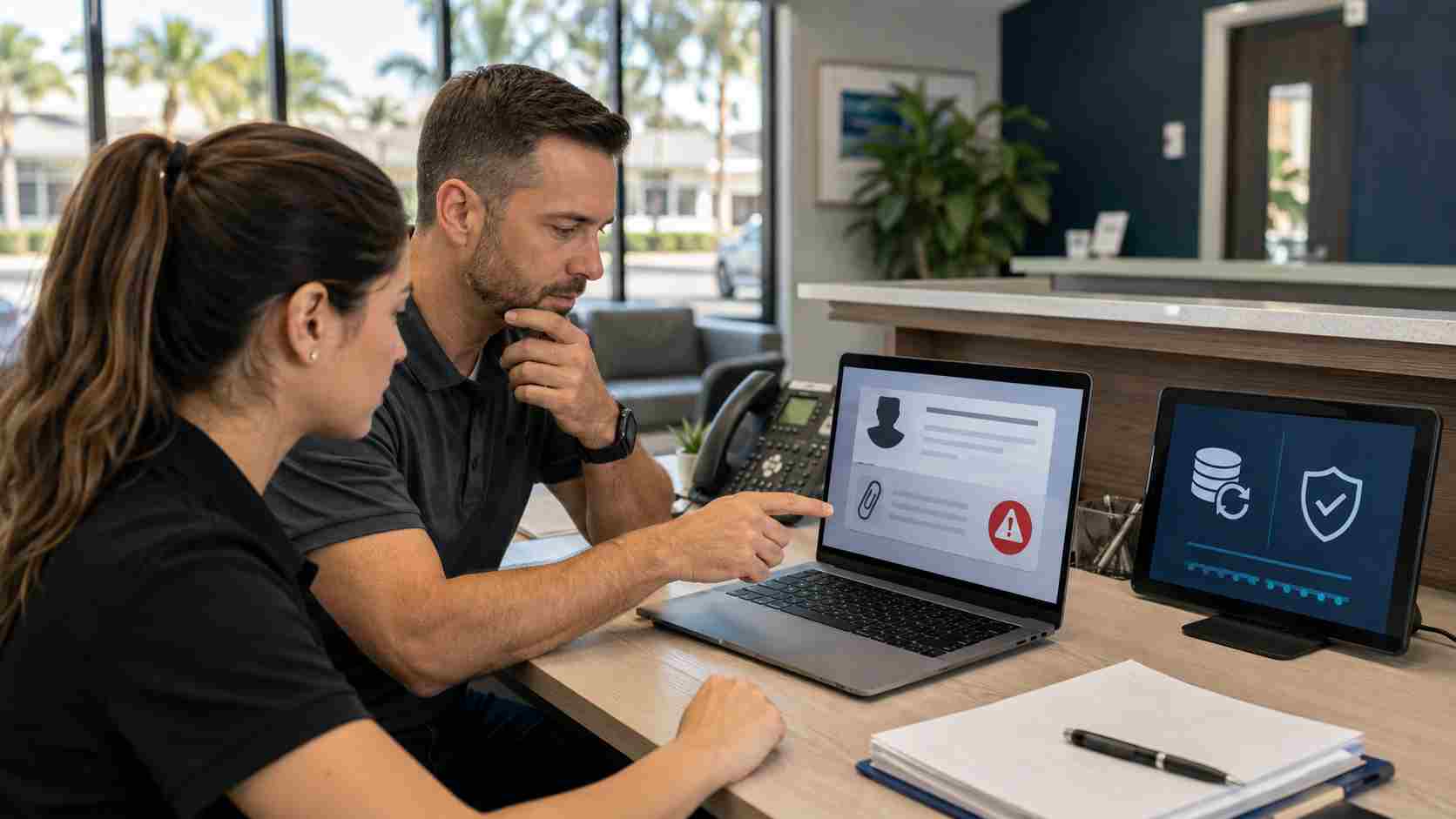
A small business owner opens an email that appears to come from a law-enforcement agency. The message sounds urgent. It claims the business is under investigation. It may mention evidence, legal trouble, or suspicious activity.
That kind of message is designed to make a busy person panic.
Recent reporting from Dark Reading described a ransomware campaign that impersonates Interpol and targets small businesses across multiple industries and regions. The goal is simple: pressure the recipient into downloading malware disguised as evidence or official documents.
For small businesses in Orlando and Central Florida, the lesson is not that every legal-looking email is fake. The lesson is that criminals are getting better at using fear, urgency, and authority to make employees act before they think.
Most people know to be careful with strange emails. But a message that appears to come from a police agency, court, regulator, bank, vendor, or major customer can feel different.
Attackers often rely on:
The email does not need to be technically advanced to be dangerous. If it convinces one employee to open the wrong file, click the wrong link, or enter credentials into a fake page, the business can be exposed.
Ransomware is malicious software that locks or steals business data so criminals can demand payment. For a small business, that can mean more than a computer problem.
It can interrupt:
Even if the business has backups, recovery can take time if systems were not properly protected, monitored, and tested.
Employees do not need to become cybersecurity experts. They do need to know when to pause.
Be especially careful when an email:
A good rule for staff is simple: if an email could create legal, financial, payroll, customer, or security consequences, verify it through a separate trusted channel before opening attachments or clicking links.
Start with a short internal rule: employees should report suspicious legal, payment, banking, or account-access messages before acting on them.
Then tighten the basics:
The most useful security habits are often the least dramatic. Pause, verify, update, back up, and limit access.
If an employee opens a suspicious attachment or enters a password into a questionable page, do not wait to see what happens.
The business should:
Fast action can reduce the damage.


Himala and his team at Cybernetic Networks have been amazing. We have been a customer of Cybernetic Networks for well over 14 years now, both personally and professionally. Himala and his team are professional, reachable and on the cutting edge of technology. We have enjoyed doing business with Cybernetic Networks for many years and still rely on their knowledge, skills and technology every day
Himala and his Cybernetic team have never let me down! For over 10 years now they have been fixing my technical issues, set up all my new networks and computers and have safeguarded me from any hackers or malware. You can trust this company to navigate you as your company grows and to keep you on track with the latest in security and safety
I am a solo practicing neurologist and have had all my IT needs covered through Cybernetic Networks since 2007. They are the best! All of their tech support staff is extremely knowledgeable and efficient. Just as importantly, they are quickly responsive whenever we need their assistance. I couldn’t be happier with their service and give them my highest recommendation!
I couldn't be happier with Cybernetics - they are experts, always respond quickly , and solves any issues I have.
Cybernetic Networks has been advising and supporting all our IT issues and purchases for the last 18 years. They are very responsive and extremely knowledgeable- always providing us with timely services.
It is not often you find small business companies that are not only rewarding to work with, but also have integrity, truth and skill. I have worked with this company for over 20 years, and the service is outstanding. I can easily recommend that if you need an IT company, this is the one to get. Full STOP! Look no further, you will be happy that you did. Sue Myhelic, Gulf Breeze Real Estate, Naples, Florida.
Himala and his team from Cybernetic Networks, Inc. has been an integral part of our successful retail business for the past 20 years. He is extraordinarily knowledgable and always available for our IT needs. Thanks to Himala and his team we are always up and running.




