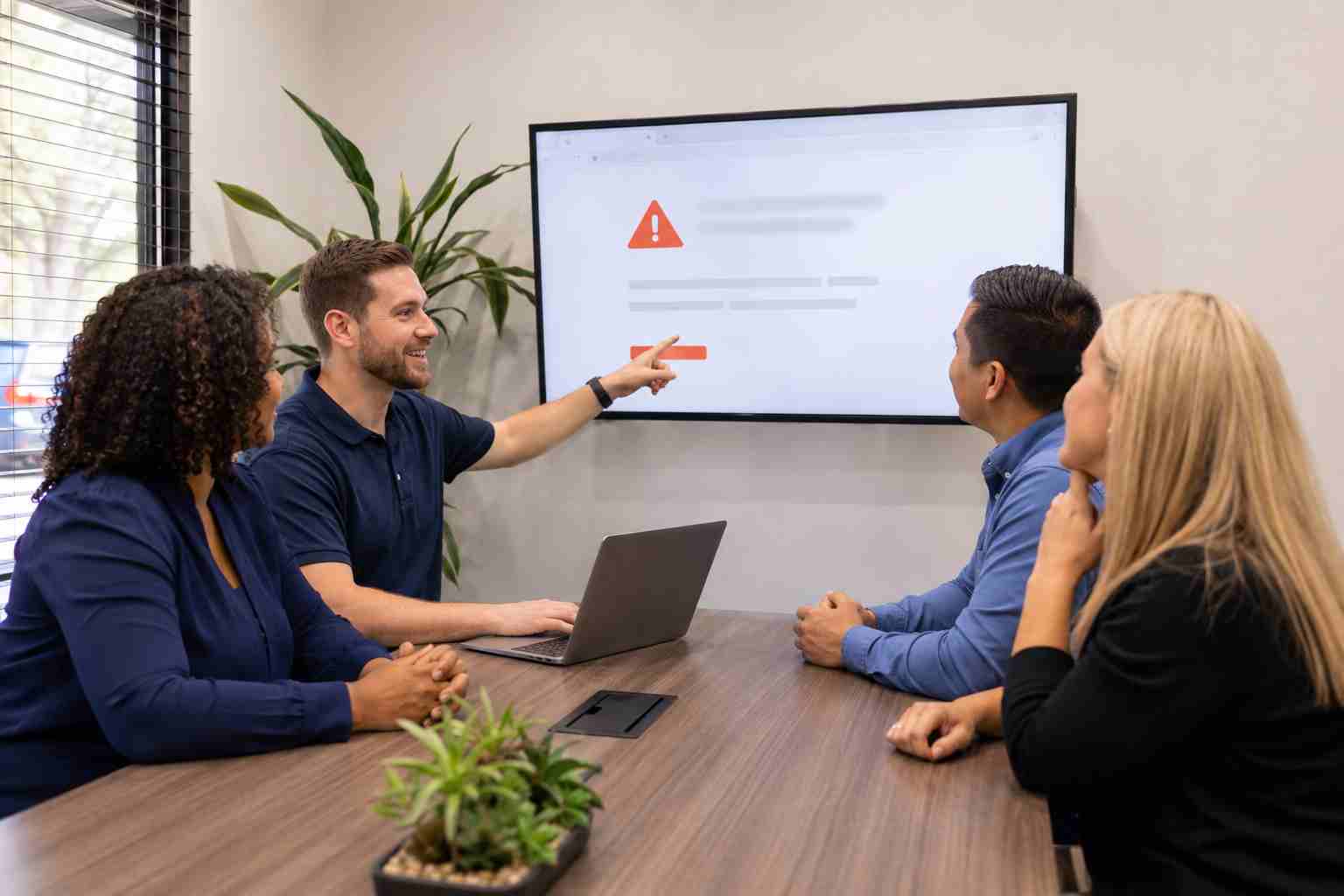
Most people have encountered a website asking them to prove they are human. Usually, that means checking a box or selecting a few pictures.
Cybercriminals are taking advantage of that familiarity.
A technique commonly called “ClickFix” uses fake CAPTCHA pages, browser errors, or security warnings to tell visitors to perform unusual keyboard actions. The instructions may claim that they will verify the visitor, repair the browser, or display the requested document. In reality, following them can cause the computer to run a malicious command.
For a small business, one employee following a convincing prompt can expose passwords, business files, email accounts, or other devices on the company network.
Microsoft reported that CAPTCHA-gated phishing activity rose sharply during the first quarter of 2026. Its researchers observed approximately 11.9 million CAPTCHA-gated phishing attacks in March, a 125% increase from February.
Microsoft has also documented a variation that deliberately makes a browser appear to crash. The victim is then shown a fake repair warning designed to make the malicious instructions feel urgent and believable.
These attacks are effective because they do not always look like traditional malware. There may be no obvious file to download and no poorly written email demanding a password. Instead, the website persuades the user to perform the dangerous action.
A legitimate CAPTCHA normally stays inside the browser. It might ask you to check a box, identify an object, or enter characters shown on the screen.
Treat a verification page as suspicious if it asks you to:
A website does not need access to Windows tools to prove that you are human.
If a CAPTCHA or browser warning gives unusual instructions, stop before following them.
Close the browser tab. If the page will not close normally, contact your legitimate IT support provider. Do not call a number displayed inside the warning, because it may connect directly to a scammer.
Employees should also avoid returning to the page through the same email, advertisement, or search result until the link has been reviewed.
If someone already followed the instructions, they should report it immediately. Quick reporting gives the IT team an opportunity to isolate and inspect the computer, review account activity, and determine whether passwords or business systems may be at risk.
Employees should not feel embarrassed about reporting a mistake. Delayed reporting is usually more damaging than the original click.
Tell employees that a website should never instruct them to open a Windows tool or paste a command to verify their identity.
This memorable rule is easier to apply than asking staff to identify every possible version of the attack.
Updates cannot prevent every social-engineering attempt, but they can close weaknesses that attackers may try to use after reaching a computer.
Managed security tools can help identify unusual scripts, malicious websites, and unexpected activity. They can also give an IT provider useful information when an employee reports a suspicious prompt.
Staff should know exactly how to contact the real IT team. That contact method should be available somewhere other than the affected computer, such as an internal directory or printed office information sheet.
Short, recurring security reminders are generally more useful than an annual presentation filled with technical language. Show employees what a suspicious prompt may look like and emphasize that stopping to ask is always acceptable.
Fake CAPTCHA attacks succeed by making an unusual request feel routine. Small businesses can reduce the risk by giving employees a clear warning sign, maintaining updated security controls, and making help easy to reach.


Himala and his team at Cybernetic Networks have been amazing. We have been a customer of Cybernetic Networks for well over 14 years now, both personally and professionally. Himala and his team are professional, reachable and on the cutting edge of technology. We have enjoyed doing business with Cybernetic Networks for many years and still rely on their knowledge, skills and technology every day
Himala and his Cybernetic team have never let me down! For over 10 years now they have been fixing my technical issues, set up all my new networks and computers and have safeguarded me from any hackers or malware. You can trust this company to navigate you as your company grows and to keep you on track with the latest in security and safety
I am a solo practicing neurologist and have had all my IT needs covered through Cybernetic Networks since 2007. They are the best! All of their tech support staff is extremely knowledgeable and efficient. Just as importantly, they are quickly responsive whenever we need their assistance. I couldn’t be happier with their service and give them my highest recommendation!
I couldn't be happier with Cybernetics - they are experts, always respond quickly , and solves any issues I have.
Cybernetic Networks has been advising and supporting all our IT issues and purchases for the last 18 years. They are very responsive and extremely knowledgeable- always providing us with timely services.
It is not often you find small business companies that are not only rewarding to work with, but also have integrity, truth and skill. I have worked with this company for over 20 years, and the service is outstanding. I can easily recommend that if you need an IT company, this is the one to get. Full STOP! Look no further, you will be happy that you did. Sue Myhelic, Gulf Breeze Real Estate, Naples, Florida.
Himala and his team from Cybernetic Networks, Inc. has been an integral part of our successful retail business for the past 20 years. He is extraordinarily knowledgable and always available for our IT needs. Thanks to Himala and his team we are always up and running.




