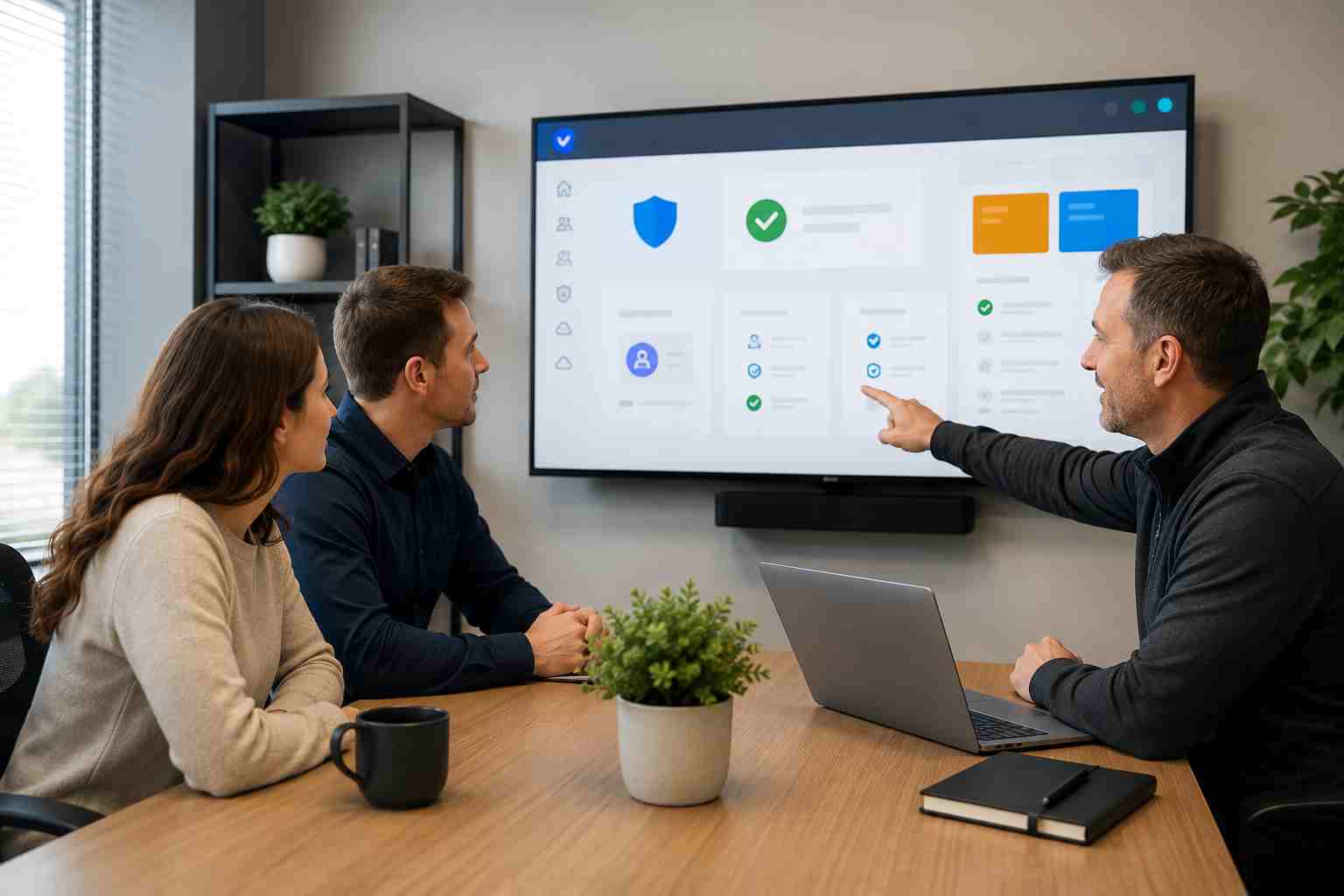
Most business owners know to warn employees about fake password pages. But a newer style of Microsoft 365 scam is more confusing because it can send people to a real Microsoft login page.
This is called device code phishing. In plain English, it means an attacker tricks an employee into entering a login code that approves access for the attacker’s device or session. The employee may think they are opening a shared file, checking a voicemail, reviewing an invoice, or responding to a normal business request.
The dangerous part is that the page can look legitimate because part of the process uses Microsoft’s real sign-in system.
Traditional phishing usually tries to steal a password. Device code phishing works differently.
Instead of asking for a password on a fake page, the scam may ask the user to enter a short code into Microsoft’s real device login page. If the employee follows the instructions, they may unknowingly approve the attacker’s access.
That means a business can still have multifactor authentication, or MFA, and still be at risk if employees are tricked into approving the wrong sign-in. MFA is still important, but it needs to be paired with better settings, monitoring, and user training.
For a small business in Orlando or Central Florida, one compromised Microsoft 365 account can create a lot of damage quickly.
An attacker may be able to:
This type of attack is especially risky for owners, office managers, finance staff, and anyone who handles invoices, banking requests, payroll, customer files, or vendor communication.
Employees should slow down when they see:
A simple rule helps: If you did not start the login yourself, do not enter the code.
Small businesses do not need to understand every technical detail to improve protection. The key is to make sure Microsoft 365 is configured and monitored properly.
Helpful steps include:
For many businesses, the most important improvement is having someone regularly review Microsoft 365 security settings instead of assuming the default setup is enough.
Microsoft 365 is central to how many small businesses work, so attackers are going where the value is: email, files, calendars, Teams chats, and login sessions. Device code phishing is a reminder that security is not only about passwords. It is also about settings, habits, monitoring, and fast response when something looks wrong.


Himala and his team at Cybernetic Networks have been amazing. We have been a customer of Cybernetic Networks for well over 14 years now, both personally and professionally. Himala and his team are professional, reachable and on the cutting edge of technology. We have enjoyed doing business with Cybernetic Networks for many years and still rely on their knowledge, skills and technology every day
Himala and his Cybernetic team have never let me down! For over 10 years now they have been fixing my technical issues, set up all my new networks and computers and have safeguarded me from any hackers or malware. You can trust this company to navigate you as your company grows and to keep you on track with the latest in security and safety
I am a solo practicing neurologist and have had all my IT needs covered through Cybernetic Networks since 2007. They are the best! All of their tech support staff is extremely knowledgeable and efficient. Just as importantly, they are quickly responsive whenever we need their assistance. I couldn’t be happier with their service and give them my highest recommendation!
I couldn't be happier with Cybernetics - they are experts, always respond quickly , and solves any issues I have.
Cybernetic Networks has been advising and supporting all our IT issues and purchases for the last 18 years. They are very responsive and extremely knowledgeable- always providing us with timely services.
It is not often you find small business companies that are not only rewarding to work with, but also have integrity, truth and skill. I have worked with this company for over 20 years, and the service is outstanding. I can easily recommend that if you need an IT company, this is the one to get. Full STOP! Look no further, you will be happy that you did. Sue Myhelic, Gulf Breeze Real Estate, Naples, Florida.
Himala and his team from Cybernetic Networks, Inc. has been an integral part of our successful retail business for the past 20 years. He is extraordinarily knowledgable and always available for our IT needs. Thanks to Himala and his team we are always up and running.




