Most small businesses do not think about their router until the internet stops working.
If employees can open email, process payments, reach cloud applications, and join video calls, the router appears to be doing its job. Unfortunately, a router can continue moving internet traffic even when it is outdated, unsupported, or vulnerable.
That concern became more concrete in March 2026, when the FBI issued an alert about AVrecon malware infecting small-office and home-office routers. The FBI reported that the activity affected many router models from several well-known manufacturers.
For a business owner, the lesson is straightforward: internet access alone does not tell you whether the equipment connecting your business to the internet is still secure.
Routers contain software called firmware. Firmware controls how the device operates, handles connections, and applies security protections.
Manufacturers release firmware updates to correct problems and close security weaknesses. Eventually, however, every model reaches its end of life. That means the manufacturer may stop issuing updates, even when new weaknesses are discovered.
The FBI noted that end-of-life devices generally do not receive patches for known vulnerabilities. It also warned that installing an available update may not automatically remove malware if a device has already been compromised.
This does not mean every older router is infected. It means businesses should know what equipment they have and whether it is still supported instead of assuming that a blinking status light equals good security.
An infected router can be used without producing an obvious warning on an employee’s screen.
Criminals may route their activity through the device, use it as part of a larger malicious network, or attempt to reach other systems. Because the traffic appears to come from an ordinary business internet connection, the activity can be harder to recognize.
A compromised or poorly secured router may contribute to:
The business impact can include downtime, interrupted customer service, lost productivity, and uncertainty about what else may have been affected.
Small-business owners do not need to diagnose router malware themselves. They should, however, be able to get clear answers to five questions.
Record the manufacturer, exact model, approximate installation date, and who manages it.
Check whether the manufacturer continues to provide security updates. If the device is at end of life, create a replacement plan.
Updates should be handled through the manufacturer’s official process or by the company’s IT provider. Avoid downloading router software from unfamiliar websites.
Remote administration allows someone to manage the router from outside the office. The FTC recommends turning it off when it is not needed. When the business does require remote management, access should be tightly controlled.
The router’s administrator password should not be the manufacturer’s default, the regular Wi-Fi password, or a password shared among employees.
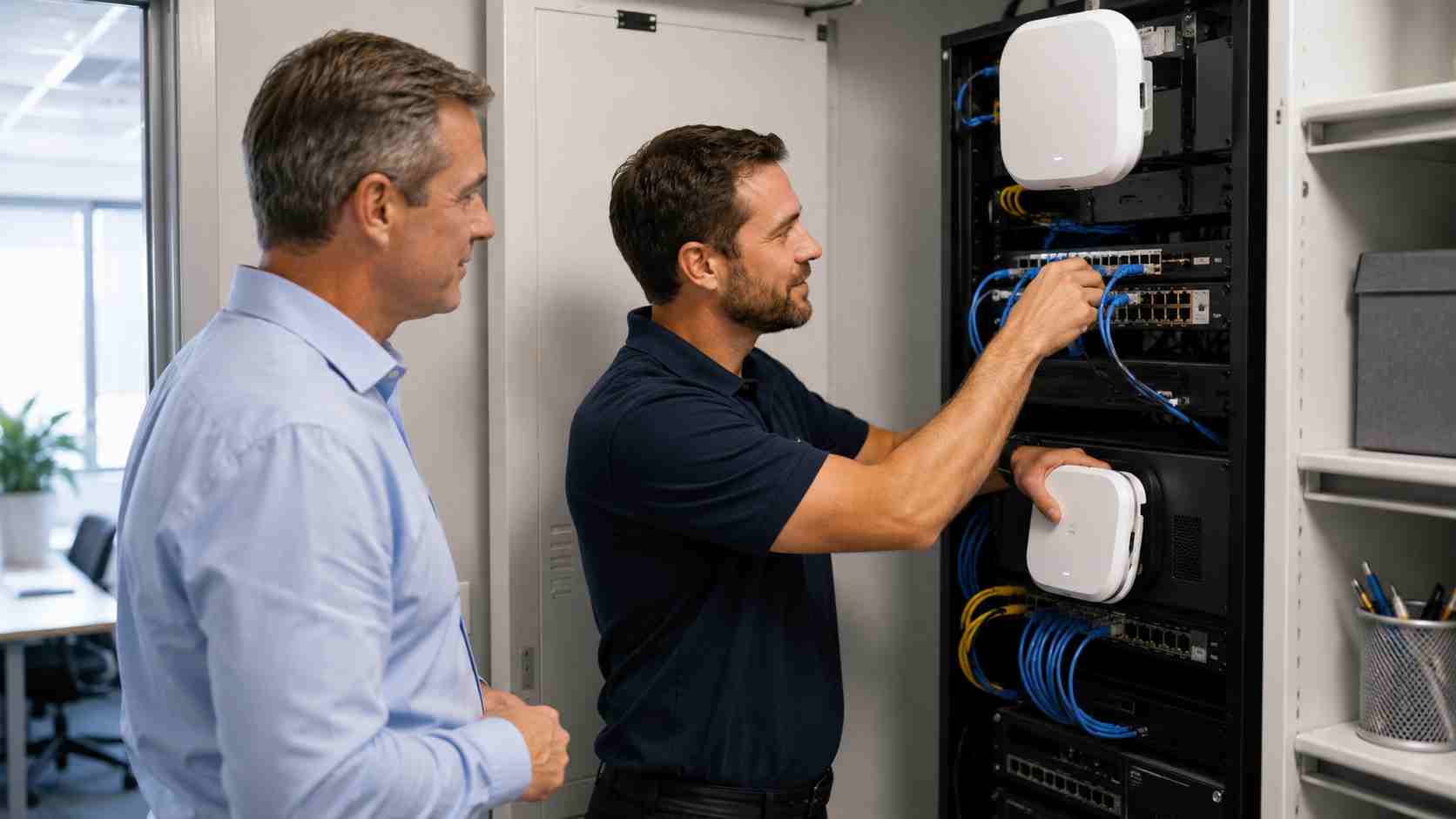
Start with an inventory. Routers, firewalls, wireless access points, switches, cameras, and other connected equipment should have an owner, an installation date, and a support status.
Then review the basics:
If a router behaves unusually or may already be compromised, avoid experimenting with random online instructions. Contact qualified IT support so the device and surrounding network can be assessed in the correct order.
A small business should not wait for complete equipment failure before replacing its internet gateway.
Planned replacement makes it possible to review compatibility, document settings, schedule downtime, and test the new equipment. An emergency replacement during a busy workday usually costs more in disruption and rushed decisions.
The right replacement schedule depends on the model, manufacturer support, business requirements, and security history. The important point is that someone should be tracking those factors.


Himala and his team at Cybernetic Networks have been amazing. We have been a customer of Cybernetic Networks for well over 14 years now, both personally and professionally. Himala and his team are professional, reachable and on the cutting edge of technology. We have enjoyed doing business with Cybernetic Networks for many years and still rely on their knowledge, skills and technology every day
Himala and his Cybernetic team have never let me down! For over 10 years now they have been fixing my technical issues, set up all my new networks and computers and have safeguarded me from any hackers or malware. You can trust this company to navigate you as your company grows and to keep you on track with the latest in security and safety
I am a solo practicing neurologist and have had all my IT needs covered through Cybernetic Networks since 2007. They are the best! All of their tech support staff is extremely knowledgeable and efficient. Just as importantly, they are quickly responsive whenever we need their assistance. I couldn’t be happier with their service and give them my highest recommendation!
I couldn't be happier with Cybernetics - they are experts, always respond quickly , and solves any issues I have.
Cybernetic Networks has been advising and supporting all our IT issues and purchases for the last 18 years. They are very responsive and extremely knowledgeable- always providing us with timely services.
It is not often you find small business companies that are not only rewarding to work with, but also have integrity, truth and skill. I have worked with this company for over 20 years, and the service is outstanding. I can easily recommend that if you need an IT company, this is the one to get. Full STOP! Look no further, you will be happy that you did. Sue Myhelic, Gulf Breeze Real Estate, Naples, Florida.
Himala and his team from Cybernetic Networks, Inc. has been an integral part of our successful retail business for the past 20 years. He is extraordinarily knowledgable and always available for our IT needs. Thanks to Himala and his team we are always up and running.




