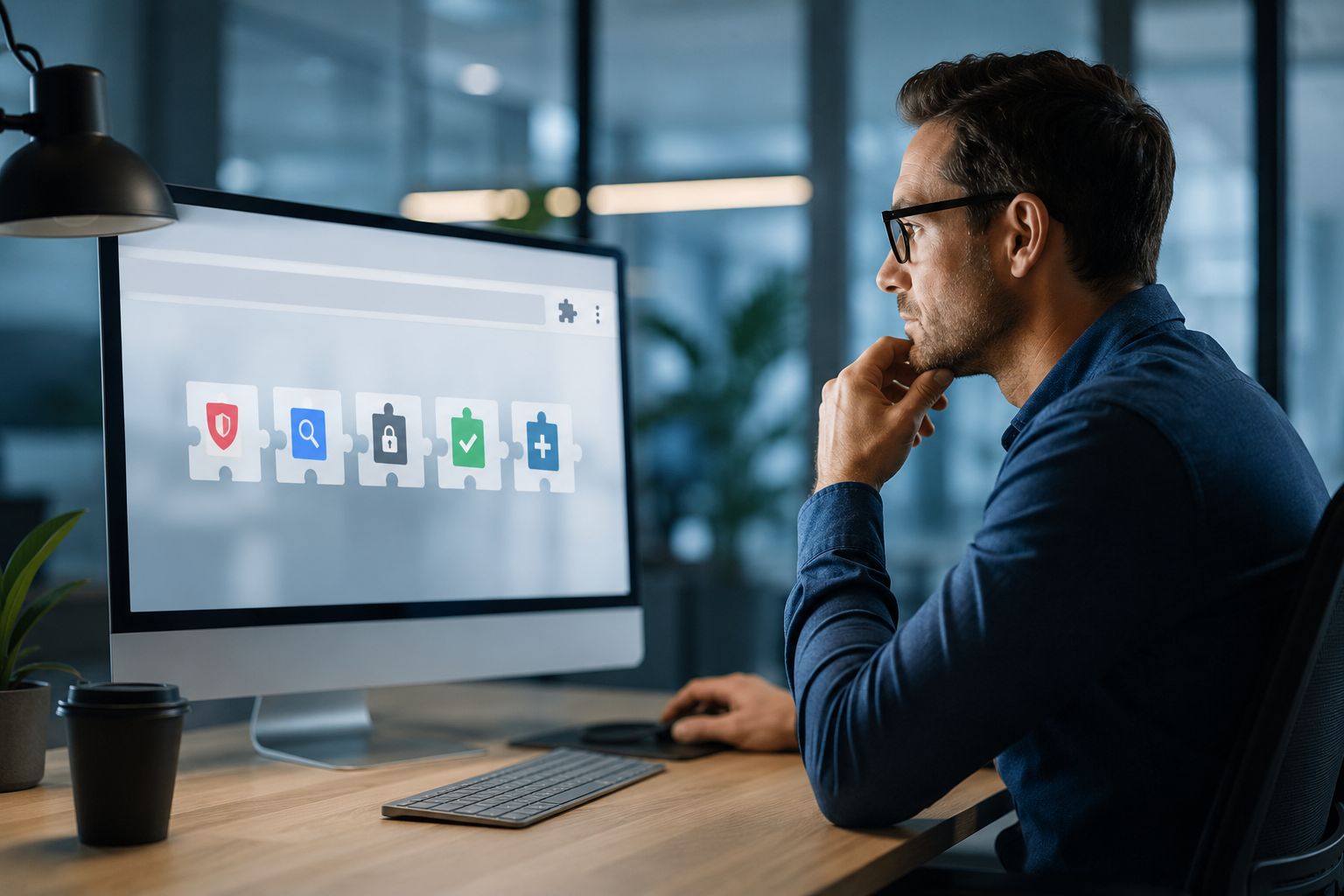
Most small businesses think about cybersecurity in terms of email scams, weak passwords, or antivirus software.
What gets missed is the browser itself.
Today, a lot of everyday work happens through Chrome or Edge. Staff use browser-based email, accounting tools, CRMs, payroll systems, cloud storage, and banking portals. That makes browser extensions more powerful than many business owners realize.
A seemingly useful extension can read page content, alter what is displayed in the browser, and, in certain instances, access sensitive work data. If the wrong extension is installed, the risk to the business is real. It can impact accounts, customer information, and daily operations.
Recent public reports indicate that browser extensions are emerging as a more active attack vector.
In March 2026, The Hacker News said that some Chrome extensions were sold and then became harmful, allowing code injection and stealing data. In January 2026, researchers discovered malicious extensions impersonating business tools such as Workday and NetSuite. By April 2026, more reports showed that there were over 100 harmful Chrome extensions connected to browser abuse and the stealing of Google account data.
This is important because many employees install extensions without much thought. They may include a screenshot tool, coupon finder, PDF helper, grammar assistant, AI helper, or file converter without fully comprehending the extent of access they are providing.
Once that access is in place, a harmful extension can become a back door into a business workflow.
Small businesses often do not have a formal review process for browser add-ons. If an employee can install software in the browser, they may do it in seconds with no security check.
That creates a straightforward path to trouble. A risky extension can expose login sessions, access private pages, collect information from websites, or compromise normal browser security. For a small business, this can lead to stolen accounts, privacy problems, financial fraud, or a support issue that takes time and money to fix.
A risky extension can jeopardize login sessions, grant access to sensitive pages, collect data entered on websites, or undermine standard browser security. For a small business, this can lead to stolen accounts, privacy issues, money scams, or a support problem that takes a lot of time and money to fix.
The challenge is that these tools often look harmless. Many are installed because they promise convenience, speed, or better productivity.
Google's guidelines for Chrome highlight the importance of extension permissions. Certain permissions allow an extension to read and modify data on websites, and overly broad permissions can pose significant risks. Furthermore, Google offers businesses the ability to manage which extensions users are allowed to install.
Microsoft highlights important points for Edge in business settings: check extension permissions, see how an extension works in your organization, and avoid approving add-ons that ask for extra access that isn't needed.
If an extension asks for full access to all the sites a user visits, a business should see that as an important choice, not a small one.


Himala and his team at Cybernetic Networks have been amazing. We have been a customer of Cybernetic Networks for well over 14 years now, both personally and professionally. Himala and his team are professional, reachable and on the cutting edge of technology. We have enjoyed doing business with Cybernetic Networks for many years and still rely on their knowledge, skills and technology every day
Himala and his Cybernetic team have never let me down! For over 10 years now they have been fixing my technical issues, set up all my new networks and computers and have safeguarded me from any hackers or malware. You can trust this company to navigate you as your company grows and to keep you on track with the latest in security and safety
I am a solo practicing neurologist and have had all my IT needs covered through Cybernetic Networks since 2007. They are the best! All of their tech support staff is extremely knowledgeable and efficient. Just as importantly, they are quickly responsive whenever we need their assistance. I couldn’t be happier with their service and give them my highest recommendation!
I couldn't be happier with Cybernetics - they are experts, always respond quickly , and solves any issues I have.
Cybernetic Networks has been advising and supporting all our IT issues and purchases for the last 18 years. They are very responsive and extremely knowledgeable- always providing us with timely services.
It is not often you find small business companies that are not only rewarding to work with, but also have integrity, truth and skill. I have worked with this company for over 20 years, and the service is outstanding. I can easily recommend that if you need an IT company, this is the one to get. Full STOP! Look no further, you will be happy that you did. Sue Myhelic, Gulf Breeze Real Estate, Naples, Florida.
Himala and his team from Cybernetic Networks, Inc. has been an integral part of our successful retail business for the past 20 years. He is extraordinarily knowledgable and always available for our IT needs. Thanks to Himala and his team we are always up and running.




