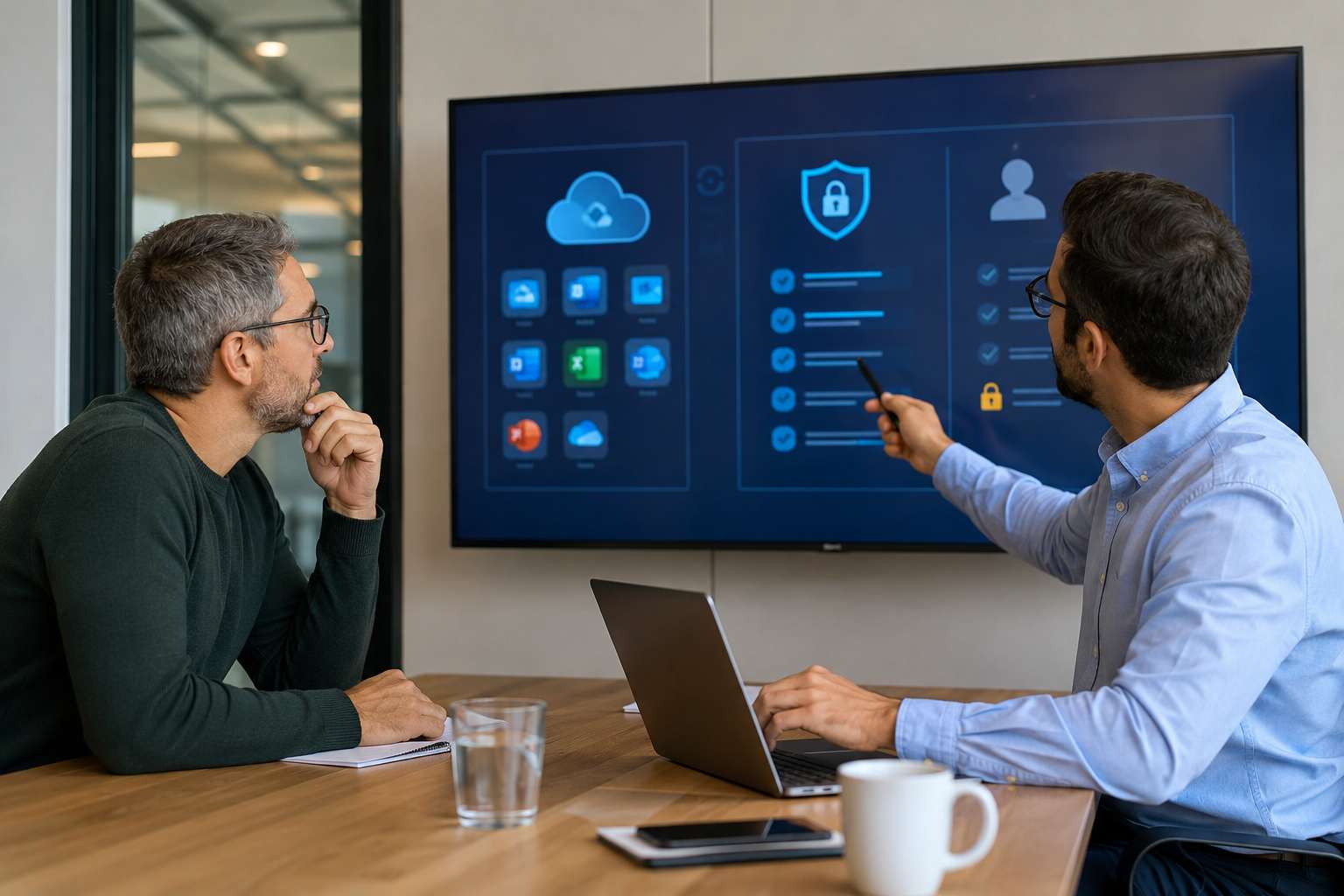
Most small business owners know to be careful with fake login pages and suspicious email links. The newer problem is quieter. Attackers are increasingly using Microsoft 365 approval prompts, device-code sign-ins, and app-consent tricks to gain access without relying only on stolen passwords. Microsoft reported active 2026 campaigns using device-code phishing and OAuth abuse, and recent guidance continues to stress tighter control over app permissions and user consent. (microsoft.com)
Sometimes the attack is not “type your password here.” Sometimes it is “approve this app,” “enter this Microsoft code,” or “connect this tool to your account.” If someone on your team approves the wrong request, an outside app can end up with access to email, files, contacts, or calendars. Microsoft’s guidance notes that these illicit consent attacks can leave the attacker with account-level access, and that ordinary cleanup steps like password resets or forcing MFA are not always enough by themselves. (learn.microsoft.com)
For a small business, one compromised Microsoft 365 account can turn into a much bigger operations problem very quickly. An attacker with ongoing access may be able to watch invoice conversations, read customer emails, gather internal documents, or quietly set inbox rules that hide or reroute messages. Microsoft’s recent campaign analysis specifically described email exfiltration, malicious inbox rules, and reconnaissance aimed at financial or executive targets. (microsoft.com)
This kind of attack feels legitimate because it often uses real Microsoft pages or normal-looking cloud approval screens. Microsoft warns not to trust an app just because the name looks familiar, and recommends allowing consent only for trusted, verified publishers and low-risk permissions where appropriate. In other words, your business now has to manage app trust the same way it manages password trust. (learn.microsoft.com)
These steps line up closely with Microsoft’s current guidance on limiting user consent, reviewing app permissions regularly, preferring verified publishers, and governing OAuth applications more tightly. (learn.microsoft.com)
If your business runs on Microsoft 365, app permissions deserve the same attention as passwords, spam filtering, and employee training. Cybernetic Networks helps Orlando-area small businesses review Microsoft 365 security settings, reduce unnecessary third-party access, and spot risky account activity before it turns into downtime, fraud, or data loss.


Himala and his team at Cybernetic Networks have been amazing. We have been a customer of Cybernetic Networks for well over 14 years now, both personally and professionally. Himala and his team are professional, reachable and on the cutting edge of technology. We have enjoyed doing business with Cybernetic Networks for many years and still rely on their knowledge, skills and technology every day
Himala and his Cybernetic team have never let me down! For over 10 years now they have been fixing my technical issues, set up all my new networks and computers and have safeguarded me from any hackers or malware. You can trust this company to navigate you as your company grows and to keep you on track with the latest in security and safety
I am a solo practicing neurologist and have had all my IT needs covered through Cybernetic Networks since 2007. They are the best! All of their tech support staff is extremely knowledgeable and efficient. Just as importantly, they are quickly responsive whenever we need their assistance. I couldn’t be happier with their service and give them my highest recommendation!
I couldn't be happier with Cybernetics - they are experts, always respond quickly , and solves any issues I have.
Cybernetic Networks has been advising and supporting all our IT issues and purchases for the last 18 years. They are very responsive and extremely knowledgeable- always providing us with timely services.
It is not often you find small business companies that are not only rewarding to work with, but also have integrity, truth and skill. I have worked with this company for over 20 years, and the service is outstanding. I can easily recommend that if you need an IT company, this is the one to get. Full STOP! Look no further, you will be happy that you did. Sue Myhelic, Gulf Breeze Real Estate, Naples, Florida.
Himala and his team from Cybernetic Networks, Inc. has been an integral part of our successful retail business for the past 20 years. He is extraordinarily knowledgable and always available for our IT needs. Thanks to Himala and his team we are always up and running.




