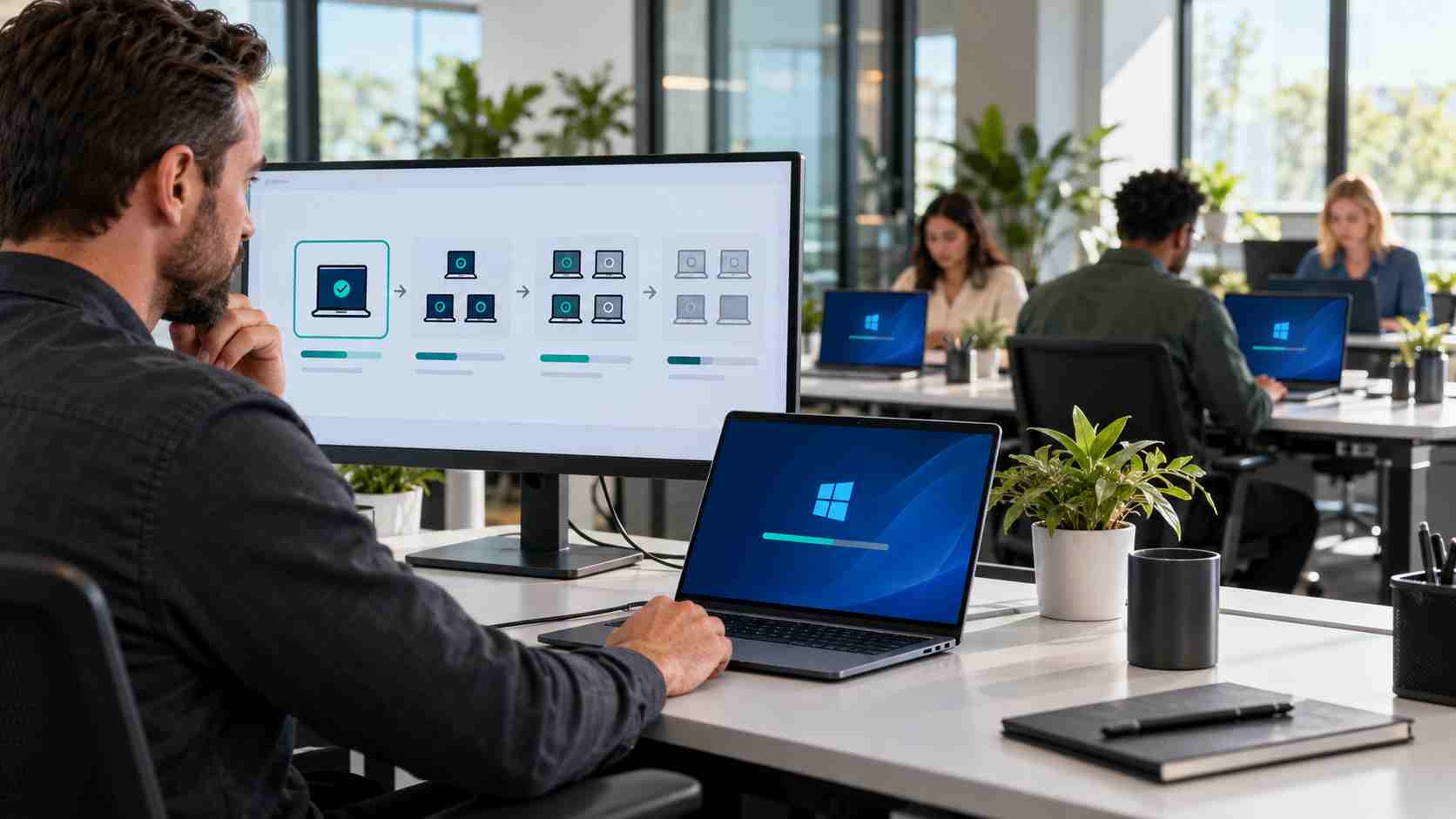
A single laptop losing Wi-Fi usually points to that device. Several business computers losing access shortly after the same Windows update may indicate a wider compatibility problem.
Administrators have reported that the October 13, 2026 Windows 11 security update, KB5127648, can prevent some computers from connecting to secure business Wi-Fi networks. Reports also indicate that certain wired office connections using the same authentication method may be affected.
The issue does not appear to affect every Windows 11 computer or every Wi-Fi network. It has mainly been reported in organizations using an enterprise authentication system called 802.1X with PEAP.
In plain English, this is the type of network where each employee or managed computer must prove its identity before receiving access. It is more common in professionally managed offices, schools, healthcare environments, and larger facilities than in home-style Wi-Fi networks.
An affected employee may experience one or more of these symptoms:
These symptoms can look like a forgotten password, broken laptop, failed access point, or internet outage. Replacing equipment or resetting every password before identifying the pattern can waste time and make troubleshooting harder.
Microsoft’s official page for KB5127648 confirms that the update was released for Windows 11 versions 24H2, 25H2, and 26H2. At the time this article was prepared, Microsoft’s public known-issues section listed a Remote Desktop problem but did not list the reported 802.1X Wi-Fi failure.
The Wi-Fi connection problem is therefore best described as a reported issue that administrators are investigating, not a confirmed failure affecting every installation.
That distinction matters. Businesses should verify the exact update, Windows version, network configuration, and timing before blaming the update or removing it.
Employees can collect useful information without changing security settings.
Ask whether coworkers on the same network are experiencing the same problem. If several Windows computers stopped connecting around the same time, report that pattern to IT.
Also note whether phones, guest devices, or computers that have not updated can still connect.
A normal restart can complete pending update work and clear temporary network problems. Restart the computer once, then try the business network again.
Repeated restarts are unlikely to solve an authentication compatibility problem.
Take a photo or screenshot of the error. Note whether the computer asks for credentials, reports that it cannot connect, or connects without reaching business resources.
Small details help an IT technician distinguish between an internet outage, password problem, Wi-Fi coverage issue, and authentication failure.
Tell IT whether the problem started after a restart or update. If possible, provide the computer name, Windows version, and location in the office.
Employees should not dig through advanced system menus if they are uncomfortable doing so. An IT provider can collect this information remotely or guide them through it.
A wired connection, separate approved network, or company-authorized mobile hotspot may keep urgent work moving while the main issue is investigated.
Do not move confidential work to an unknown public Wi-Fi network. A temporary connection must still follow the company’s security and privacy rules.
Online discussions mention registry changes and removal of the security update as possible workarounds. These are administrator-level actions and can weaken security, interrupt other functions, or create inconsistent settings across the business.
Employees should not:
The safer approach is to have IT confirm whether the computer and network match the reported problem, then use a controlled fix or workaround based on current vendor guidance.
The technical team should compare affected and unaffected computers and confirm:
The technician should also consider the security effect of any workaround. Restoring connectivity by re-enabling an older authentication behavior can create a new risk if it is left in place indefinitely.
Security updates are important and should not simply be ignored. At the same time, installing every update on every business computer at once can turn an uncommon compatibility problem into an office-wide outage.
A managed update process typically uses a small test group first. IT can install the update on representative devices, confirm that Wi-Fi, printers, business applications, VPN access, and other critical functions still work, and then expand the rollout.
This approach does not eliminate every problem. It does reduce the number of people affected when a problem appears.
Small businesses should maintain:
When secure office connectivity stops, employees may lose access to cloud applications, shared files, printers, phones, payment systems, and customer records.
The visible complaint may be “the Wi-Fi is down,” but the real business impact is lost working time, delayed service, and staff confusion.
Centralized device monitoring makes these events easier to diagnose. IT can see which computers installed an update, compare configurations, identify patterns, and apply an approved change consistently instead of troubleshooting every laptop as a separate mystery.


Himala and his team at Cybernetic Networks have been amazing. We have been a customer of Cybernetic Networks for well over 14 years now, both personally and professionally. Himala and his team are professional, reachable and on the cutting edge of technology. We have enjoyed doing business with Cybernetic Networks for many years and still rely on their knowledge, skills and technology every day
Himala and his Cybernetic team have never let me down! For over 10 years now they have been fixing my technical issues, set up all my new networks and computers and have safeguarded me from any hackers or malware. You can trust this company to navigate you as your company grows and to keep you on track with the latest in security and safety
I am a solo practicing neurologist and have had all my IT needs covered through Cybernetic Networks since 2007. They are the best! All of their tech support staff is extremely knowledgeable and efficient. Just as importantly, they are quickly responsive whenever we need their assistance. I couldn’t be happier with their service and give them my highest recommendation!
I couldn't be happier with Cybernetics - they are experts, always respond quickly , and solves any issues I have.
Cybernetic Networks has been advising and supporting all our IT issues and purchases for the last 18 years. They are very responsive and extremely knowledgeable- always providing us with timely services.
It is not often you find small business companies that are not only rewarding to work with, but also have integrity, truth and skill. I have worked with this company for over 20 years, and the service is outstanding. I can easily recommend that if you need an IT company, this is the one to get. Full STOP! Look no further, you will be happy that you did. Sue Myhelic, Gulf Breeze Real Estate, Naples, Florida.
Himala and his team from Cybernetic Networks, Inc. has been an integral part of our successful retail business for the past 20 years. He is extraordinarily knowledgable and always available for our IT needs. Thanks to Himala and his team we are always up and running.




