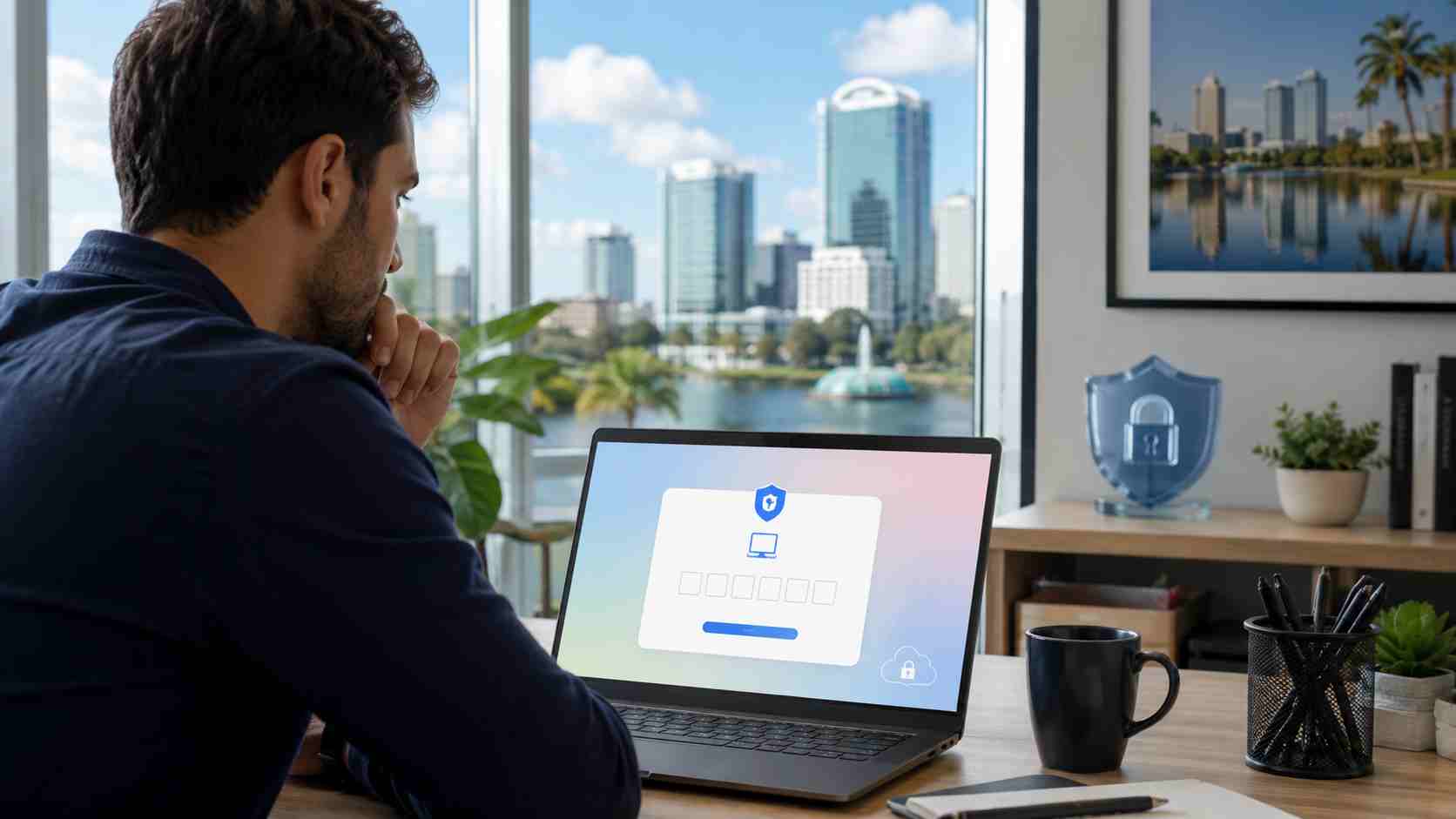
Most small businesses have heard the basic advice: use strong passwords and turn on multi-factor authentication, often called MFA. MFA is still important. It helps stop many attacks where a password is stolen or guessed.
But a newer phishing method is causing concern because it does not always look like the old fake login page.
The FBI recently warned about a phishing-as-a-service platform called Kali365. In plain English, that means criminals are packaging phishing tools so less-skilled scammers can run more convincing attacks. This scam focuses on Microsoft 365 accounts, including services many businesses use every day, such as Outlook, Teams, and OneDrive.
The dangerous part is that the scam may not ask for your password at all.
Microsoft has a legitimate sign-in method called device code login. It is used when a device has limited typing options, such as a TV, printer, or other connected device. The user is shown a code and asked to enter it on a Microsoft verification page.
Scammers abuse this process.
A business user may receive an email that looks like a shared document, invoice, secure message, or urgent work request. The message asks the user to open a link and enter a code on a real Microsoft page. Because the page is legitimate, the user may feel safe.
But the code was created by the attacker.
When the employee enters the code and approves the prompt, they may be giving the attacker access to their Microsoft 365 account. The attacker may then be able to reach email, files, Teams messages, and other connected services.
That is why this scam is so tricky. The employee may never type their password into a fake website.
For a small business, one compromised Microsoft 365 account can cause a lot of damage.
An attacker who gets into an email account may read private messages, search for invoices, watch conversations with vendors, and send believable emails from the real employee account. That can lead to payment fraud, fake wire requests, stolen files, or more phishing messages sent to customers and coworkers.
This is especially risky for businesses where one person wears many hats. If the compromised account belongs to an owner, manager, bookkeeper, or office administrator, the attacker may quickly find sensitive conversations and financial workflows.
For Orlando-area businesses that rely on email to coordinate appointments, estimates, invoices, scheduling, and customer service, losing control of a Microsoft 365 account is not just an IT problem. It can interrupt daily operations and damage customer trust.
Employees should be cautious if they receive a message that asks them to enter a code they did not request.
Be especially careful with messages that:
The simplest rule is this: if you did not personally start the sign-in process, do not enter a device code.
First, keep MFA enabled. This scam does not mean MFA is useless. MFA still blocks many common attacks and should remain part of your security setup.
Second, train employees on the new warning sign. Many people know to avoid fake password pages, but fewer people know that a real Microsoft page can still be part of a scam if the request started from a phishing email.
Third, review Microsoft 365 security settings. Depending on the business setup, IT may be able to limit device code sign-ins, apply conditional access rules, monitor unusual sign-ins, and revoke suspicious sessions.
Fourth, watch for suspicious account behavior. Examples include unexpected forwarding rules, emails sent from the account that the user does not remember sending, strange sign-in locations, or unfamiliar devices connected to the account.
Fifth, have a response plan. If someone enters a suspicious code, the answer is not just “change the password.” The business may need to revoke active sessions, remove unauthorized devices or app permissions, review mailbox rules, and check whether files or emails were accessed.
The old advice still matters, but attackers are changing how they work. Passwords and MFA are part of the defense, not the whole defense. Small businesses need account monitoring, smart Microsoft 365 configuration, employee awareness, and a clear plan for suspicious activity.


Himala and his team at Cybernetic Networks have been amazing. We have been a customer of Cybernetic Networks for well over 14 years now, both personally and professionally. Himala and his team are professional, reachable and on the cutting edge of technology. We have enjoyed doing business with Cybernetic Networks for many years and still rely on their knowledge, skills and technology every day
Himala and his Cybernetic team have never let me down! For over 10 years now they have been fixing my technical issues, set up all my new networks and computers and have safeguarded me from any hackers or malware. You can trust this company to navigate you as your company grows and to keep you on track with the latest in security and safety
I am a solo practicing neurologist and have had all my IT needs covered through Cybernetic Networks since 2007. They are the best! All of their tech support staff is extremely knowledgeable and efficient. Just as importantly, they are quickly responsive whenever we need their assistance. I couldn’t be happier with their service and give them my highest recommendation!
I couldn't be happier with Cybernetics - they are experts, always respond quickly , and solves any issues I have.
Cybernetic Networks has been advising and supporting all our IT issues and purchases for the last 18 years. They are very responsive and extremely knowledgeable- always providing us with timely services.
It is not often you find small business companies that are not only rewarding to work with, but also have integrity, truth and skill. I have worked with this company for over 20 years, and the service is outstanding. I can easily recommend that if you need an IT company, this is the one to get. Full STOP! Look no further, you will be happy that you did. Sue Myhelic, Gulf Breeze Real Estate, Naples, Florida.
Himala and his team from Cybernetic Networks, Inc. has been an integral part of our successful retail business for the past 20 years. He is extraordinarily knowledgable and always available for our IT needs. Thanks to Himala and his team we are always up and running.




