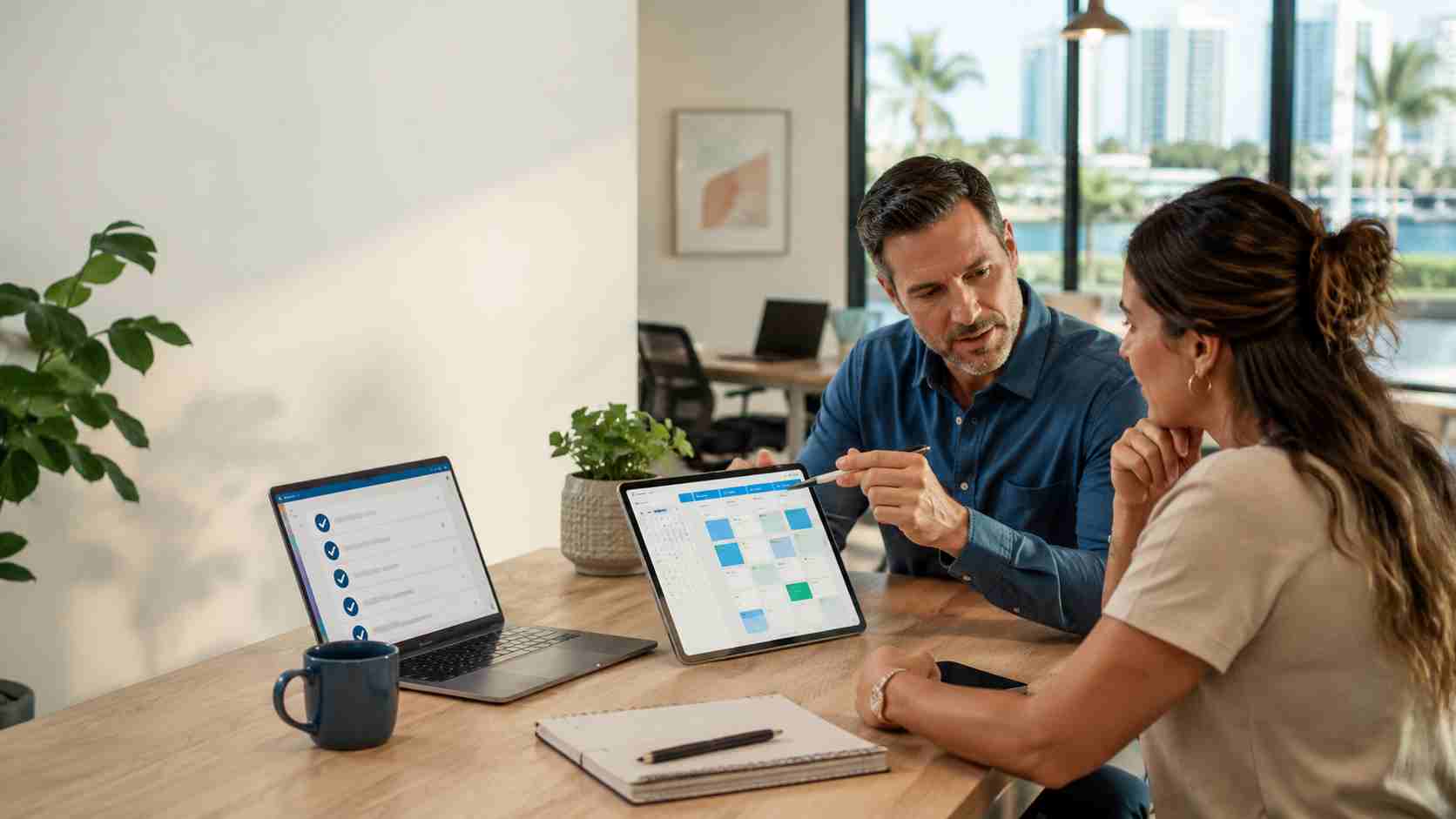
Microsoft is retiring Outlook’s Meeting Insights feature by early September 2026, according to a Microsoft 365 Message Center archive. Meeting Insights currently surfaces related files and emails inside meeting details. The replacement, “Prepare for this meeting,” is tied to Microsoft 365 Copilot licensing.
For some businesses, this will be a minor change. For others, it may affect how staff prepare for sales calls, client meetings, internal check-ins, and project reviews.
The bigger lesson is that Microsoft 365 is changing quickly. AI features are becoming more deeply built into everyday tools, but not every feature will be available to every user by default.
Small businesses often depend on Microsoft 365 without realizing how many daily habits are built around it. Outlook, Teams, OneDrive, SharePoint, Word, and Excel are not just software tools. They are the way work gets organized.
When a familiar feature changes, staff may lose time looking for files, asking coworkers for links, or manually rebuilding a process that used to happen automatically.
That can affect:
The risk is not just “a feature went away.” The risk is confusion, wasted time, and paying for licenses without a clear plan.
Microsoft has introduced Microsoft 365 Business Standard with Copilot and Microsoft 365 Business Premium with Copilot for small businesses. These tools can help with writing, summarizing, meeting preparation, and working across Microsoft apps.
But AI tools are not magic. They work best when the business has clean permissions, organized files, clear policies, and the right license mix.
Before adding Copilot broadly, small businesses should ask:
If your team uses Outlook meeting details heavily, now is a good time to review how people prepare for meetings.
A simple plan might include:
For many small businesses, the answer may not be “buy Copilot for everyone.” It may be “license a few key users, clean up file access, and train the team on the new workflow.”
Microsoft 365 is becoming more powerful, but also more complicated. Features, prices, licenses, and AI tools are changing quickly enough that small businesses need a practical review instead of guesswork.


Himala and his team at Cybernetic Networks have been amazing. We have been a customer of Cybernetic Networks for well over 14 years now, both personally and professionally. Himala and his team are professional, reachable and on the cutting edge of technology. We have enjoyed doing business with Cybernetic Networks for many years and still rely on their knowledge, skills and technology every day
Himala and his Cybernetic team have never let me down! For over 10 years now they have been fixing my technical issues, set up all my new networks and computers and have safeguarded me from any hackers or malware. You can trust this company to navigate you as your company grows and to keep you on track with the latest in security and safety
I am a solo practicing neurologist and have had all my IT needs covered through Cybernetic Networks since 2007. They are the best! All of their tech support staff is extremely knowledgeable and efficient. Just as importantly, they are quickly responsive whenever we need their assistance. I couldn’t be happier with their service and give them my highest recommendation!
I couldn't be happier with Cybernetics - they are experts, always respond quickly , and solves any issues I have.
Cybernetic Networks has been advising and supporting all our IT issues and purchases for the last 18 years. They are very responsive and extremely knowledgeable- always providing us with timely services.
It is not often you find small business companies that are not only rewarding to work with, but also have integrity, truth and skill. I have worked with this company for over 20 years, and the service is outstanding. I can easily recommend that if you need an IT company, this is the one to get. Full STOP! Look no further, you will be happy that you did. Sue Myhelic, Gulf Breeze Real Estate, Naples, Florida.
Himala and his team from Cybernetic Networks, Inc. has been an integral part of our successful retail business for the past 20 years. He is extraordinarily knowledgable and always available for our IT needs. Thanks to Himala and his team we are always up and running.




