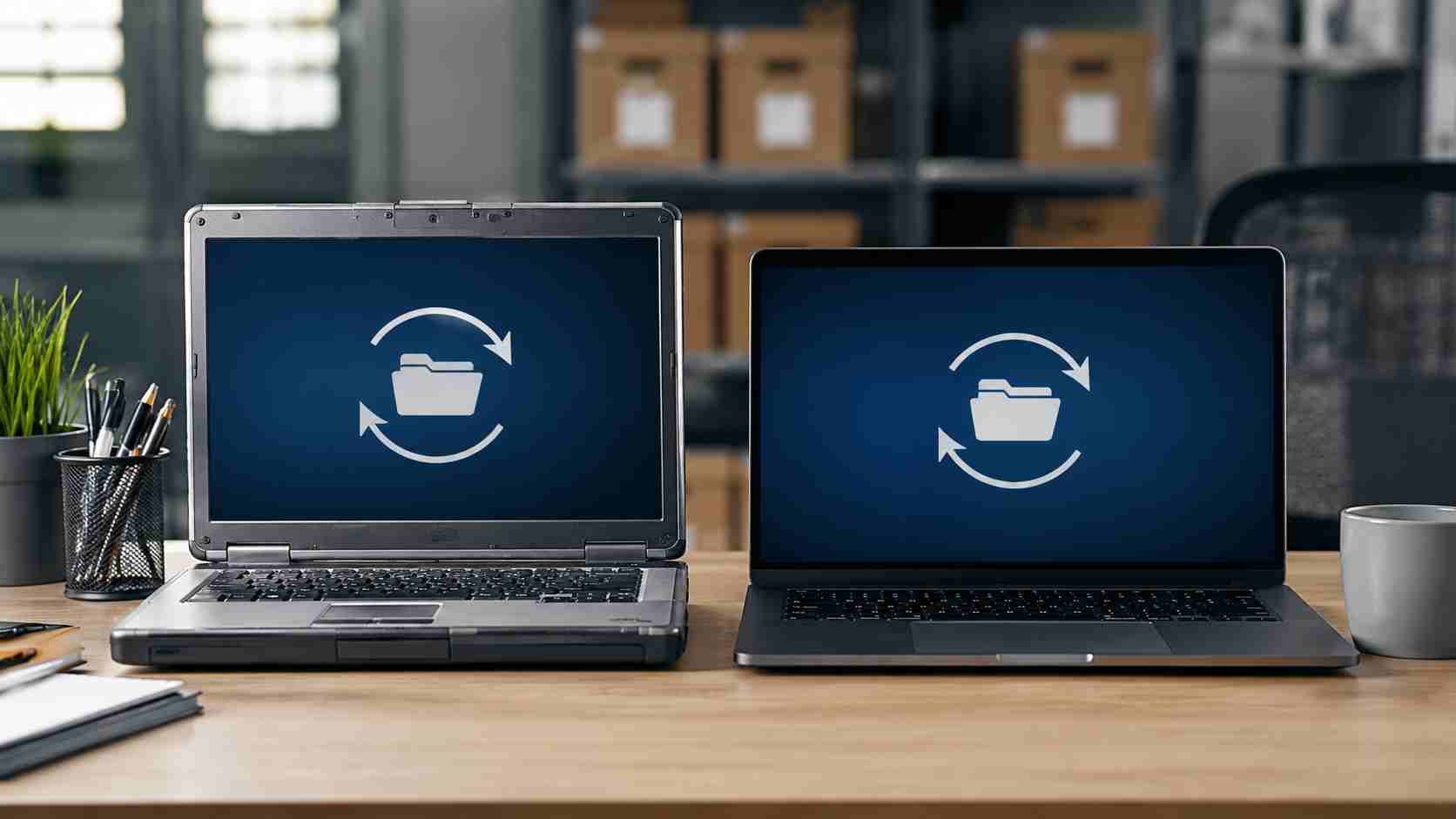
Many small businesses use OneDrive and Microsoft 365 every day without thinking much about the sync app running in the background. It keeps desktop, documents, shared folders, and team files available across devices.
But Microsoft is changing support for older Windows 10 systems. Reports based on Microsoft’s Message Center say OneDrive sync app updates will stop for Windows 10 version 21H2 and earlier on August 15, 2026. Windows 10 version 22H2 is expected to continue receiving OneDrive sync updates longer, but older builds are becoming a support concern.
This does not mean every affected PC suddenly stops working on August 15. The bigger issue is that unsupported software becomes harder to trust over time.
If an older PC keeps running an outdated OneDrive sync app, the business may eventually run into:
For a small business, file confusion can quickly affect billing, proposals, HR documents, customer records, and project work.
This is really a device lifecycle issue. A business may think, “The computer still turns on, so it is fine.” But business technology is connected now. A PC that is too old for current software can create problems with cloud files, security tools, printers, browser apps, accounting platforms, and Microsoft 365.
That is why waiting until something breaks is usually more expensive than planning ahead.
Before the deadline becomes urgent, review your Windows computers:
If your business has several PCs, do not treat this as a one-device issue. It is better to create a simple replacement and upgrade plan than to troubleshoot sync problems one employee at a time.
The goal is not to rush every business into buying new computers immediately. The goal is to avoid surprise downtime. A planned upgrade can happen on your schedule. An emergency replacement usually happens when someone has a deadline, a client waiting, or a file that will not sync.


 Trustindex verifies that the original source of the review is Google.
  Trustindex verifies that the original source of the review is Google.
  Trustindex verifies that the original source of the review is Google.
  Trustindex verifies that the original source of the review is Google.
  Trustindex verifies that the original source of the review is Google.
  Trustindex verifies that the original source of the review is Google.
  Trustindex verifies that the original source of the review is Google.
  Trustindex verifies that the original source of the review is Google.
  Trustindex verifies that the original source of the review is Google.
  Trustindex verifies that the original source of the review is Google.

Himala and his team at Cybernetic Networks have been amazing. We have been a customer of Cybernetic Networks for well over 14 years now, both personally and professionally. Himala and his team are professional, reachable and on the cutting edge of technology. We have enjoyed doing business with Cybernetic Networks for many years and still rely on their knowledge, skills and technology every day
Himala and his Cybernetic team have never let me down! For over 10 years now they have been fixing my technical issues, set up all my new networks and computers and have safeguarded me from any hackers or malware. You can trust this company to navigate you as your company grows and to keep you on track with the latest in security and safety
I am a solo practicing neurologist and have had all my IT needs covered through Cybernetic Networks since 2007. They are the best! All of their tech support staff is extremely knowledgeable and efficient. Just as importantly, they are quickly responsive whenever we need their assistance. I couldn’t be happier with their service and give them my highest recommendation!
I couldn't be happier with Cybernetics - they are experts, always respond quickly , and solves any issues I have.
Cybernetic Networks has been advising and supporting all our IT issues and purchases for the last 18 years. They are very responsive and extremely knowledgeable- always providing us with timely services.
It is not often you find small business companies that are not only rewarding to work with, but also have integrity, truth and skill. I have worked with this company for over 20 years, and the service is outstanding. I can easily recommend that if you need an IT company, this is the one to get. Full STOP! Look no further, you will be happy that you did. Sue Myhelic, Gulf Breeze Real Estate, Naples, Florida.
Himala and his team from Cybernetic Networks, Inc. has been an integral part of our successful retail business for the past 20 years. He is extraordinarily knowledgable and always available for our IT needs. Thanks to Himala and his team we are always up and running.

