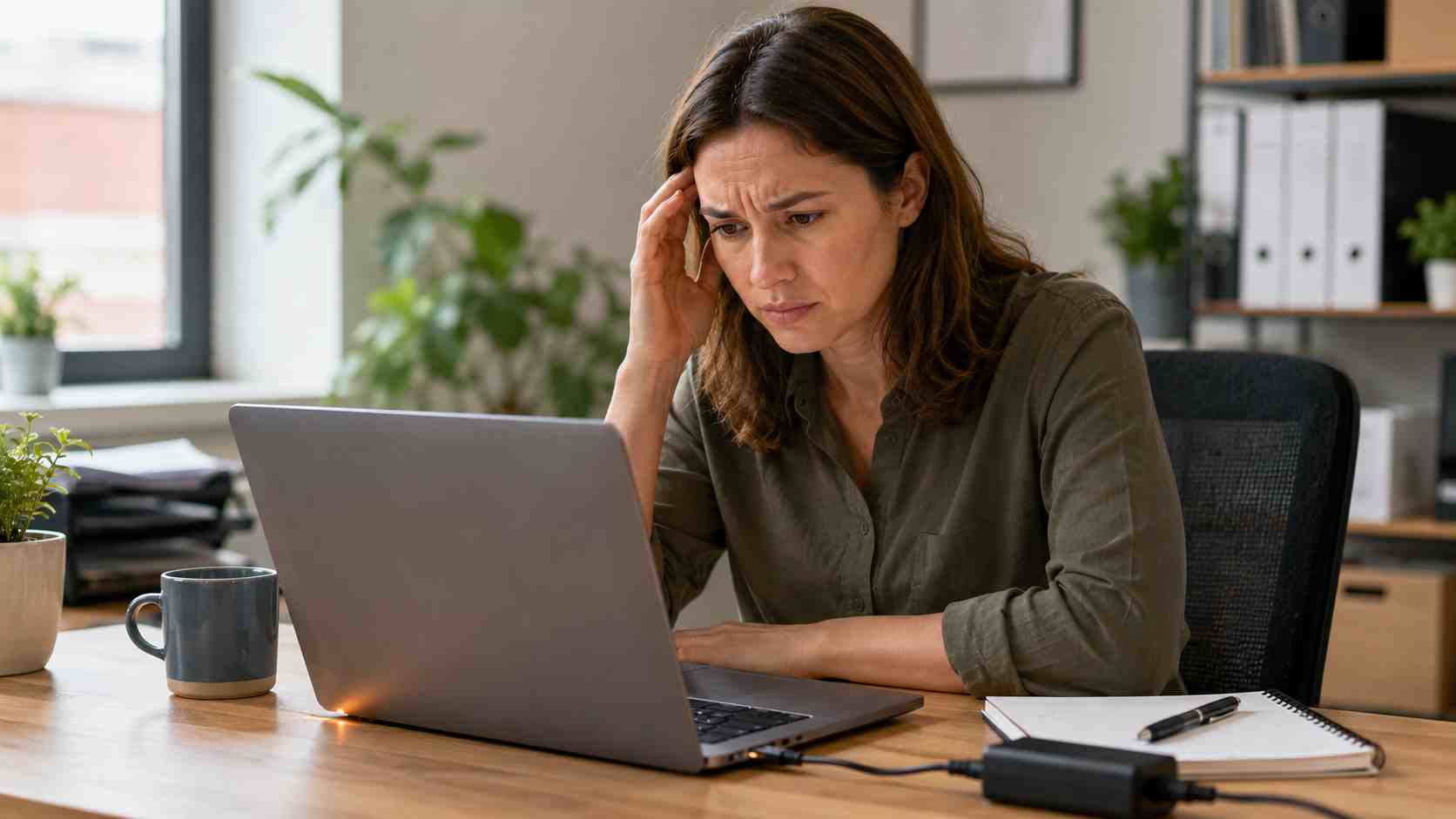
If your laptop fan is constantly loud, the bottom feels hot, and the battery dies quickly, it can make the whole workday harder.
Video calls freeze. Cloud apps slow down. Employees hunt for chargers. Work gets interrupted at the worst possible time. In a small business, one unreliable laptop can affect scheduling, invoicing, customer service, and sales follow-up.
The good news is that many laptop heat and battery problems have practical causes.
A laptop may get hot because it is working harder than expected. Too many browser tabs, background apps, video calls, cloud syncing, security scans, and updates can all add up.
It can also happen when airflow is blocked. Laptops need room to breathe. Using a laptop on paper stacks, fabric, a couch, or a cluttered desk can trap heat.
Dust can make the problem worse. Over time, vents and fans collect debris, especially in offices with carpet, construction dust, or heavy daily use.
Battery age matters too. Laptop batteries wear down over time. Microsoft notes that lithium-ion batteries lose capacity as they age, and excessive heat can make that happen faster.
Fast battery drain usually comes from a mix of things:
This does not always mean the laptop is broken. It may need settings adjusted, updates cleaned up, background apps reviewed, or hardware checked.
Start with a full restart. Not sleep. Not closing the lid. A real restart can clear stuck processes and pending updates.
Move the laptop to a hard, flat surface. Make sure vents are not blocked.
Lower screen brightness when working unplugged.
Check Windows power settings. In Windows 11, power and battery settings can help balance performance and battery life.
Review battery usage by app. Windows can show which apps are using the most battery in the background.
Close unused browser tabs and apps. A laptop with 40 tabs, Teams, Outlook, cloud sync, and accounting software open may struggle.
Keep the laptop out of hot cars or direct sun. Heat is rough on batteries and components.
If the laptop gets unusually hot, shuts down, smells odd, or the battery appears swollen, stop using it and get help immediately.
Call IT support when the same laptop keeps overheating, the fan runs loudly all day, the battery drops unusually fast, or performance suddenly changes.
A technician can check startup apps, background processes, updates, malware risk, battery health, storage space, and hardware condition. They can also tell whether the device is worth repairing or should be replaced before it causes more downtime.
For businesses, the bigger goal is not just fixing one laptop. It is keeping the whole team productive with healthy devices, planned replacements, and proactive maintenance.
Managed IT support can help by monitoring device health, applying updates properly, removing unnecessary startup items, checking security tools, reviewing battery and warranty status, and planning replacements before laptops fail during busy work.
That means fewer surprise interruptions and fewer employees stuck troubleshooting instead of working.


 Trustindex verifies that the original source of the review is Google.
  Trustindex verifies that the original source of the review is Google.
  Trustindex verifies that the original source of the review is Google.
  Trustindex verifies that the original source of the review is Google.
  Trustindex verifies that the original source of the review is Google.
  Trustindex verifies that the original source of the review is Google.
  Trustindex verifies that the original source of the review is Google.
  Trustindex verifies that the original source of the review is Google.
  Trustindex verifies that the original source of the review is Google.
  Trustindex verifies that the original source of the review is Google.

Himala and his team at Cybernetic Networks have been amazing. We have been a customer of Cybernetic Networks for well over 14 years now, both personally and professionally. Himala and his team are professional, reachable and on the cutting edge of technology. We have enjoyed doing business with Cybernetic Networks for many years and still rely on their knowledge, skills and technology every day
Himala and his Cybernetic team have never let me down! For over 10 years now they have been fixing my technical issues, set up all my new networks and computers and have safeguarded me from any hackers or malware. You can trust this company to navigate you as your company grows and to keep you on track with the latest in security and safety
I am a solo practicing neurologist and have had all my IT needs covered through Cybernetic Networks since 2007. They are the best! All of their tech support staff is extremely knowledgeable and efficient. Just as importantly, they are quickly responsive whenever we need their assistance. I couldn’t be happier with their service and give them my highest recommendation!
I couldn't be happier with Cybernetics - they are experts, always respond quickly , and solves any issues I have.
Cybernetic Networks has been advising and supporting all our IT issues and purchases for the last 18 years. They are very responsive and extremely knowledgeable- always providing us with timely services.
It is not often you find small business companies that are not only rewarding to work with, but also have integrity, truth and skill. I have worked with this company for over 20 years, and the service is outstanding. I can easily recommend that if you need an IT company, this is the one to get. Full STOP! Look no further, you will be happy that you did. Sue Myhelic, Gulf Breeze Real Estate, Naples, Florida.
Himala and his team from Cybernetic Networks, Inc. has been an integral part of our successful retail business for the past 20 years. He is extraordinarily knowledgable and always available for our IT needs. Thanks to Himala and his team we are always up and running.

