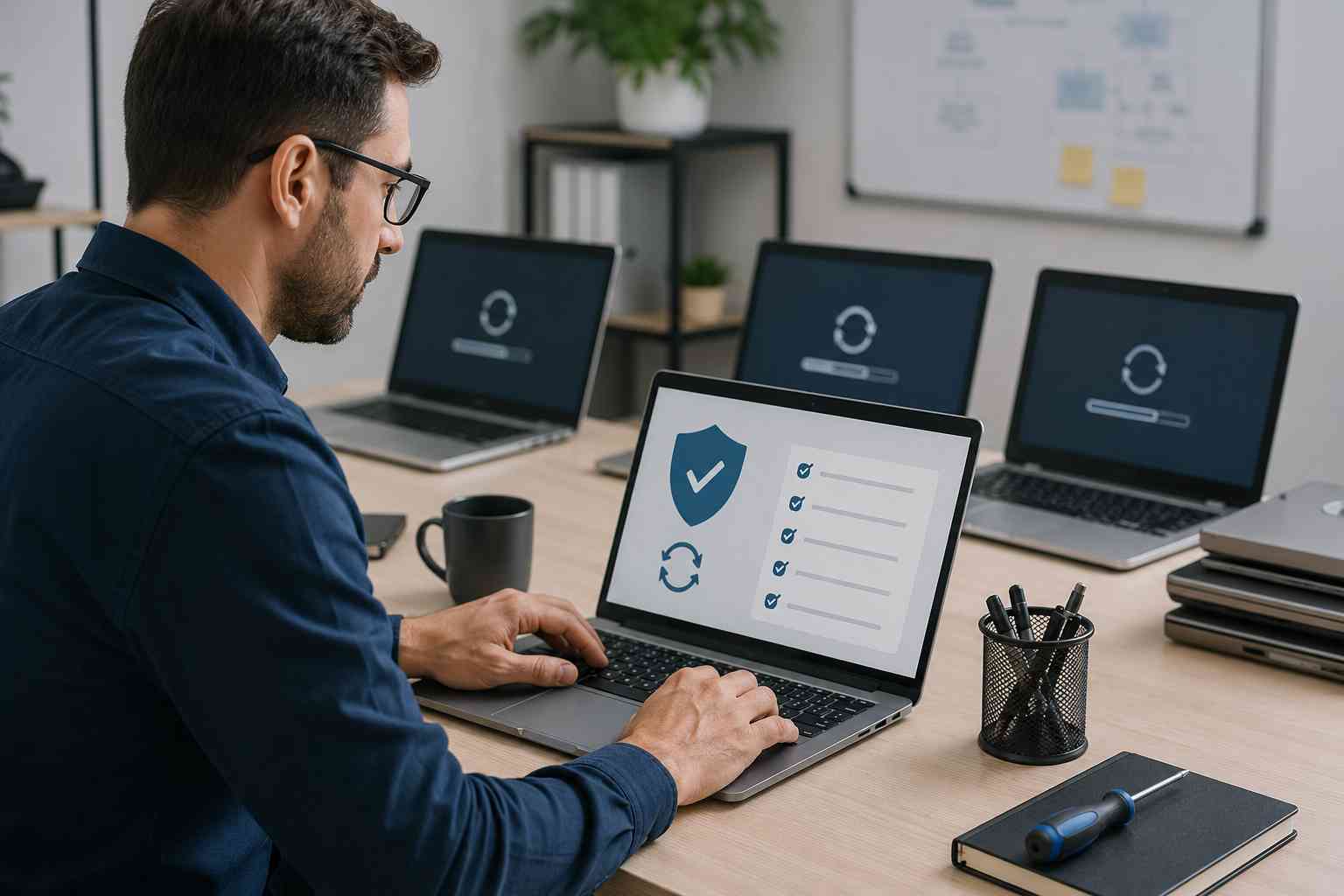
Microsoft’s June 2026 security update was not a normal “click later” kind of update. Public reporting shows Microsoft released fixes for more than 200 security issues across Windows and related products, including several publicly disclosed vulnerabilities.
For a small business, that does not mean you need to panic. It does mean your computers, servers, browsers, and Microsoft apps need a clear update routine.
When updates are skipped, delayed, or left unmanaged, a normal workday problem can quietly turn into a security problem. That is especially true for businesses that rely on Windows PCs, Microsoft 365, remote access tools, line-of-business software, accounting systems, and shared files.
Small businesses often assume major cyber risks only affect large companies. The reality is simpler: attackers look for easy openings.
An unpatched computer can become one of those openings.
A missed security update can increase the chance of:
Even if your business has antivirus protection, updates still matter. Security tools help watch for threats, but updates close known weaknesses before attackers can use them.
Many business owners hear “update your computers” and think the job is simple. In some cases, it is. But in a business environment, updates need a little more care.
A good update process should answer questions like:
The biggest risk is not usually one single missed update. It is months of unclear responsibility.
If nobody owns the update process, updates get postponed, failed updates go unnoticed, and old systems stay in daily use longer than they should.
Start with the basics.
Check that every business computer has been restarted recently. Many updates do not fully apply until the computer restarts. If employees leave laptops asleep for weeks, updates can remain incomplete.
Next, confirm that Windows Update is actually working. A computer that says it is “up to date” is usually fine, but one showing repeated errors, failed installs, or long delays needs attention.
Review any devices that are older, slow, or still running unsupported software. Older systems are more likely to have update problems and may already be creating business risk.
Make sure backups are in place before major updates. A good backup plan gives your business a recovery path if an update exposes a hardware problem, breaks a key application, or reveals an issue that was already waiting under the surface.
Finally, create a simple update schedule. For many small businesses, that means updates are reviewed weekly, tested when needed, and confirmed across all managed devices.
Windows is only one piece of the puzzle. Attackers also look for weaknesses in browsers, PDF tools, remote access apps, and other software employees use every day.
That matters because many small businesses use a mix of tools without a formal software inventory. One employee may have an old PDF reader. Another may have a browser that has not restarted in weeks. A third may have software installed years ago that nobody remembers approving.
A practical software review can help identify what is installed, what needs updates, and what should be removed.
The goal is not to make updates scary. The goal is to make them boring.
A healthy small-business update process should include:
That kind of routine reduces emergency calls, helps prevent avoidable downtime, and gives business owners more confidence that their systems are being looked after.


 Trustindex verifies that the original source of the review is Google.
  Trustindex verifies that the original source of the review is Google.
  Trustindex verifies that the original source of the review is Google.
  Trustindex verifies that the original source of the review is Google.
  Trustindex verifies that the original source of the review is Google.
  Trustindex verifies that the original source of the review is Google.
  Trustindex verifies that the original source of the review is Google.
  Trustindex verifies that the original source of the review is Google.
  Trustindex verifies that the original source of the review is Google.
  Trustindex verifies that the original source of the review is Google.

Himala and his team at Cybernetic Networks have been amazing. We have been a customer of Cybernetic Networks for well over 14 years now, both personally and professionally. Himala and his team are professional, reachable and on the cutting edge of technology. We have enjoyed doing business with Cybernetic Networks for many years and still rely on their knowledge, skills and technology every day
Himala and his Cybernetic team have never let me down! For over 10 years now they have been fixing my technical issues, set up all my new networks and computers and have safeguarded me from any hackers or malware. You can trust this company to navigate you as your company grows and to keep you on track with the latest in security and safety
I am a solo practicing neurologist and have had all my IT needs covered through Cybernetic Networks since 2007. They are the best! All of their tech support staff is extremely knowledgeable and efficient. Just as importantly, they are quickly responsive whenever we need their assistance. I couldn’t be happier with their service and give them my highest recommendation!
I couldn't be happier with Cybernetics - they are experts, always respond quickly , and solves any issues I have.
Cybernetic Networks has been advising and supporting all our IT issues and purchases for the last 18 years. They are very responsive and extremely knowledgeable- always providing us with timely services.
It is not often you find small business companies that are not only rewarding to work with, but also have integrity, truth and skill. I have worked with this company for over 20 years, and the service is outstanding. I can easily recommend that if you need an IT company, this is the one to get. Full STOP! Look no further, you will be happy that you did. Sue Myhelic, Gulf Breeze Real Estate, Naples, Florida.
Himala and his team from Cybernetic Networks, Inc. has been an integral part of our successful retail business for the past 20 years. He is extraordinarily knowledgable and always available for our IT needs. Thanks to Himala and his team we are always up and running.

