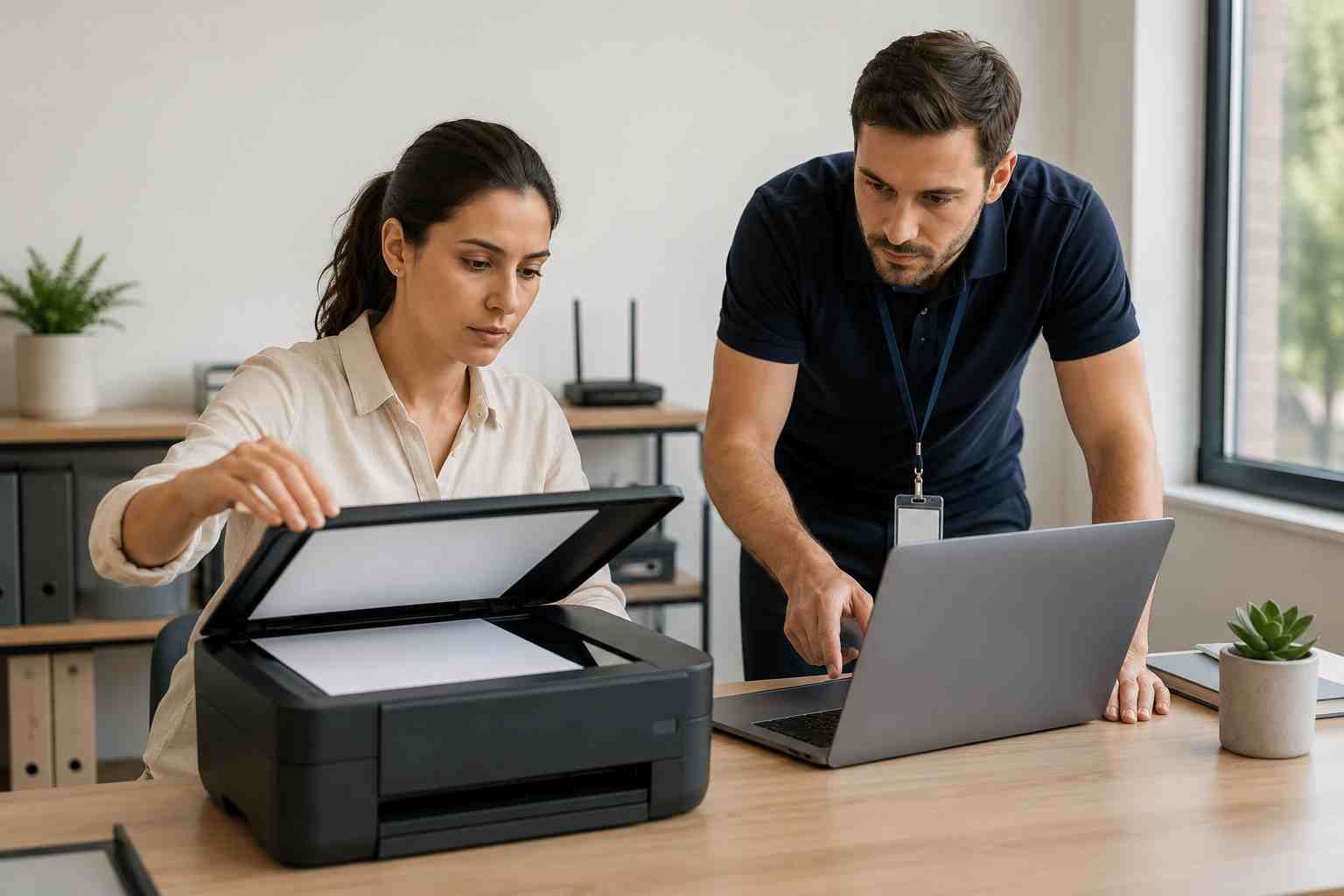
A printer or scanner problem may not sound like a major IT issue until payroll forms will not print, signed documents will not scan, invoices get stuck, or a front desk employee has customers waiting.
For small businesses, printer and scanner issues are frustrating because they interrupt simple tasks that should just work. They also tend to appear at the worst possible time.
The good news is that many printer issues come from a few common causes.
Microsoft’s printer support guidance lists several everyday printer problems, including printers not being found, print jobs getting stuck in the queue, offline printer status, slow printing, print spooler issues, driver compatibility problems, and shared printer connection problems.
In plain English, that usually means one of these things is happening:
The computer cannot find the printer. This may be a Wi-Fi, network, cable, or discovery issue.
The printer is online, but the job is stuck. The print queue may need to be cleared.
The printer driver is wrong or outdated. A driver is the small piece of software that helps Windows talk to the printer.
The printer is connected to the wrong network. This is common in offices with guest Wi-Fi, multiple routers, or recent internet changes.
The scanner service is not responding. Scanning often depends on Windows services, manufacturer software, and network discovery working together.
A recent update changed something. Windows, printer software, or security updates can sometimes expose older driver or configuration problems.
Printer and scanner problems create hidden costs. Employees spend time restarting devices, resending documents, asking coworkers for help, or finding workarounds. Managers lose visibility into whether the problem is the printer, the computer, the network, or the software.
For offices that handle forms, contracts, medical paperwork, estimates, purchase orders, shipping labels, or invoices, these interruptions can delay service and create customer frustration.
The issue is rarely “just the printer.” It is usually the printer, the computer, the network, the user account, and the software all trying to work together.
Before replacing the printer, start with the basics.
Check the obvious physical items. Make sure the printer has power, paper, ink or toner, and no jammed pages.
Restart the printer and the computer. This clears many temporary connection problems.
Confirm the network. Make sure the computer and printer are on the same business network, not guest Wi-Fi.
Check the print queue. If one bad job is stuck, later jobs may not print until the queue is cleared.
Try another computer. If one computer cannot print but others can, the problem is likely local to that device.
Try another app. If Word will not print but a PDF does, the issue may be app-specific.
Check scanner software. Scanning may require the manufacturer’s app, Windows scanning tools, or a network scan setup.
Look for recent changes. Ask whether Windows updated, the internet equipment changed, a new router was installed, or someone moved the printer.
Call for help when the same issue keeps coming back, multiple employees are affected, scanning stops across the office, the printer disappears from the network, or printing only works from certain computers.
Those patterns usually point to a deeper configuration issue. It may involve the router, Wi-Fi, printer driver, Windows services, user permissions, or shared printer settings.
A managed IT provider can also help standardize the setup so every employee is not solving the same problem differently.
A little planning makes office printing more reliable.
Use business-grade network settings. Printers should have stable network addresses so computers can find them consistently.
Keep drivers and firmware updated. Printer firmware is the built-in software on the printer itself.
Avoid putting office printers on guest Wi-Fi. Guest networks are often designed to block device-to-device communication.
Document the printer setup. Keep model numbers, admin passwords, network names, and support contacts in one place.
Replace aging devices before they become daily problems. Very old printers may not work well with newer Windows versions, security settings, or scanning tools.
Include printers in IT maintenance. Printers are business devices, not office decorations. They need the same kind of routine attention as computers and Wi-Fi.


Himala and his team at Cybernetic Networks have been amazing. We have been a customer of Cybernetic Networks for well over 14 years now, both personally and professionally. Himala and his team are professional, reachable and on the cutting edge of technology. We have enjoyed doing business with Cybernetic Networks for many years and still rely on their knowledge, skills and technology every day
Himala and his Cybernetic team have never let me down! For over 10 years now they have been fixing my technical issues, set up all my new networks and computers and have safeguarded me from any hackers or malware. You can trust this company to navigate you as your company grows and to keep you on track with the latest in security and safety
I am a solo practicing neurologist and have had all my IT needs covered through Cybernetic Networks since 2007. They are the best! All of their tech support staff is extremely knowledgeable and efficient. Just as importantly, they are quickly responsive whenever we need their assistance. I couldn’t be happier with their service and give them my highest recommendation!
I couldn't be happier with Cybernetics - they are experts, always respond quickly , and solves any issues I have.
Cybernetic Networks has been advising and supporting all our IT issues and purchases for the last 18 years. They are very responsive and extremely knowledgeable- always providing us with timely services.
It is not often you find small business companies that are not only rewarding to work with, but also have integrity, truth and skill. I have worked with this company for over 20 years, and the service is outstanding. I can easily recommend that if you need an IT company, this is the one to get. Full STOP! Look no further, you will be happy that you did. Sue Myhelic, Gulf Breeze Real Estate, Naples, Florida.
Himala and his team from Cybernetic Networks, Inc. has been an integral part of our successful retail business for the past 20 years. He is extraordinarily knowledgable and always available for our IT needs. Thanks to Himala and his team we are always up and running.




