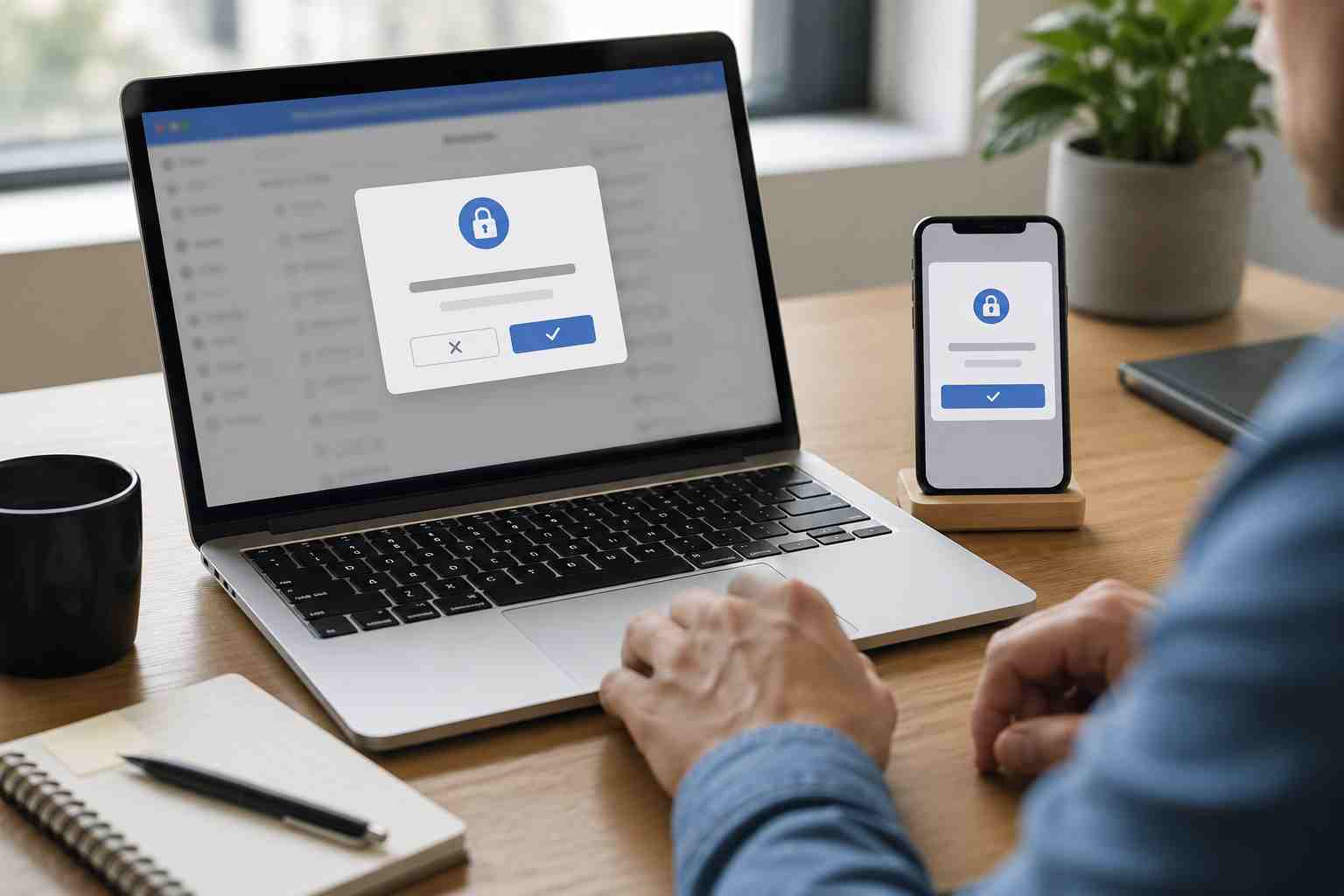
Multi-factor authentication, often called MFA, is still one of the best protections a small business can use. But recent FBI guidance is a reminder that criminals are changing their tactics.
The issue is not that MFA suddenly stopped working. The issue is that some scams now trick users into giving attackers access in a way that looks legitimate. That is especially concerning for businesses that rely on Microsoft 365 for email, Teams messages, shared files, billing, customer communication, and day-to-day operations.
The FBI recently warned about a phishing-as-a-service platform called Kali365. In plain English, that means criminals are selling or sharing ready-made tools that make Microsoft 365 phishing easier for less-skilled attackers.
Instead of simply asking for a password, these attacks may try to capture access tokens. An access token is like a temporary digital pass that tells Microsoft 365, “This user has already logged in.” If an attacker steals or abuses that pass, they may be able to access services like Outlook, Teams, or OneDrive without needing the user’s password again.
Some attacks also use Microsoft’s real device code login process. A user may be asked to enter a code on a legitimate Microsoft page. Because the page is real, the request can feel safer than a normal phishing page. But if the user did not personally start that sign-in process, entering the code may authorize the attacker’s device instead.
For many small businesses, Microsoft 365 is where daily work happens. A compromised account can create problems quickly.
An attacker with access to one mailbox may be able to read invoices, reset passwords, monitor conversations, impersonate an employee, or send fake payment requests to customers and vendors. If they get into OneDrive or SharePoint, they may also see sensitive files, contracts, tax documents, HR records, or client information.
This kind of attack can be especially damaging because it may not look like a dramatic “hack.” The business may simply notice strange sent emails, missing messages, unusual login alerts, or a vendor asking why payment instructions changed.
By then, the attacker may already have had time to study the business.
MFA is not the problem. Businesses should still use it. The lesson is that MFA should be part of a broader account security plan.
A strong Microsoft 365 security setup should include:
The goal is not to make work harder. The goal is to make it much harder for one mistaken click or one confusing prompt to turn into a business-wide problem.
Here is the plain-English rule every employee should know:
If you did not personally start a login, do not enter a code, approve a prompt, or “verify” your account because an email or Teams message told you to.
That one rule can stop many account takeover attempts.
Employees should also be encouraged to report suspicious prompts quickly. A fast report is not an embarrassment. It is often the difference between a harmless close call and a real business incident.
Small businesses do not need to become cybersecurity experts, but they should know whether the basics are covered.
Ask these questions:
If the answer to several of these is “not sure,” that is a good sign the environment needs a security review.
Microsoft 365 is a powerful business tool, but it has also become one of the biggest targets for modern scams. Attackers know that email, Teams, OneDrive, and SharePoint are often the center of a small business. That is why account security deserves regular attention, not just a one-time setup.


Himala and his team at Cybernetic Networks have been amazing. We have been a customer of Cybernetic Networks for well over 14 years now, both personally and professionally. Himala and his team are professional, reachable and on the cutting edge of technology. We have enjoyed doing business with Cybernetic Networks for many years and still rely on their knowledge, skills and technology every day
Himala and his Cybernetic team have never let me down! For over 10 years now they have been fixing my technical issues, set up all my new networks and computers and have safeguarded me from any hackers or malware. You can trust this company to navigate you as your company grows and to keep you on track with the latest in security and safety
I am a solo practicing neurologist and have had all my IT needs covered through Cybernetic Networks since 2007. They are the best! All of their tech support staff is extremely knowledgeable and efficient. Just as importantly, they are quickly responsive whenever we need their assistance. I couldn’t be happier with their service and give them my highest recommendation!
I couldn't be happier with Cybernetics - they are experts, always respond quickly , and solves any issues I have.
Cybernetic Networks has been advising and supporting all our IT issues and purchases for the last 18 years. They are very responsive and extremely knowledgeable- always providing us with timely services.
It is not often you find small business companies that are not only rewarding to work with, but also have integrity, truth and skill. I have worked with this company for over 20 years, and the service is outstanding. I can easily recommend that if you need an IT company, this is the one to get. Full STOP! Look no further, you will be happy that you did. Sue Myhelic, Gulf Breeze Real Estate, Naples, Florida.
Himala and his team from Cybernetic Networks, Inc. has been an integral part of our successful retail business for the past 20 years. He is extraordinarily knowledgable and always available for our IT needs. Thanks to Himala and his team we are always up and running.




