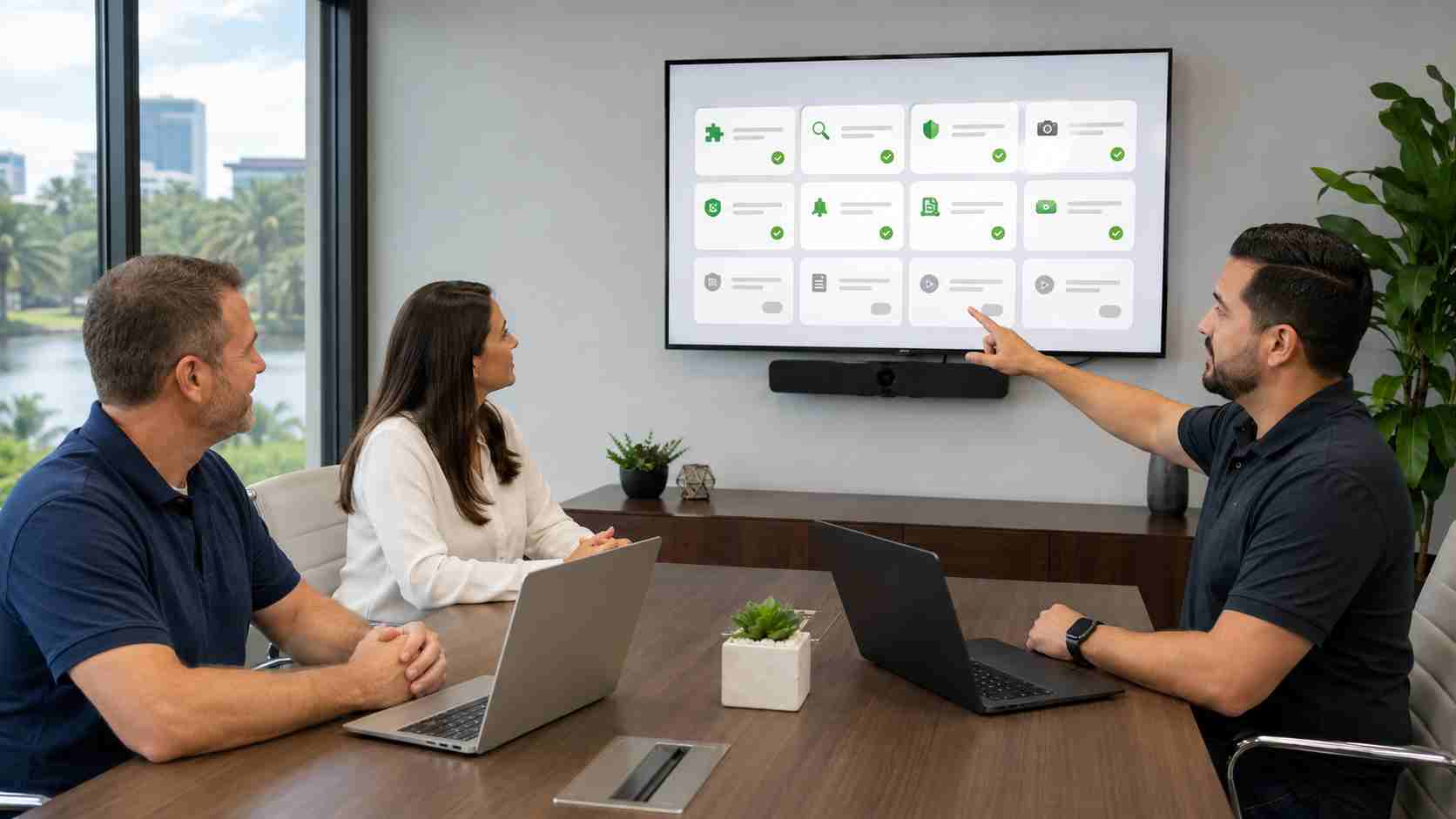
Browser extensions can make everyday work easier. Employees use them to manage passwords, block advertisements, translate pages, capture screenshots, compare prices, organize tabs, and connect artificial intelligence tools to business applications.
The problem is that an extension may be able to see much more than its small icon suggests.
Depending on the permissions it receives, an extension may be able to read information displayed on websites, observe browsing activity, change page content, or interact with information employees enter into online systems. That could include email, customer portals, accounting platforms, cloud documents, or administrative websites.
For a small business, browser extensions should be treated as software, not harmless browser decorations.
Recent extension investigations have shown that popularity and placement in an official store do not eliminate risk.
In June 2026, Microsoft removed 119 Edge extensions associated with a long-running malicious operation. The extensions included familiar categories such as ad blockers, translators, VPN tools, and video downloaders. Reporting indicated that some could steal credentials and browser sessions.
In July, Google and Microsoft removed ModHeader, an extension with approximately 1.6 million combined Chrome and Edge installations, after researchers discovered a dormant browsing-history collection capability inside the official version. Investigators said they found no evidence that the dormant collector had actually transmitted browsing domains, but its presence demonstrated why established extensions still need ongoing review.
The lesson is not that every extension is dangerous. It is that an extension can change through an update, change ownership, request additional permissions, or behave differently from what an employee expects.
A poorly designed or malicious extension could create several business risks:
These risks become more serious when employees use the same browser profile for personal browsing and sensitive business work.
Business owners do not need to inspect computer code. Start with a practical inventory.
Ask employees to open the extension-management page in Chrome or Edge and review what is installed. For every extension, ask:
Remove extensions that are unused, unfamiliar, duplicated, or unsupported. If an extension has access to every website an employee visits, the business reason for keeping it should be especially clear.
Employees should not reinstall an extension that the browser has automatically disabled without first asking IT why it was removed.
A small business does not need a complicated committee to manage browser extensions. It does need a consistent rule.
A practical policy might require employees to request approval before installing an extension on a company computer. The request should identify what the extension does, why it is needed, and which employee or department will use it.
The review should consider:
Google Chrome and Microsoft Edge both offer administrative controls that can limit installations, block extensions based on permissions, or allow only approved tools on managed browsers.
Extension controls should be supported by good account security.
Use multifactor authentication for business email, cloud applications, financial services, and administrative accounts. Where available, consider phishing-resistant options such as passkeys or security keys.
Avoid saving highly sensitive passwords directly in an unmanaged browser profile. Use an approved business password manager, and keep personal browser profiles separate from company work.
If a known malicious extension is discovered, removing it may not be the only necessary step. The business may also need to review account activity, sign out active sessions, reset affected passwords, and check whether business information was exposed. Those decisions should be made with qualified IT or security support.
The browser has become the front door to email, banking, customer records, cloud storage, accounting, and many other daily systems. Managing it deserves the same attention as maintaining computers and protecting Microsoft 365.


Himala and his team at Cybernetic Networks have been amazing. We have been a customer of Cybernetic Networks for well over 14 years now, both personally and professionally. Himala and his team are professional, reachable and on the cutting edge of technology. We have enjoyed doing business with Cybernetic Networks for many years and still rely on their knowledge, skills and technology every day
Himala and his Cybernetic team have never let me down! For over 10 years now they have been fixing my technical issues, set up all my new networks and computers and have safeguarded me from any hackers or malware. You can trust this company to navigate you as your company grows and to keep you on track with the latest in security and safety
I am a solo practicing neurologist and have had all my IT needs covered through Cybernetic Networks since 2007. They are the best! All of their tech support staff is extremely knowledgeable and efficient. Just as importantly, they are quickly responsive whenever we need their assistance. I couldn’t be happier with their service and give them my highest recommendation!
I couldn't be happier with Cybernetics - they are experts, always respond quickly , and solves any issues I have.
Cybernetic Networks has been advising and supporting all our IT issues and purchases for the last 18 years. They are very responsive and extremely knowledgeable- always providing us with timely services.
It is not often you find small business companies that are not only rewarding to work with, but also have integrity, truth and skill. I have worked with this company for over 20 years, and the service is outstanding. I can easily recommend that if you need an IT company, this is the one to get. Full STOP! Look no further, you will be happy that you did. Sue Myhelic, Gulf Breeze Real Estate, Naples, Florida.
Himala and his team from Cybernetic Networks, Inc. has been an integral part of our successful retail business for the past 20 years. He is extraordinarily knowledgable and always available for our IT needs. Thanks to Himala and his team we are always up and running.




